

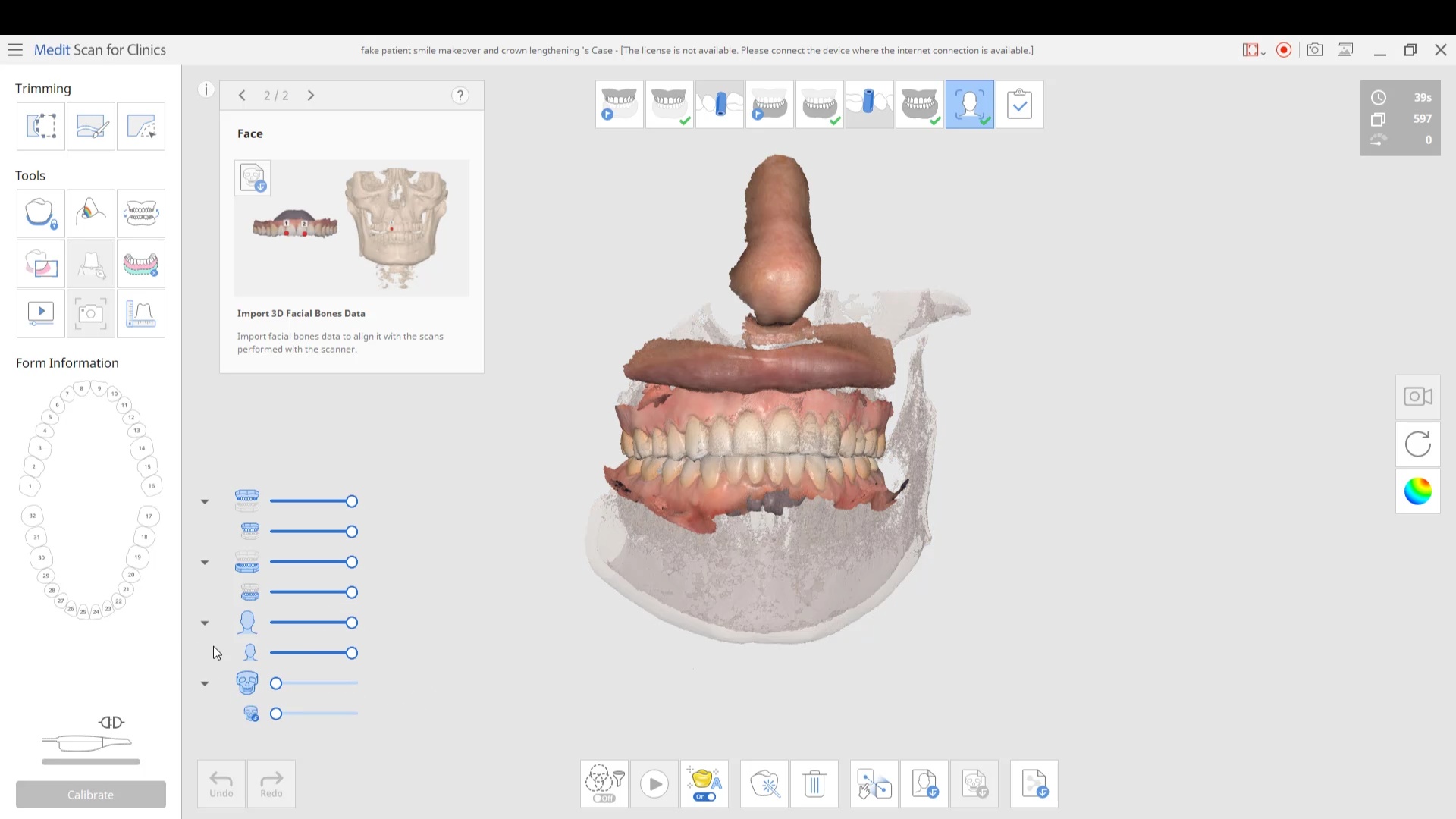
in this case we import multiple models, videos, CT scans, and Face Scans so that our users can utilize all of these features. Click here to enter the member’s section to download the whole case and design along
 Delicate Dentistry
 Michael Pagano
 Matt St George
 Suzanne Stock
 These guys are the best. They provide so much help and insight with the Medit. I can't say enough great things about them and their continued support. I truly appreciate everything!! - 6/16/2020

 Christopher Chin
 Mike Holt
 A C
A C Collins Woodside
 Frank Gibbons
 Michelle Duong
 Micah Bickel
 Allen Mortimer
 Thomas Lim
 Stuart Adam
 Maureen Copeland
I have been very happy with the Medit I purchased from Cad Ray. Everyone has been very helpful and quick to respond to my questions. They have an awesome video library for the medit, I am new to scanning and have really enjoyed the tutorial videos. - 6/16/2020
Maureen Copeland
I have been very happy with the Medit I purchased from Cad Ray. Everyone has been very helpful and quick to respond to my questions. They have an awesome video library for the medit, I am new to scanning and have really enjoyed the tutorial videos. - 6/16/2020
 Gwen Giannina
 Bob D
Bob D Ponciano Melo
 Arielle Forbes
 Thuy Nguyen
 Shahnam Shifteh
 John Pobanz
 Zachary Hickman
 Ted Fang
Cad-ray has to be the best company to work with when it comes to digital dentistry solutions. Here are the reasons why:
I am about the worst person when it comes to technology. I decided to get a scanner and chose the Medit due to all the positive comments users had. I haven't used it much-the pandemic started right as I received it, however, the customer service has ... read moreI am about the worst person when it comes to technology. I decided to get a scanner and chose the Medit due to all the positive comments users had. I haven't used it much-the pandemic started right as I received it, however, the customer service has truly been amazing! I had an online training and a rep checked in with me several times to see if I needed help. I am going to do another online training soon as a refresher. I wouldn't hesitate to recommend this company and scanner to anyone! read less - 6/16/2020
best customer service on the planet. very easy to use. and always fine tuning to make the user experience better. - 6/16/2020
Ted Fang
Cad-ray has to be the best company to work with when it comes to digital dentistry solutions. Here are the reasons why:
I am about the worst person when it comes to technology. I decided to get a scanner and chose the Medit due to all the positive comments users had. I haven't used it much-the pandemic started right as I received it, however, the customer service has ... read moreI am about the worst person when it comes to technology. I decided to get a scanner and chose the Medit due to all the positive comments users had. I haven't used it much-the pandemic started right as I received it, however, the customer service has truly been amazing! I had an online training and a rep checked in with me several times to see if I needed help. I am going to do another online training soon as a refresher. I wouldn't hesitate to recommend this company and scanner to anyone! read less - 6/16/2020
best customer service on the planet. very easy to use. and always fine tuning to make the user experience better. - 6/16/2020
 Aaron Gelfand
 Lawrence Falender
 David Forrest
 Jansen Bean
 Francis Shin
 David Jump
 Inna Vinnikov
 Iseoluwa Adedeji
 Engy Hassan
 Jason Ehtessabian
 AMISH DESAI
 Monika Reyes
 Michael Pagano (CPT Pagano)
 Geoff Seuk
 Minh Van
 larry bybee
This has been awesome, to be honest I have know idea how to use it but our team members have picked it up so easy!! - 6/16/2020
larry bybee
This has been awesome, to be honest I have know idea how to use it but our team members have picked it up so easy!! - 6/16/2020
 Caroline Langlois
 Steven Acker
 Todd Haskin
 John T
in this case we import multiple models, videos, CT scans, and Face Scans so that our users can utilize all of these features. Click here to enter the member’s section to download the whole case and design along

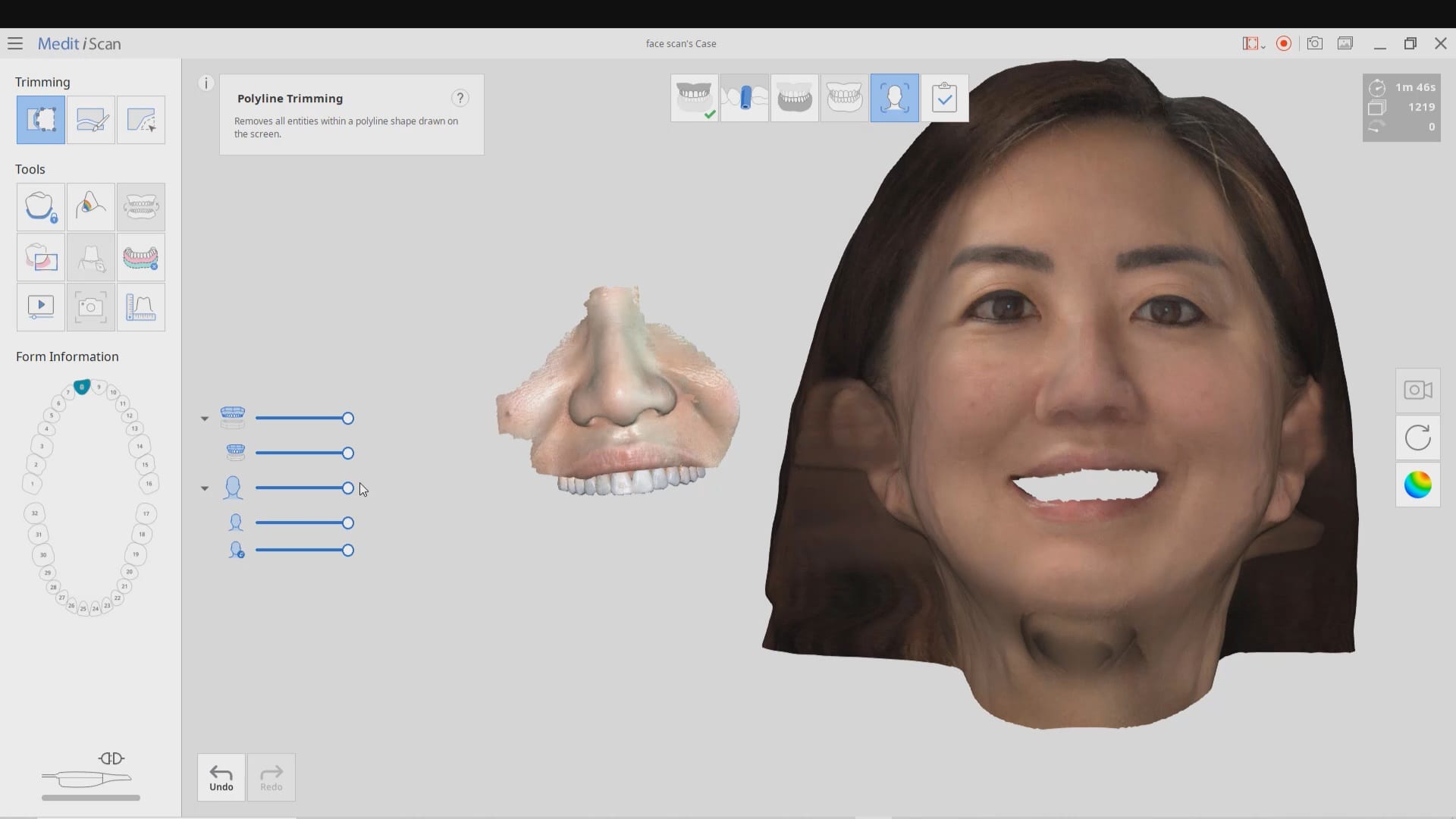
You will need 3 models to utilize all the features of the Medit Face Scan
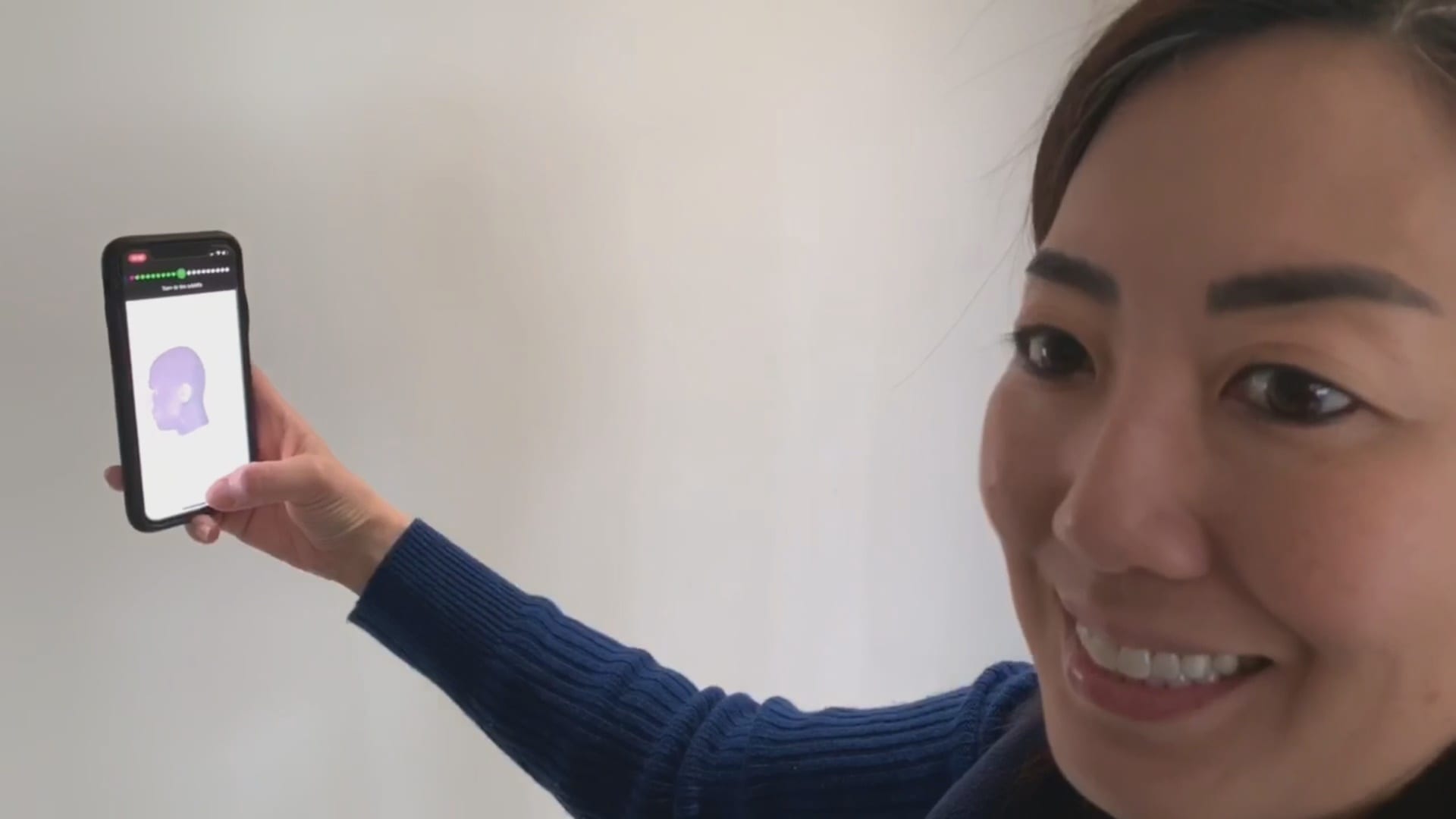
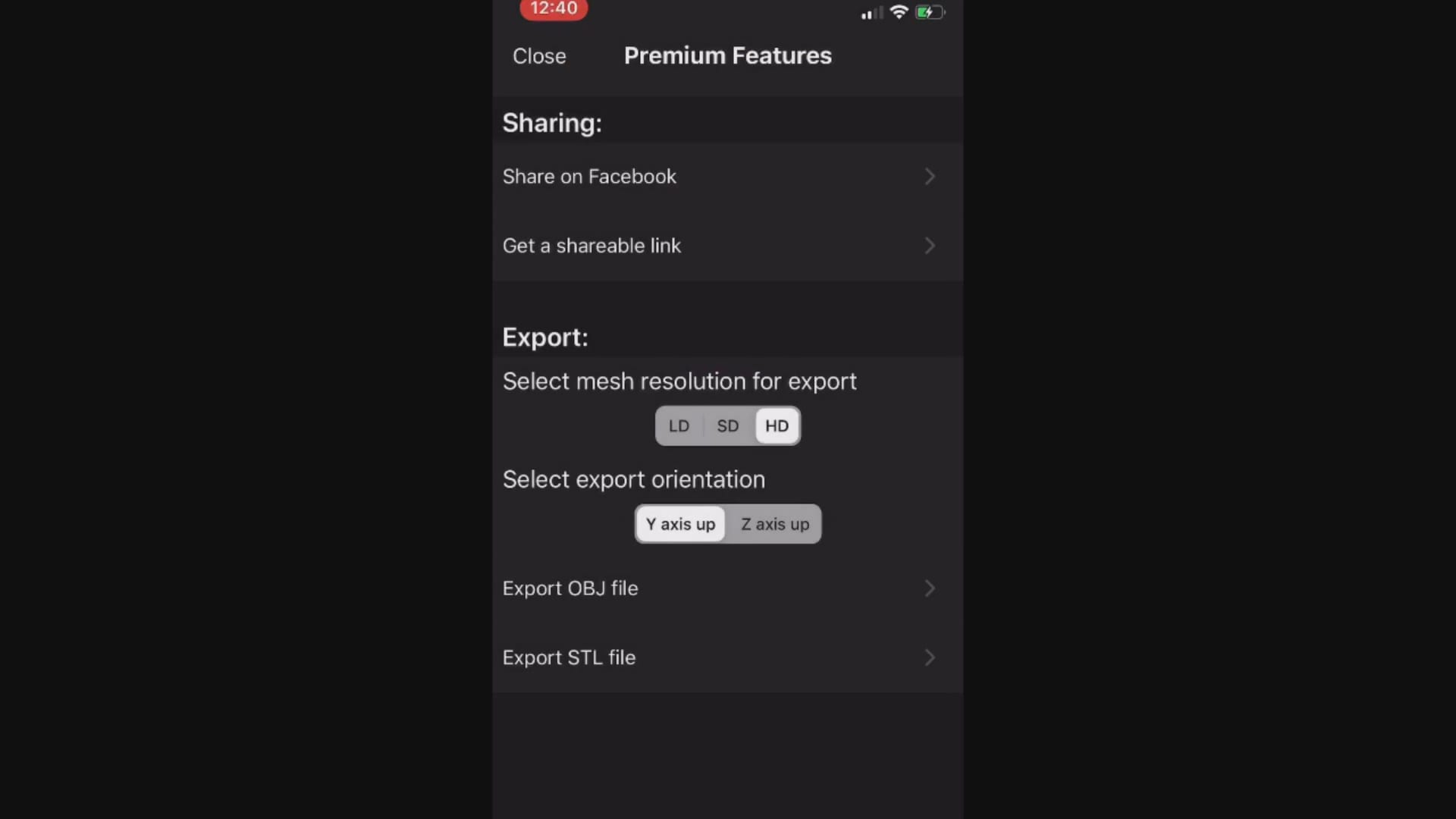
This video demonstrates how the Bellus3D software works. Once the images are captured, a 3D model is rendered and it can then be exported into any CAD software including the Medit iScan Program
When you export the model, make sure that all the pertinent files accompany the folder, otherwise texture or color do not accompany the meshwork

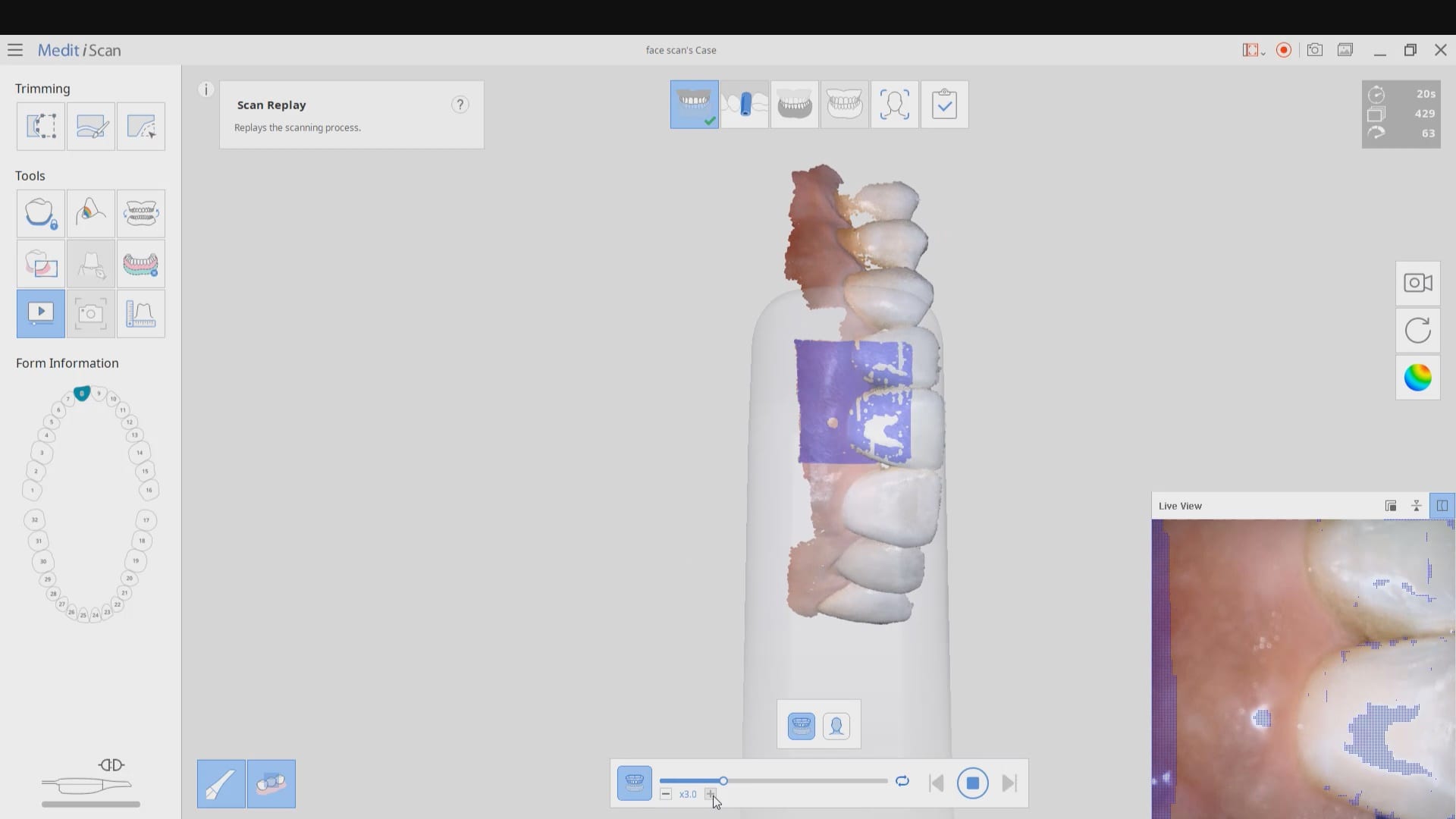
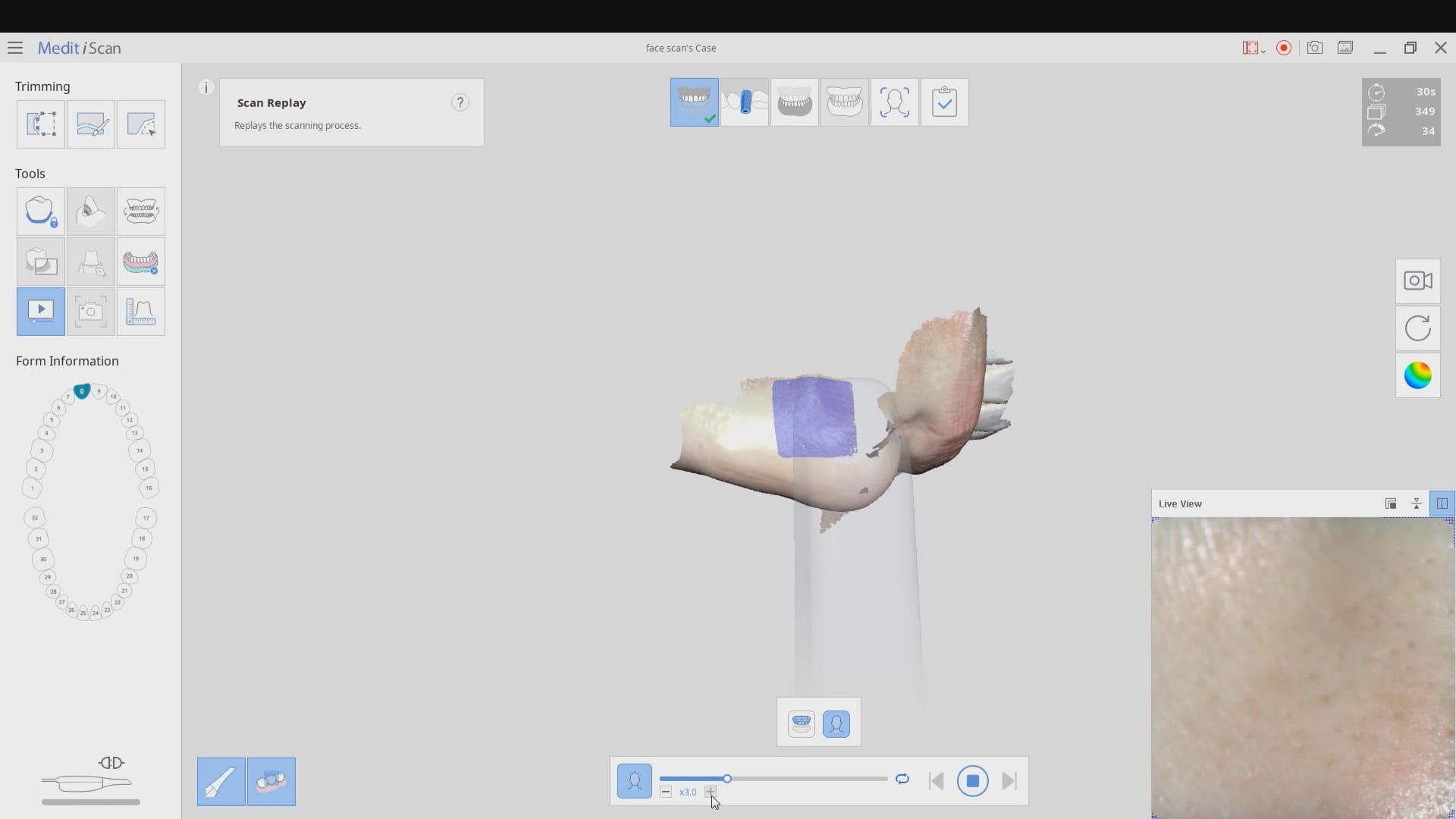
The following videos demonstrate how to capture the scan of the teeth, the scan of the teeth and lips, and then the incorporation of the facescan into the equation. Notice how the facescan with the iPhone distorts teeth and can’t be relied upon to find the midline or address other cosmetic issues.
8400 West Sunset Road
Suite #300
Las Vegas, Nevada 89113
Sales:
(833) CADRAY1
(833) 223-7291
Email: Sales@CAD-Ray.com
Sales:
(833) CADRAY2
(833) 223-7292
Email: Support@CAD-Ray.com



You must be logged in to post a comment.