There’s nothing like a company with top notch support like Cadray! Frank DeLuca is one of THE most helpful, non- condescending people I’ve ever dealt with! He ALWAYS strives to make us the BEST we can be and almost immediately helps us with any quest...read moreThere’s nothing like a company with top notch support like Cadray! Frank DeLuca is one of THE most helpful, non- condescending people I’ve ever dealt with! He ALWAYS strives to make us the BEST we can be and almost immediately helps us with any questions or problems ( which are minimal with the i700!) HIGHLY recommend this company and their scanner!!read less - 10/06/2022
Michael Pagano
I bought a Medit i500 from Cad-Ray. The service was fantastic. This group also does ongoing training to keep you up to date on how to use the technology.I had a minor issue with hardware and Cad-Ray resolved the issues no questions asked!They have a ...read moreI bought a Medit i500 from Cad-Ray. The service was fantastic. This group also does ongoing training to keep you up to date on how to use the technology.I had a minor issue with hardware and Cad-Ray resolved the issues no questions asked!They have a very active online forum that is supportive. I wouldn’t hesitate to purchase more equipment from them!read less - 10/13/2020
Evelyn Chan
Going with CAD-RAY and Laura is one of best investment I've made year 2020 ( I have MEDIT 500). Jumping into scanning is something that intimidated me since I am not a techie person and taking PVS impression is something second nature to me. Laur...read moreGoing with CAD-RAY and Laura is one of best investment I've made year 2020 ( I have MEDIT 500). Jumping into scanning is something that intimidated me since I am not a techie person and taking PVS impression is something second nature to me. Laura made everything a breeze, she is very accomodating and most importantly responds so fast, I never felt left out. Attending the level 1 course of Armen M. was awesome , learned the basics and it was taught in a way so easy to apply. Since my first scan, I never looked back, thinking to myself , I should have done this earlier. The crowns comes back with little to no adjustements which saves a lot of chair time. Cannot get better than this. Big shout out to CAD-RAY, Laura and Armenread less - 10/19/2021
Awesome people who care about their clients. - 7/09/2021
Mayoor Patel
Kaila is awesome with training and her customer service skills. Enjoy learning from her... Product (scanner) so far loving it. - 12/02/2021
Susan Latimer
Cad Ray has always provided me with the best customer support for my Medit scanner. Today, I worked with Destiny. She is quick to respond and identify problems and also great at explaining how to fix them! I highly recommend this company! - 5/01/2025
David Jump
I can't even find the words to express how incredible CAD-Ray has been with their customer service. I've never worked with a company in ANY industry that has been as helpful and responsive at they have been. Based on their customer service alone I ...read moreI can't even find the words to express how incredible CAD-Ray has been with their customer service. I've never worked with a company in ANY industry that has been as helpful and responsive at they have been. Based on their customer service alone I would buy every piece of equipment I ever needed from them if they sold it. Truly a unique experience! Oh, and the medit i500 has been fantastic, super accurate and patients are blown away by digital impressions. Love it, great product and incredible customer serviceread less - 12/09/2021
Tommy Han
Awesome service. Bought a Medit and was able to learn how to use it simply by watching Cad-Ray's support and education videos. Three thumbs up! - 6/16/2020
jeremiah choi
Never had customer care like Cad-Ray, you can't go wrong purchasing through them. Trios is a great scanner. All the reps at Cad-Ray are very knowledgeable and helpful and will make sure you are up and running smoothly. Above and beyond customer serv...read moreNever had customer care like Cad-Ray, you can't go wrong purchasing through them. Trios is a great scanner. All the reps at Cad-Ray are very knowledgeable and helpful and will make sure you are up and running smoothly. Above and beyond customer service.read less - 8/27/2022
Choosing an digital intraoral scanner these days can be quite a daunting task. When I reached out to CAD-Ray, as was recommended by many colleagues, I was connected to Frank DeLuca, and he made my decision-making process very simple. Upon receiving...read moreChoosing an digital intraoral scanner these days can be quite a daunting task. When I reached out to CAD-Ray, as was recommended by many colleagues, I was connected to Frank DeLuca, and he made my decision-making process very simple. Upon receiving my 3shape Trios 4 scanner, Frank and the entire tech support team/customer service were very helpful every step of the way. Frank makes himself available when he can in order to address all of the questions I have regarding the digital workflow. I highly recommend CAD-Ray. It will make your transition to digital scanning a positive experience.read less - 1/24/2023
Jeffrey Martins
Service at CAD-Ray has been really great. About 6 months ago I purchased a Medit i700 scanner from them and have been really happy with it. Fortunately, I haven’t run into many problems, but if I need help they are so easy and friendly to work with. ...read moreService at CAD-Ray has been really great. About 6 months ago I purchased a Medit i700 scanner from them and have been really happy with it. Fortunately, I haven’t run into many problems, but if I need help they are so easy and friendly to work with. When my scanner did stop working, they quickly got me set up with a new one. If I have a computer question, they offer to log in and look at the computer with you. If you’re in the market for an intraoral scanner or any of their other products, I encourage you to talk with them to meet your goals. Thanks CAD-Ray!read less - 11/04/2022
Matt Reith
Love my Medit! Can’t beat the quality, and the price is even better! Also, great people who are always willing to help! - 6/16/2020
Spark Dental
Just had a new i700 scanner.Service so far is great.Andy did our training, he was great in answering all our questions .loving the scanner so far .😊 - 9/01/2022
Franco Picofazzi
Great product at an affordable price, not to mention Andy's help at customer service. Highly recommended. - 6/23/2022
I had been on the market for a scanner for a while and the i700 is my first intraoral scanner purchase. We are still new to the scanning world and its capabilities. Frank DeLuca was my main contact from the beginning and the person who did our traini...read moreI had been on the market for a scanner for a while and the i700 is my first intraoral scanner purchase. We are still new to the scanning world and its capabilities. Frank DeLuca was my main contact from the beginning and the person who did our training. The scanner is incredible and has surpassed our expectations even though we haven’t used it to its full potential yet. Frank has been amazing and always there to guide us every step of the way. Having such fabulous customer service and support from CAD-Ray was key for us when making this purchase decision. Thank you!read less - 6/23/2022
Greg Camfield
CAD-Ray keeps knocking it out of the park. Upgraded from i500 to i700. Transition was seamless! Thanks again guys! - 11/15/2022
arthur lyford
I cannot say enough about the support I have received from the beginning. I chose CadRay ultimately because of the support reviews...I can attest first hand...they are all right on...though I have been practicing for more than 35 years, this old dog ...read moreI cannot say enough about the support I have received from the beginning. I chose CadRay ultimately because of the support reviews...I can attest first hand...they are all right on...though I have been practicing for more than 35 years, this old dog has been taught a lot of new tricks from the support staff at Cad Ray...Truly impressed with every interaction so far! Thanks 10/4/2023 And they did it again today with ten minutes before the pt came in 3Shpe server would not connect with the computer and Andy got to 3Shape directly and had us up and running...thankfully I didn't have to call anyone but CadRay...thanks again....read less - 10/05/2023
Melissa Poynter
Very pleased with Heather :) She has been able to solve any and all issues I may be having, and does so within the same day if not right away! - 6/16/2022
Alderman Dental
Frank DeLuca from CAD-Ray has been absolutely awesome from day one. Readily available and very knowledgeable to provide support when needed. - 1/25/2023
Aaron Gelfand
Worked with Laura and she is incredibly knowledgeable. She gave me all the right advice and steered me in the right direction. Her ongoing support is as good as it gets. I feel like I have a 24 hour team at my beckoning call. For the meat and pot...read moreWorked with Laura and she is incredibly knowledgeable. She gave me all the right advice and steered me in the right direction. Her ongoing support is as good as it gets. I feel like I have a 24 hour team at my beckoning call. For the meat and potatoes. I got an Icam 4D from her and now I am printing all on 4 arches same day surgery at our practice in Denver(NUSET). We are going to put ICams and Trios’ in all our offices thanks to Laura and the Cad-Ray team. If you have any questions about the workflow and the success we are having with the Digital work flow call Laura and I will help you succeed with her product support.Thank you Laura and Cad-Ray!read less - 4/28/2022
Penelope Lee
Frank and his team have always been ready and able to help us with any issue we’ve come across in the last 2 years since we purchased our mill and equipment from them. Today, Griffen went above and beyond to find a solution to our software issue. I w...read moreFrank and his team have always been ready and able to help us with any issue we’ve come across in the last 2 years since we purchased our mill and equipment from them. Today, Griffen went above and beyond to find a solution to our software issue. I was able to finish a project on time for a patient in pain because of his dedication. “We’ve never had a more helpful team for any of our equipment” was a quote from our head Doctor today. Excellent job Griffen and team!read less - 5/14/2025
Thomas Lim
Just updating my post to show my cart setup. Hope it can help for someone :) - 10/12/2019
5 stars for a great product and great service. After much research I knew I was set on the Medit 500. I considered some of my local equipment reps, as well as cad-ray. Cad-ray won out due to their efficiency, speed of service, and knowledge. The...read more5 stars for a great product and great service. After much research I knew I was set on the Medit 500. I considered some of my local equipment reps, as well as cad-ray. Cad-ray won out due to their efficiency, speed of service, and knowledge. Their online presence makes it easy to get help via messaging, social media, or phone.
The scanner itself works great, but make sure to contact them to get the minimum specs required for a laptop -- it will make a difference in how the scanner performs.
To make the scanner mobile, I purchased this cart from Staples: https://www.staples.com/Oklahoma-Sound-Premium-Audio-Visual-Presentation-Cart-40-1-2-H-x-18-W-x-30-D-Black-Ivory-Wood/product_932437.
Lastly, I purchased "3M Dual Lock Fastener" to keep the power module attached to the wand from falling off the cart. I carry the scanner between two offices, so I wanted something sturdy, but removable. (see in photos). The hockey puck shaped holder (comes with the scanner) works great for holding the wand itself.read less - 10/10/2019
The support is even better then the camera itself. I used many other scanners and this is by far the best one. Recommended to many people. Looking to purchase a second one for my practice. The use and results are amazing. No adjustments to the p...read moreThe support is even better then the camera itself. I used many other scanners and this is by far the best one. Recommended to many people. Looking to purchase a second one for my practice. The use and results are amazing. No adjustments to the prosthetics at all.read less - 7/15/2020
Dath Collins D.D.S.
We have worked with Cad-ray for over three years. There tech support should be modeled as the gold standard for tech support. Let me tell you why. When you call in someone answers the phone and even better than that they solve the problem. Lauren...read moreWe have worked with Cad-ray for over three years. There tech support should be modeled as the gold standard for tech support. Let me tell you why. When you call in someone answers the phone and even better than that they solve the problem. Lauren solved my tech problem in less than 5 minutes! Thank you Cad-ray!!read less - 1/24/2023
Russell Schafer
Overall great company to work with. They sell wondeful products and give stellar service for a much lower price than any of the supply houses. I can't recommend them enough. - 8/19/2022
Anita Madhav
Absolutely love Laura. She was my initial contact and is an amazing resource for any questions even months later. Would highly recommend buying from Cad Ray especially Laura! - 6/28/2022
Abhinav Bhatnagar
We have been using the scanner for a few weeks now. It’s been a blast to use and they have made it easy to learn with video tutorials. We have yet to go to the training, but we are excited to continue learning and expanding our digital dentistry. - 6/19/2020
Alex Vo
Great service and scanner support! Company delivers well above my expectations! Love my medit scanner. - 1/29/2023
H C
I got my 3Dshape scanner, great support , my training with Destany was excellent. Great team!! - 2/15/2024
Alexandra Lentz
Cad-Ray has been awesome to work with, very knowledgeable and quick to respond. Nick has been answering all my questions since day 1 and made the entire process of purchasing the Medit i700 a breeze. Can't believe how quick the product shipped and ca...read moreCad-Ray has been awesome to work with, very knowledgeable and quick to respond. Nick has been answering all my questions since day 1 and made the entire process of purchasing the Medit i700 a breeze. Can't believe how quick the product shipped and cannot wait to start scanning with it!read less - 12/15/2021
Great support services and training from Cad-Ray, they are always very helpful and responsive. I have been using the I500 in my offices for the last two years and loving it. - 11/01/2021
I was on the fence for a few years about getting into intra-oral scanning. I finally did it in the fall of 2019 and haven't looked back. I was hesitant mostly because I didn't want to spend a lot on $$$ on something that I don't end up implementing. ...read moreI was on the fence for a few years about getting into intra-oral scanning. I finally did it in the fall of 2019 and haven't looked back. I was hesitant mostly because I didn't want to spend a lot on $$$ on something that I don't end up implementing. I found that I love scanning, I feel like it has improved my quality of preps and my OCD of being able to verify accuracy. I recommend Cad-ray because they want you to succeed. They are always available. They have been through this process many times, they know what does and doesn't work. My experience is with the Medit i500 IOS.read less - 6/19/2020
Jaspreet Ghuman
Shout out to Nick, Frank and Armen ! Cheers . Great customer service by Nick and Frank. Too early to make a comment about the scanner but these guys are awesome. - 9/19/2020
Shant Aharonian
Cad-ray has to be the best company to work with when it comes to digital dentistry solutions. Here are the reasons why:
1. Experience. Everyone in the company has extensive experience in dentistry. They have used all digital platforms and offer cust...read moreCad-ray has to be the best company to work with when it comes to digital dentistry solutions. Here are the reasons why:
1. Experience. Everyone in the company has extensive experience in dentistry. They have used all digital platforms and offer customers first hand experience.
2. Honesty. Based on their experience they share all the good/bad of different systems. They work with you to find a solution that works best for you. Not sell you the piece of the equipment that gives them the biggest commission.
3. Support. Cad-ray offers the missing piece of the dentist/digital manufacturer puzzle. Many other distributors sell you a piece of equipment but don’t have true day-to-day experience with that equipment. Cad-ray’s team openly share their expertise to help customers optimize their workflows with great technology.
4. Passion. The Cad-ray team is extremely passionate about their craft. They truly believe in what they have to offer.
I took Armen Mirzayan’s course on intraoral scanning and it was truly mind blowing. Armen’s insights will help any dentist optimize their craft. I purchased the full sprintray 3d printing ecosystem the help of Frank. I plan to purchase more equipment from cad-ray.
Also, Jesse is a genius in regards to all aspect of digital workflows. I’m truly grateful for this company and everyone who I’ve worked with so far.read less - 10/07/2022
Aaron Sipos
CAD-RAY has the best customer service. They go above and beyond to make sure you have a good experience with your medit scanner. With most tech companies, the person that answers the phone has to put you on hold for who knows how long before getting ...read moreCAD-RAY has the best customer service. They go above and beyond to make sure you have a good experience with your medit scanner. With most tech companies, the person that answers the phone has to put you on hold for who knows how long before getting you in touch with someone to fix the issue. With CAD-RAY, I called and Heather answered the phone. Heather was able to remotely fix my issue within 30 minutes and have me back up and running. No holds, no waiting!!! I highly recommend.read less - 9/01/2022
Blake Ferando
I purchased my medit in April of 2019 from Cad-Ray. The support offered is second to none, and the training videos are some of the best out there. Add to that a great support team that is fast to answer questions and issues, its hard to beat Cad-Ray. - 6/19/2020
Dan Malloy
Extremely good customer service. From start to finish buying my Medit was flawless and they were very helpful in offering me information. When I got my scanner I had questions and my phone calls were returned immediately. They knew my name and guided...read moreExtremely good customer service. From start to finish buying my Medit was flawless and they were very helpful in offering me information. When I got my scanner I had questions and my phone calls were returned immediately. They knew my name and guided me through what I would need. Very impressed. Would recommend!read less - 2/02/2020
Dr. Howard Lassin
Great 1st lesson with Ryan on the Mediti700. We are ready to scan:) - 12/30/2022
Alex Compton
I had been looking into scanners for a while and I could not deny the good reviews of CAD-Ray, so I gave them a call. I was pleasantly (not) surprised by the excellent service I received. Laura Geney set up a call quickly and very simply and plainly ...read moreI had been looking into scanners for a while and I could not deny the good reviews of CAD-Ray, so I gave them a call. I was pleasantly (not) surprised by the excellent service I received. Laura Geney set up a call quickly and very simply and plainly discussed with me my options. She gave me all the information I needed as well as told me about all the available specials I would be able to take advantage of! I ordered my Medit i700 and very soon after received training for myself and dental staff. We have been very happy with the service from CAD-Ray and look forward to maintaining a long lasting relationship with them. Would strongly recommend Laura and CAD-Ray!read less - 4/07/2022
Rusty Fitton
Super happy with our purchase of the Medit i500 from Cad Ray. Overall its a work horse scanner that has handled anything weve thrown at it. The key to success with it is definitely taking the time to actually learn how to use it after purchase. Ca...read moreSuper happy with our purchase of the Medit i500 from Cad Ray. Overall its a work horse scanner that has handled anything weve thrown at it. The key to success with it is definitely taking the time to actually learn how to use it after purchase. Cad Ray has an immense library of straight forward education videos that are updated basically daily. I havent done the 2 day course but that is also included in the purchase. You really cant find that sort of service and education with any of the other scanners on the market. Id recommend them to anyone.read less - 6/26/2020
Michael Martinsen
Honestly the best service that I've received in dental tech support. I had originally purchased a scanner with another supplier and was underwhelmed with the support I received. I switched over to CAD-Ray for my second scanner and have never been let...read moreHonestly the best service that I've received in dental tech support. I had originally purchased a scanner with another supplier and was underwhelmed with the support I received. I switched over to CAD-Ray for my second scanner and have never been let down. They are prompt and exceptionally knowledgeable about the products they support. Thank you CAD-Ray for keeping my practice moving smoothly!read less - 8/27/2021
P. Andrew Benson
For me, getting this scanner was not a choice between Medit vs Itero or Medit vs Trios. Those companies have already eliminated themselves from consideration based on ridiculous cost, ridiculous ongoing fees, and greater concern for petty proprieta...read moreFor me, getting this scanner was not a choice between Medit vs Itero or Medit vs Trios. Those companies have already eliminated themselves from consideration based on ridiculous cost, ridiculous ongoing fees, and greater concern for petty proprietary posturing than for ensuring full functionality of their products to their usership. Typical dental tech company stuff.
The real decision was between Medit vs continuing life in analog dentistry. Medit through Cad-ray was really the only choice. Awesome packages , awesome access to free training videos, awesome software updates, awesome access to live support, awesome support staff.
There's just nothing better in dentistry than to get a great product AND a chance to stick it to the man.read less - 6/16/2020
Best support and customer service ever! My scanner is long past warranty and they still answer all my questions. When it's time to upgrade I'll be buying from them again. A friend bought same scanner from another vendor and got zero support. I had to...read moreBest support and customer service ever! My scanner is long past warranty and they still answer all my questions. When it's time to upgrade I'll be buying from them again. A friend bought same scanner from another vendor and got zero support. I had to help them. Told her next time buy from Cad Rayread less - 5/10/2024
Mostafa Koperly
I love my medit scanner. I purchase many dental equipments each year and by far it’s the best thing I got for the bucks I spent ( beating my 6 digits equipments ).
We have omnicam and I hated it, multiple crushes, expensive monthly service fee, hor...read moreI love my medit scanner. I purchase many dental equipments each year and by far it’s the best thing I got for the bucks I spent ( beating my 6 digits equipments ).
We have omnicam and I hated it, multiple crushes, expensive monthly service fee, horrible support, etc. I was so frustrated and had to look for an alternative. Many mentioned itero to me and I was about to purchase it and suck another monthly fee until I came by Armen’s video about medit on one of the Facebook group in 2018. I was surprised with the image and the speed and started digging more and contacted Frank to explain the scanner more. Ended purchasing it late 2018 and I’m a happy user Since after. The support is excellent, Frank is there when you need any help plus the Facebook community is there to answer anything. Recently, I attended Armen’s course to learn how to mill from the medit and I got shocked by the AI and the options that the software has. This machine is a beast and you won’t regret it getting it from Armen and Frank. They go beyond and not like other salesman or equipments where you are left behind after they sale you and finish their training. We are in 2020 and I still get the same support as I bought it in 2018.read less - 1/09/2020
Excellent company to work with. Best customer service and technology available. Can't recommend enough! - 5/05/2021
kenneth kim
Purchased Medit in 2019. Bang for the buck best investment and will get you started in digital dentistry with ease. No monthly subscriptions and Cad-Ray support is amazing. No regrets. - 6/16/2020
Absolutely a phenomenal company. Everyone you engage with is extremely knowledgeable and helpful.I’m sure they get the same questions day in, day out but they are happy to help you without being condescending. The entire team has been helpful through...read moreAbsolutely a phenomenal company. Everyone you engage with is extremely knowledgeable and helpful.I’m sure they get the same questions day in, day out but they are happy to help you without being condescending. The entire team has been helpful through phone calls, the Cad-Ray FB group, and recorded webinars. Jonathan helped me get a great deal, Laura was awesome on the webinar, Damien is always answering questions on FB, and Armen had a great in-person presentation in Dallas. 100% recommend.read less - 4/22/2022
Ravi Sawhney
Fantastic folks. I'm an orthodontist and opened an office in 2020. They helped me find the perfect intraoral scanner to suit my needs. Not too much or too little, and a great price. Every time we have a technical question, a sharp human answers the p...read moreFantastic folks. I'm an orthodontist and opened an office in 2020. They helped me find the perfect intraoral scanner to suit my needs. Not too much or too little, and a great price. Every time we have a technical question, a sharp human answers the phone, troubleshoots, and remotes in when needed-- navigating MS updates and graphics card issues. My i500 died this week. They overnighted me a trade-in at a totally reasonable price, and even shipped me a laptop to drive the i600 while I got a new one (they knew my 2020 laptop wouldn't keep up!). CAD-Ray has consistently hit it out of the park.read less - 4/14/2025
Mark Evans
I’d like to tell you a story about CAD-Ray.com.
I ordered a VHF N4+ from CadRay. About two weeks after the order was placed, they called me up and said, “VHF just got an exclusive with “The Big Boys” so they are cutting ties with all the little ind...read moreI’d like to tell you a story about CAD-Ray.com.
I ordered a VHF N4+ from CadRay. About two weeks after the order was placed, they called me up and said, “VHF just got an exclusive with “The Big Boys” so they are cutting ties with all the little independent distributors. They just called us, and we just found out. What this means is that we won’t be able to provide you service after purchasing the VHF mill that you just bought.”
Now, they could have just left it at that. They could have said, “Sorry, it’s out of our hands.” They could have said, “We appreciate your business, but it’s not our fault.” They could have said, “That’s the way the cookie crumbles.”
But they didn’t.
Frank Weinstein calls me up and tells me that they want to make this right, so they are going to hook me up with a brand new Imes Coritec One+ for the same price as the VHF. The Coritec One+ is like the Mercedes of mills for in-office. This is the new model that just barely came out. It is a 5 axis mill. It does wet and dry milling. It does blocks and pucks. It mills all materials know to man, including Vibranium. It can also fly the space shuttle, and make all your wishes and dreams come true. It’s that good. It came with the laptop, Exocad, all the tools, and all the bells and whistles. It came fully loaded. It came white glove delivered to my office. It came with in office training. It came with the extra bur package. It came with everything and the kitchen sink.
So, I paid 36k for a mill, and because of something that was not Cad-Rays fault, they ended up giving me a 60k mill for the same price.
In the words of the great Tony Stark: “That’s how Dad did it. That’s how Cad-Ray does it. And it’s worked out pretty well so far.”
Thank you Frank Weinstein and Armen Mirzayan for having outstanding customer service and going the extra mile every time.read less - 4/02/2021
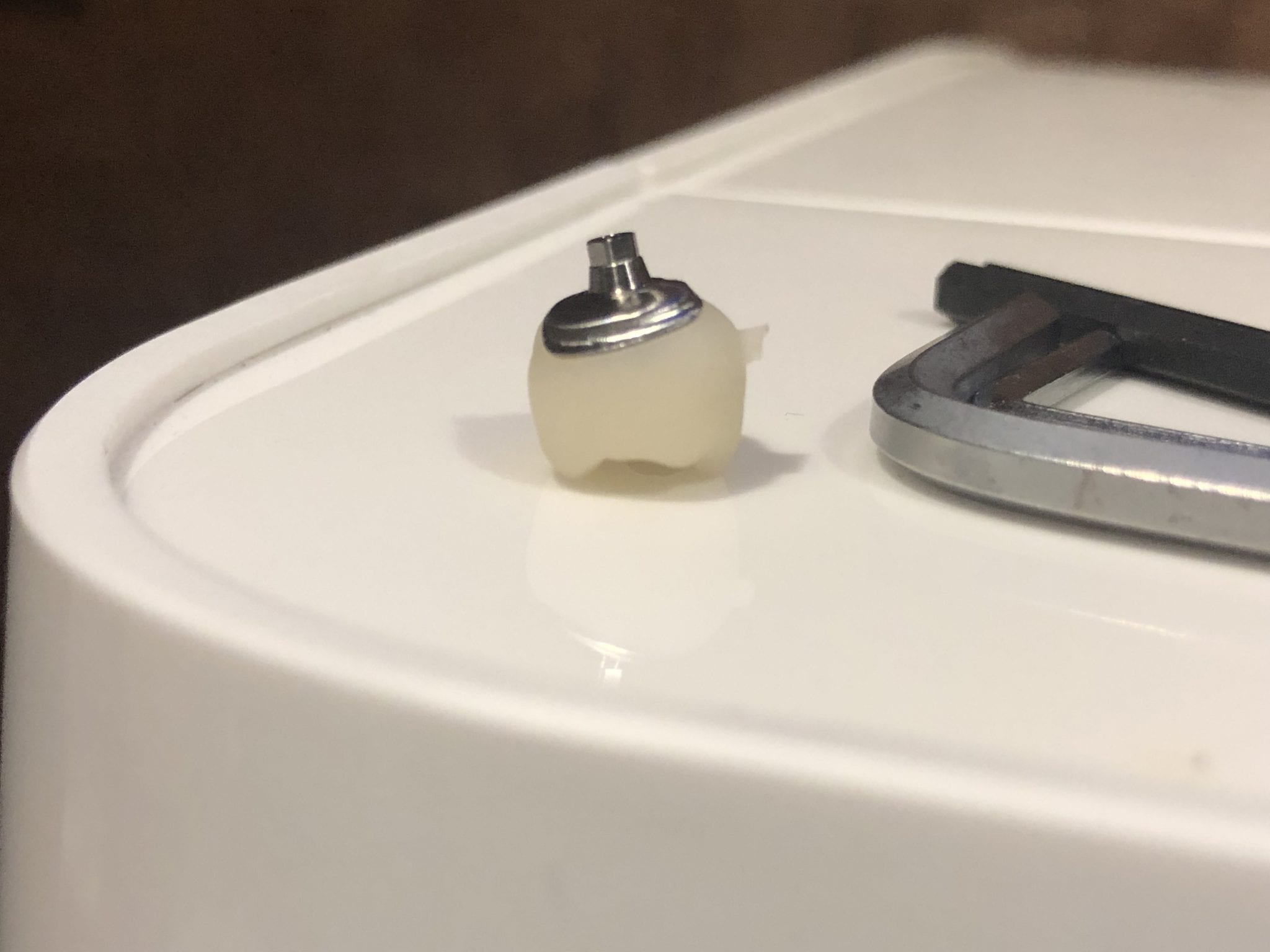
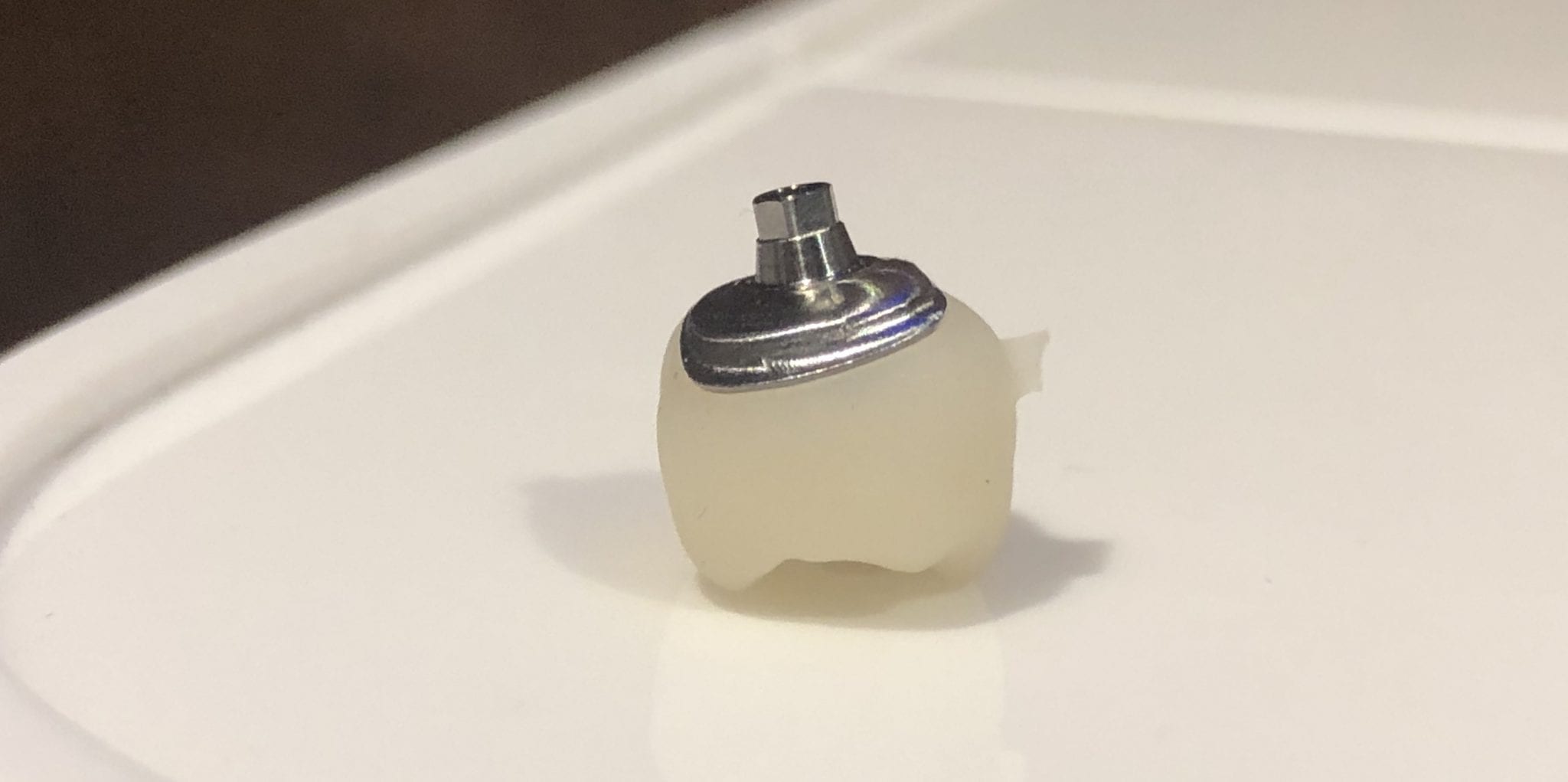
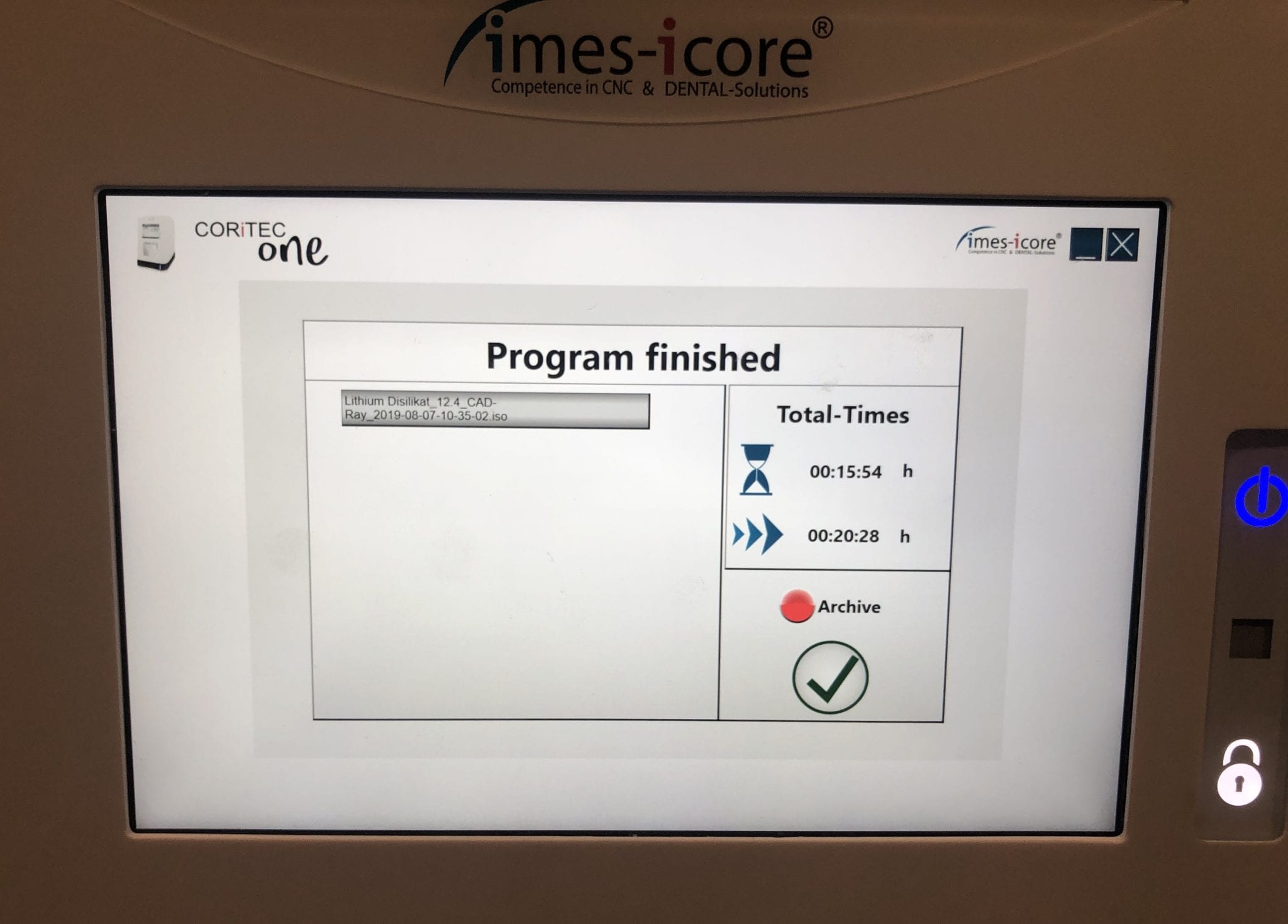
With the Meditlink software you can design a case and then export the designs and take them to any milling machine of your choice. In this demonstration, we use the CORiTEC ONE to mill out the metal abutment in 45 minutes. This procedure is not intended to be a single appointment visit so timing is not critical and you don’t place undue wear and tear on the milling machine.
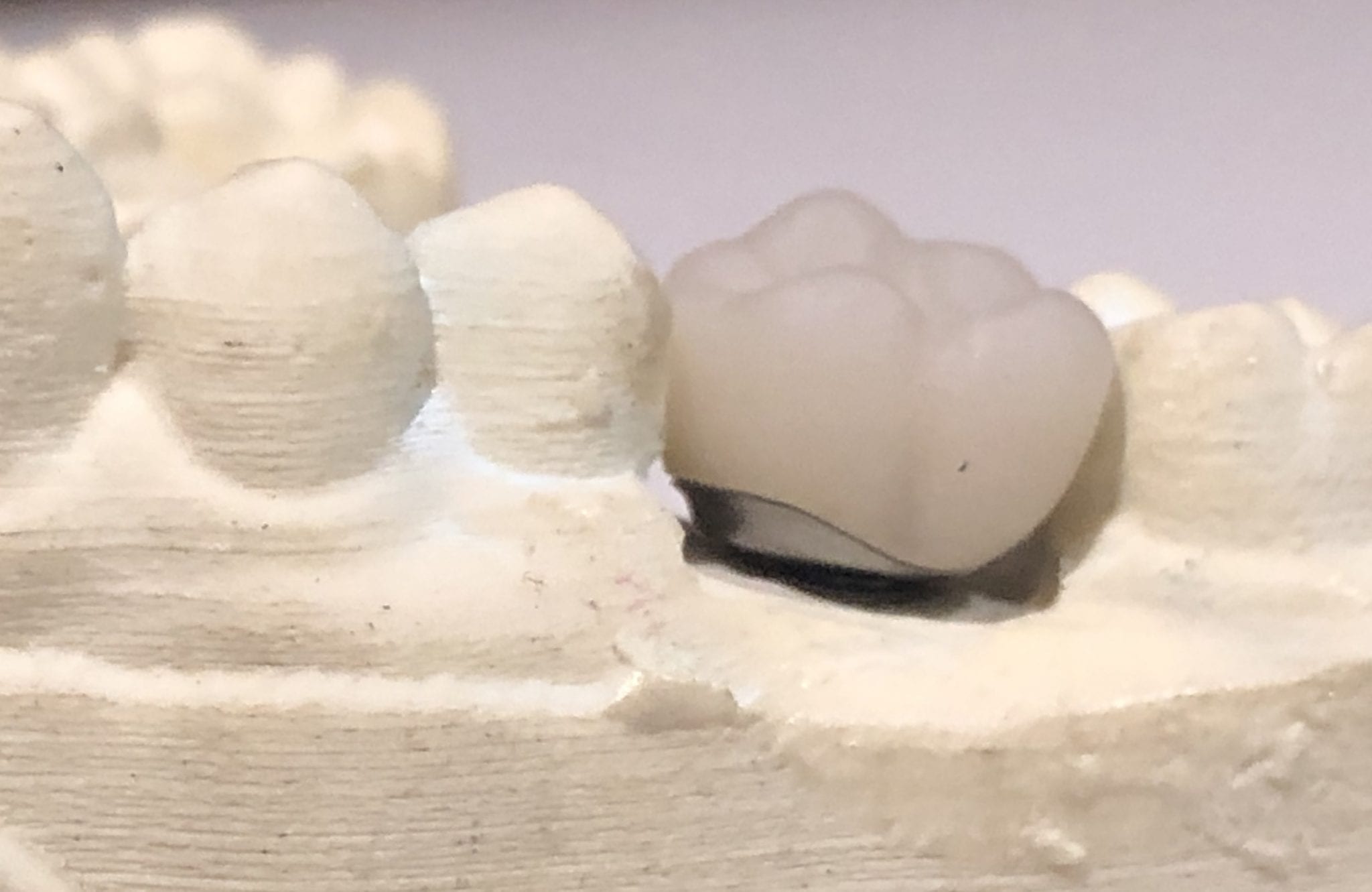
The crowns were milled with two different milling machines. A Celtra Duo block was used and milled with the CEREC MCXL and retrofitted to the abutment to verify the fit and accuracy. The same crown stl was milled out of Vita material in the imes icore machine. The whole point of the demonstration is that you can take scans from any intra-oral scan, take it to CAD software (in this case exocad) and then export the case and take it to any printer or milling machine of your choice. You must make sure critical information is accurately transferred from your CAD software to your CAM software, which is generally the construction / project file that accompanies the STL files of the prosthetic components
The same crown was milled out of Vita’s Suprinity material in 20 minutes with the imes-icore CORiTEC ONE. Take note of the internal adaptation of the metal abutment and the restoration and how when it is flipped upside down, the restoration does not fall out easily!
For our advanced users, we demonstrate how to plan and manage a two unit molar case so they can deliver multiple chairside restorations in a single visit. There are numerous short-cuts to this treatment protocol and we present them in great detail during our courses. The limiting factor for most doctors is that they have a single milling machine and we show our users how to balance prep and mill time so that they can complete 2 units in less than 90 minutes.
In this case however, we present two restorations that were prepared and delivered at the same time. The sequence of steps are:
Anesthetize the upper right first and second molar
While the patient is getting numb, image the arch to be prepped, image the opposing, and image the bite WITHOUT the teeth being prepared
Reduce the occlusal height of your preparation but do not image them
Check your reduction visually or with the camera function of the Medit i500
Reduce more tooth structure until you have the proper clearance for material strength
Finish refining your preparations, displace the tissue, reach hemostasis, and then crop out the area of the model that you have altered
Image the two preps into that equation. Most people turn on the HD mode for capturing the margins
For distal extension cases, we recommend that you take the second bite. While imaging the second bite (NOT the left vs right bite), if the occlusal model turns green, it is a clear Indication that the vertical has no changed from the pre-op to the prep situation and that you will have minimal post-op adjustments to make. If the second buccal bite does not register in green, it should serve as a warning to you that the vertical dimension has changed
As advanced users, you quickly recognize what areas in the model need to be closed either with imaging or with the “close hole” options during the processing step of the Meditlink software. If you are familiar with exocad or other CAD software programs you can just ignore these areas as they do not have any clinical significance whatsoever.
Once the case is designed you can mill them with your milling machine of choice. The testing of materials, fit, and milling machines are a constant at CAD-Ray.com so we milled the first molar with emax material and the MCXL and the second molar, a Celtra Duo material, was milled with the Imes Icore CORiTEC Once
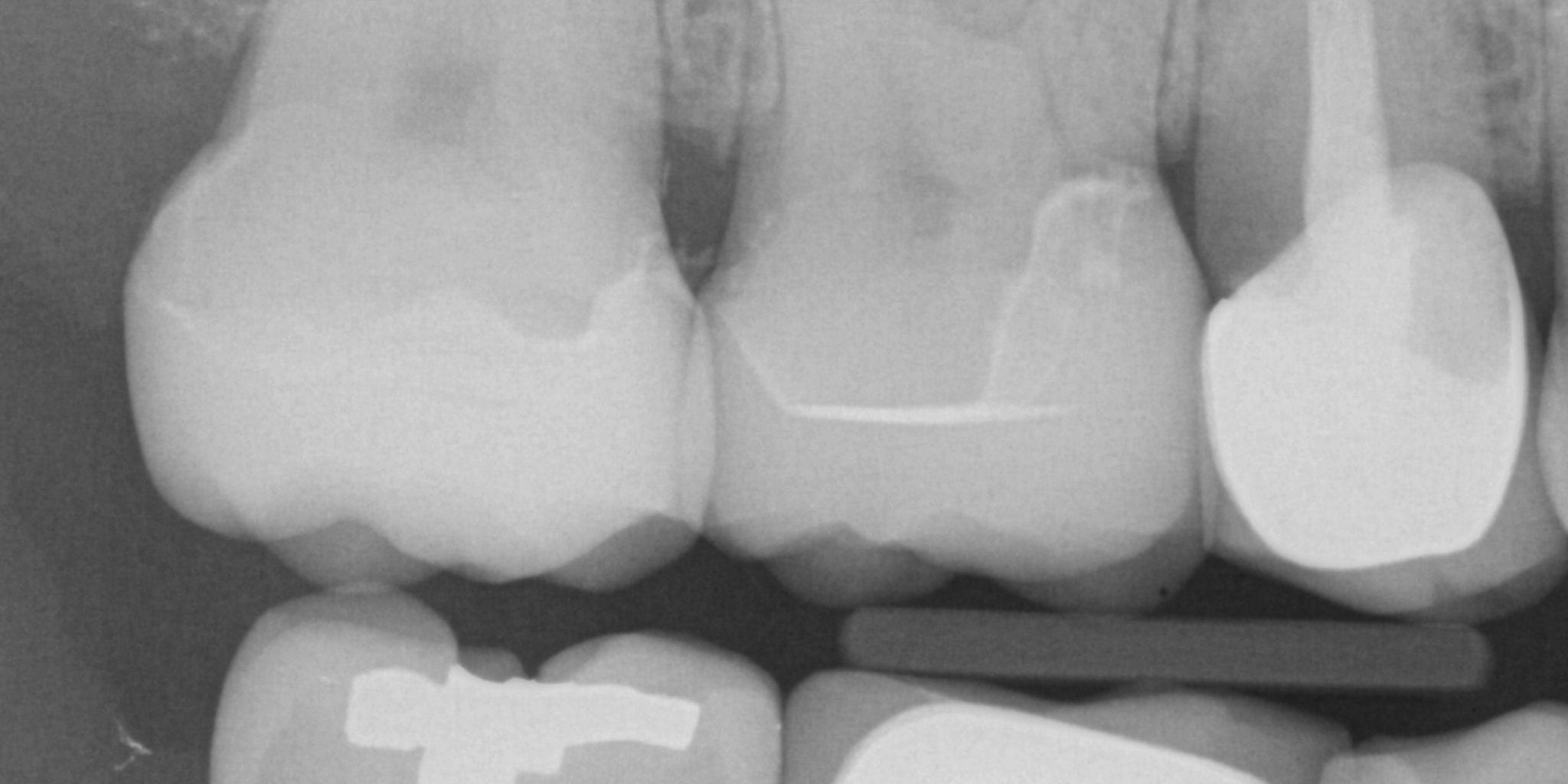
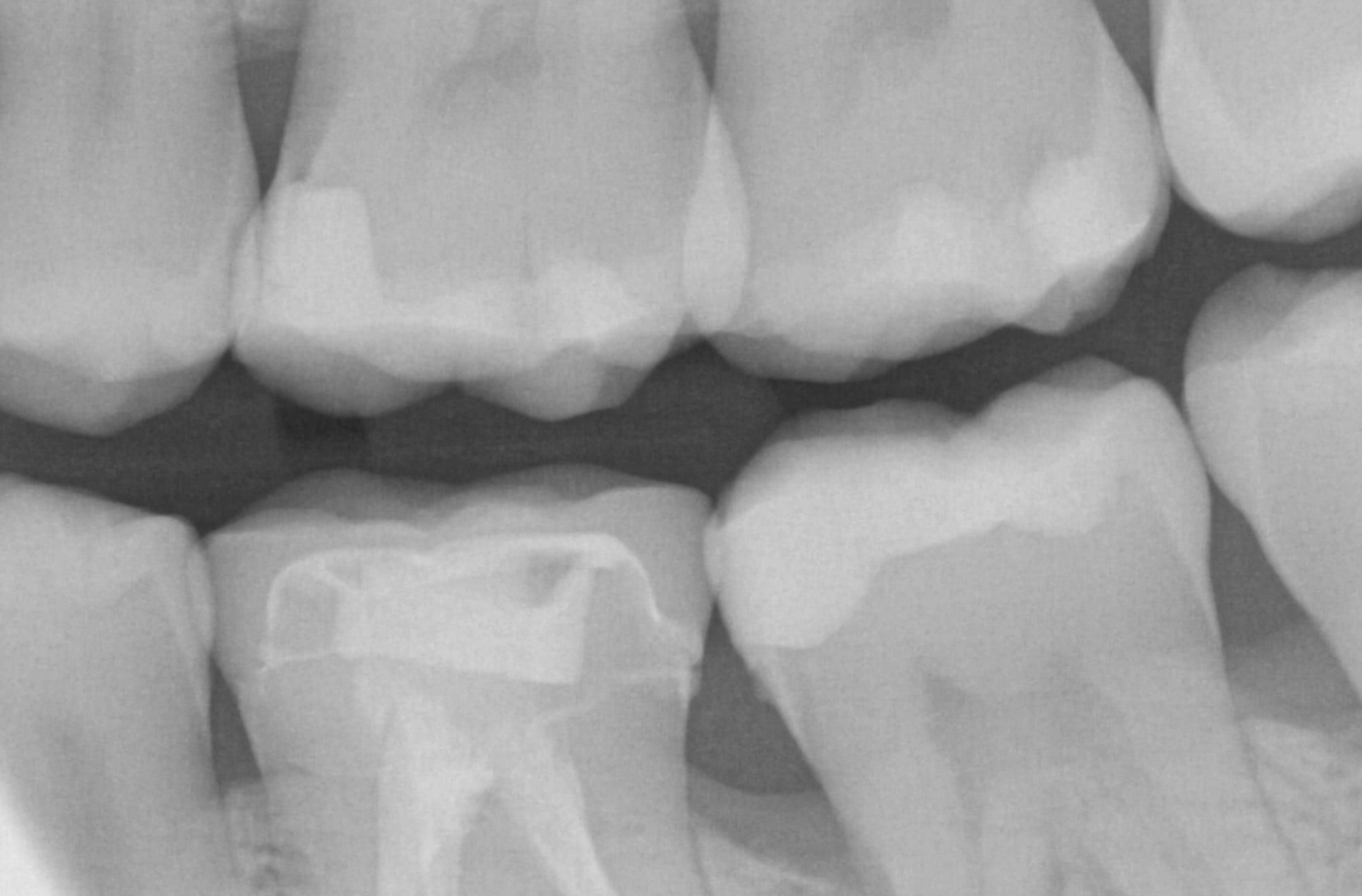
An immediate post-op bitewing X-ray was taken to verify fit and to make sure that there was no excess resin cement left behind in the interproximal area. The premolar mesial to the working field also needs to be replaced and will be in the near future
In the following three videos we walk you through the steps of how the digital “scanbody drop” works to identify the location of an implant fixture. In the demonstration videos, we highlight this upcoming feature and how you an integrate the CAD software for implant designs and restorations. In the final video, we demonstrate how you can take the construction files to the milling machine of your choice and mill out the abutment and/or suprastructure.
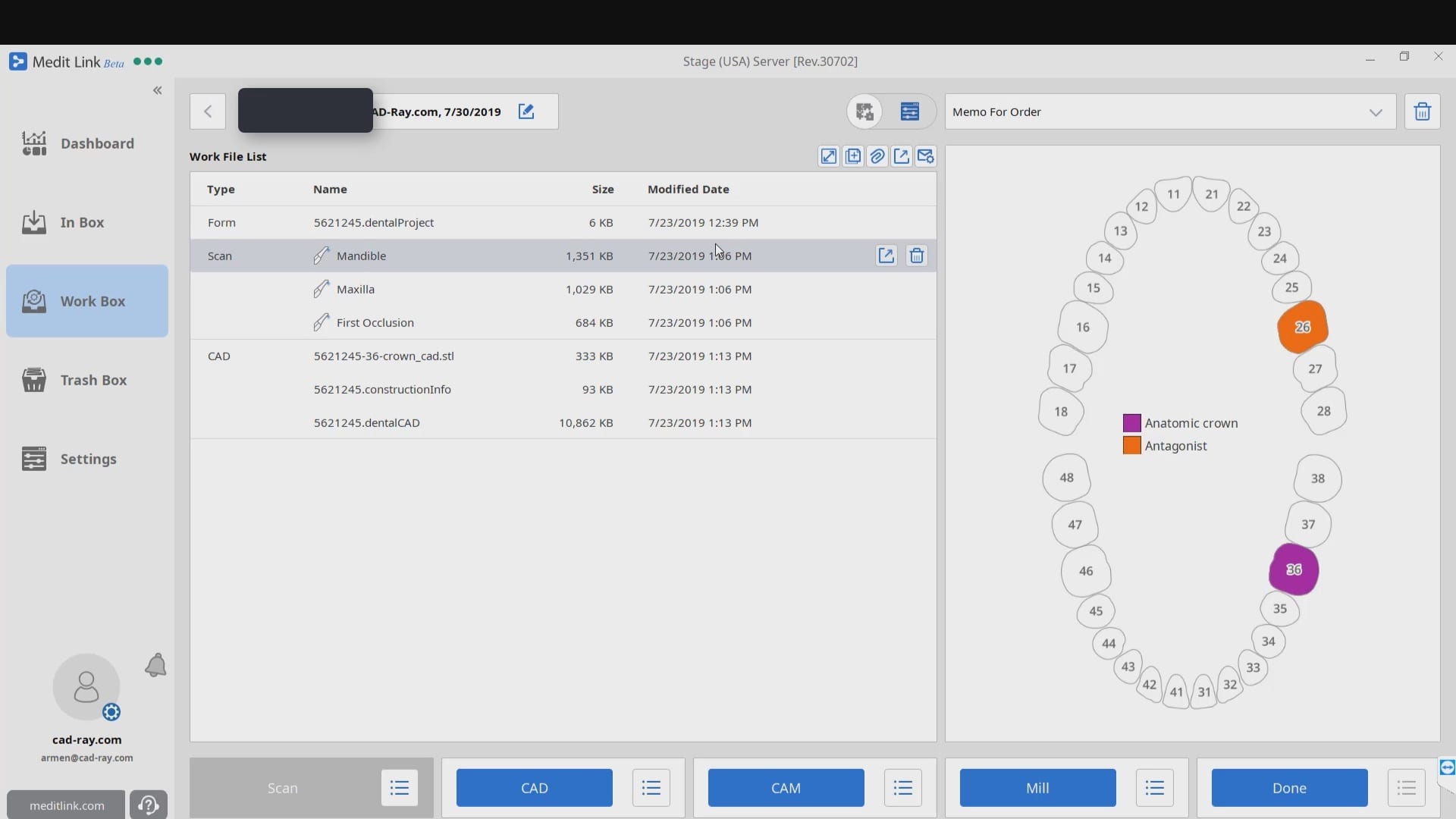
When you start a case in exocad or in Meditlink, you have to define a project or define the job by entering a prescription. A dentalproject file is created that has all the pertinent data, like the type of restoration, the shade, the material, parameter settings,etc..
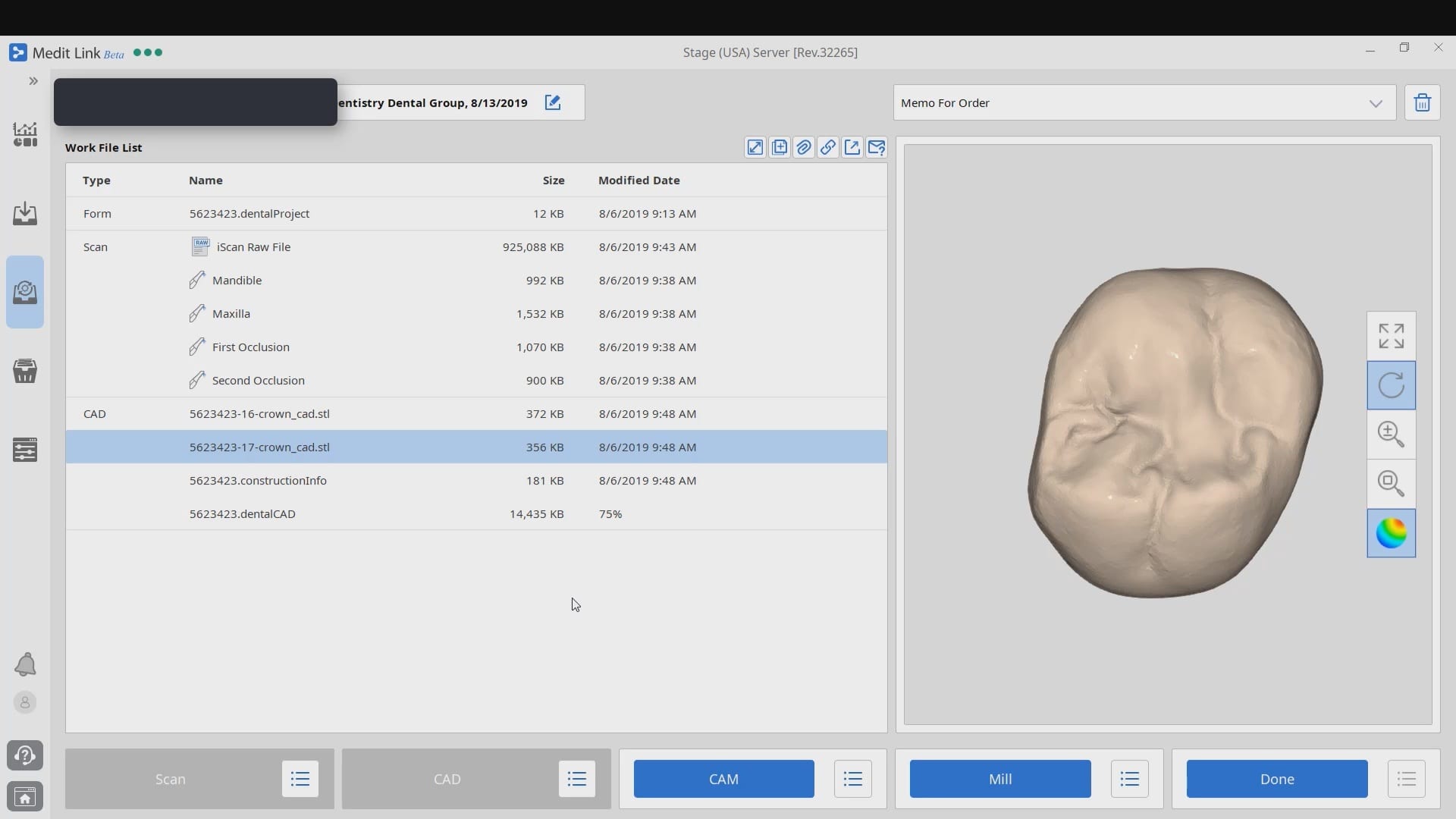
After the case is designed a dental cad project file is formed, along with the stl file of the restoration, accompanied by the construction information. Once the construction file is formed, the case can be import it into CAM software like cerec inlab. It carries a lot of information like the margin line.
Some CAM software can process simple redirections without the need for any other pertinent information from the construction file, while others require it. Some are so specific that a simple typo or wrong character will lead to mis-production.
In the case of cerec inlab, it’s best to have the construction file accompany the stl of the restorations, although there are numerous work-arounds in case you don’t. Once processed, the restoration is taken to the Mcxl milling machine.
Why are we so focused on teaching this concept ? Because it is critical for milling metal abutment where you have to keep track of an object that is cylindrical and symmetric in shape. The code in these files will dictate the indexing of the connections and how these abutments are milled.
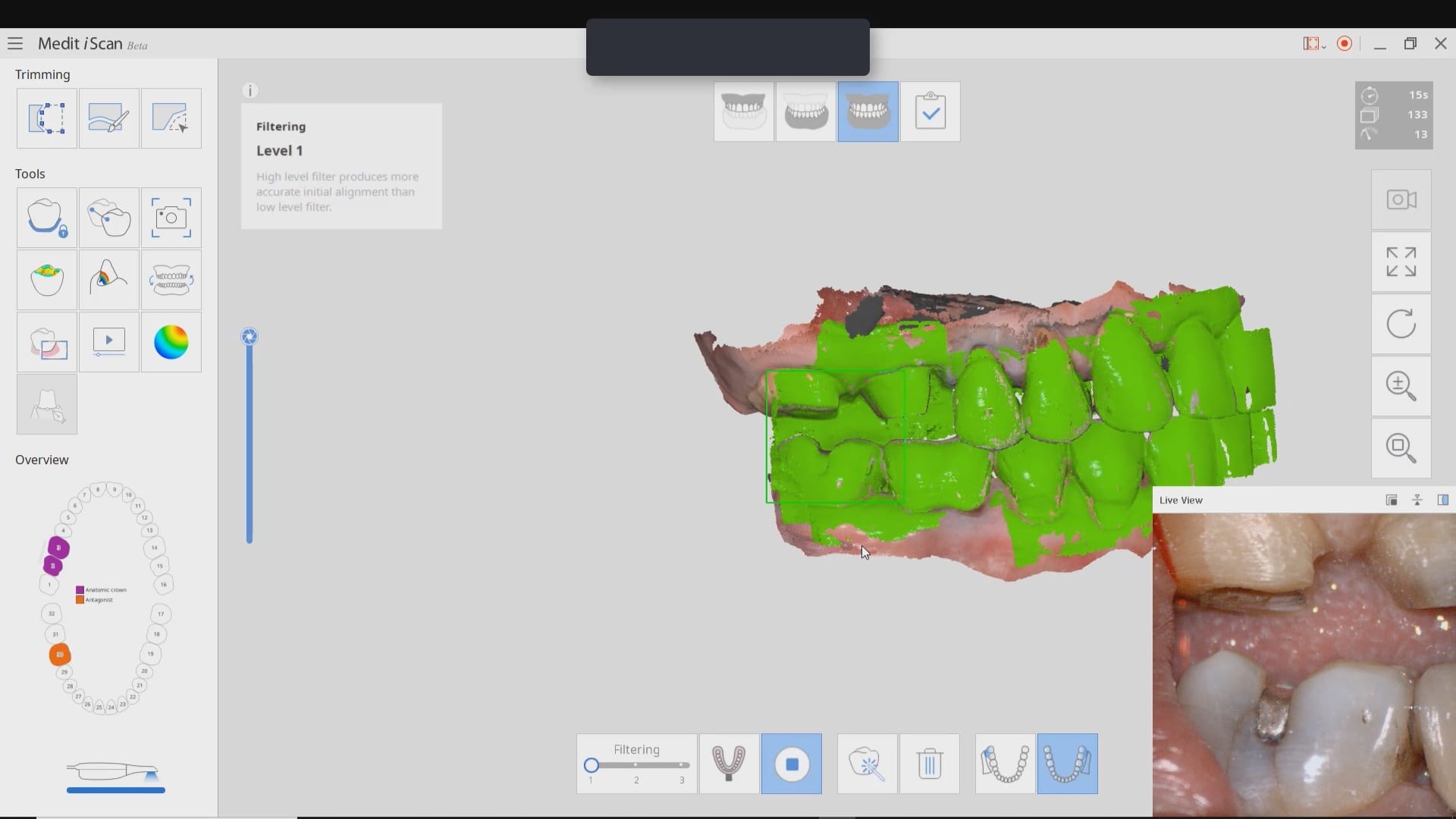
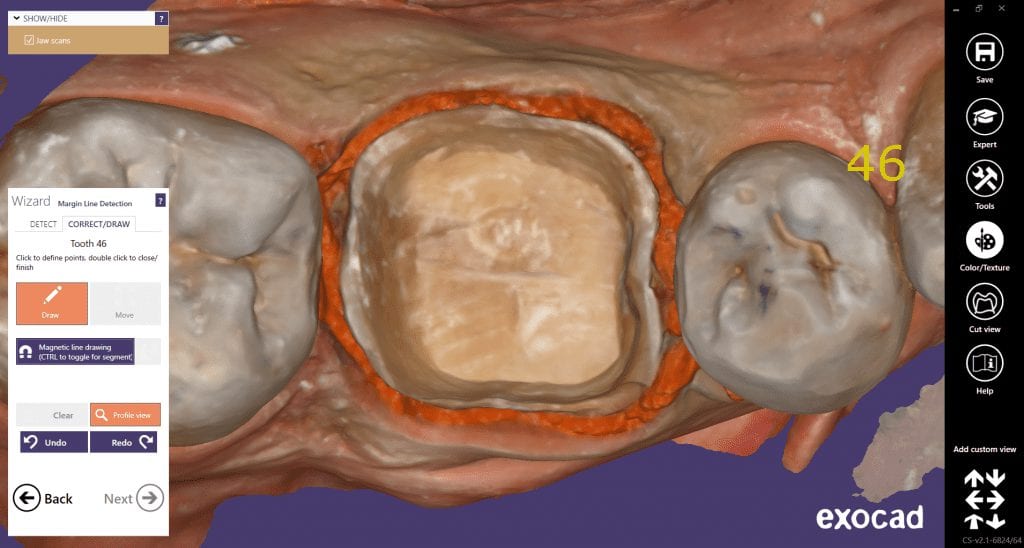
The new Medit i500 software will feature the ability to mark margins in the imaging step before you import the case into a CAD software or send it to the lab. In this article we showcase a case where a 12 year old implant crown needed replacement. The pre-op images were captured, along with the opposing and the bite.
After the area was anesthetized and the crown was removed, expasyl was used to achieve hemostasis and tissue retraction. The margins of the abutment were imaged. Note how we used a feature in the Medit scanner to change the scan light from blue to white, which allows you to pick up red (blood and tissue) that is normally difficult to capture.
Once the margins were captured, we activated the margination tool. You highlight the area you want to address and the meshwork is calculated and processed locally, where you can then designate your margins that are exported to CAD software along with the jaw model, the opposing, the pre-op and the bite.
Alternatively, the traditional way would be to not place the margins in the native Medit software and to place it in the CAD software itself. As you can see both options are very viable and you do not lose any resolution of the scanned data between the imaging program or the design software.
The Medit i500 intra-oral scanner has two different software programs to operate, one is of which is geared towards clinical dentistry and the other is geared towards laboratories. Our advanced users are encouraged to use the lab version as it has a lot more functionality. One of them is to directly link to exocad software.
In this particular preview we show you the interface where you can launch the iScan program and define the work order and set all the parameters for your restorations.
Once all the settings are chosen, you launch the Medit scanner and image the case. Here, we defined the custom abutment for the crown and the opposing, which activated the catalog box for the antagonist, the arch, the scanbody, and the buccal bite. All respective images were captured.
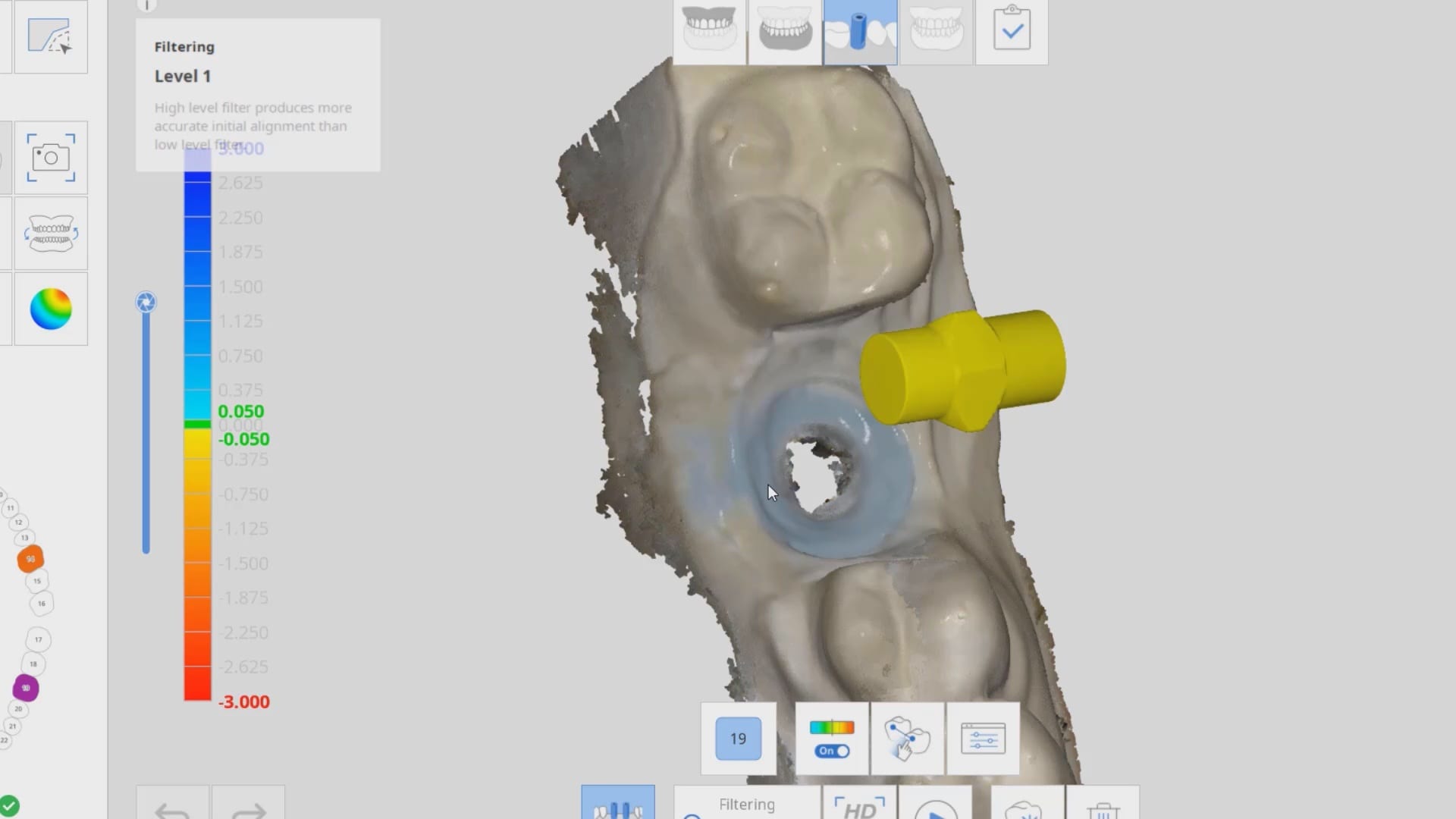
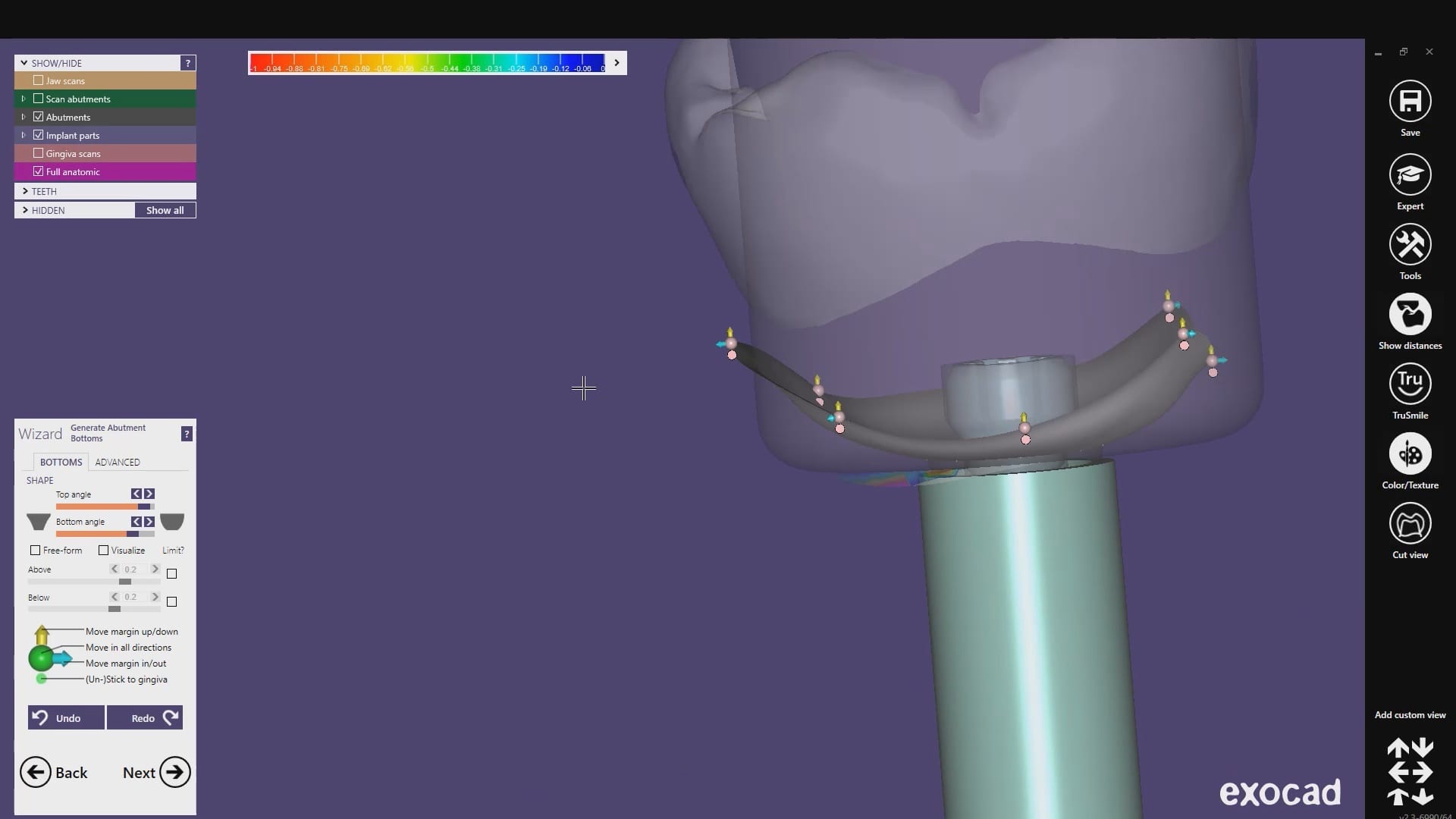
Once the implant type is identified then you can design the abutment and crown with great control, where you can contour the underbelly of the abutment to help provide tissue support.
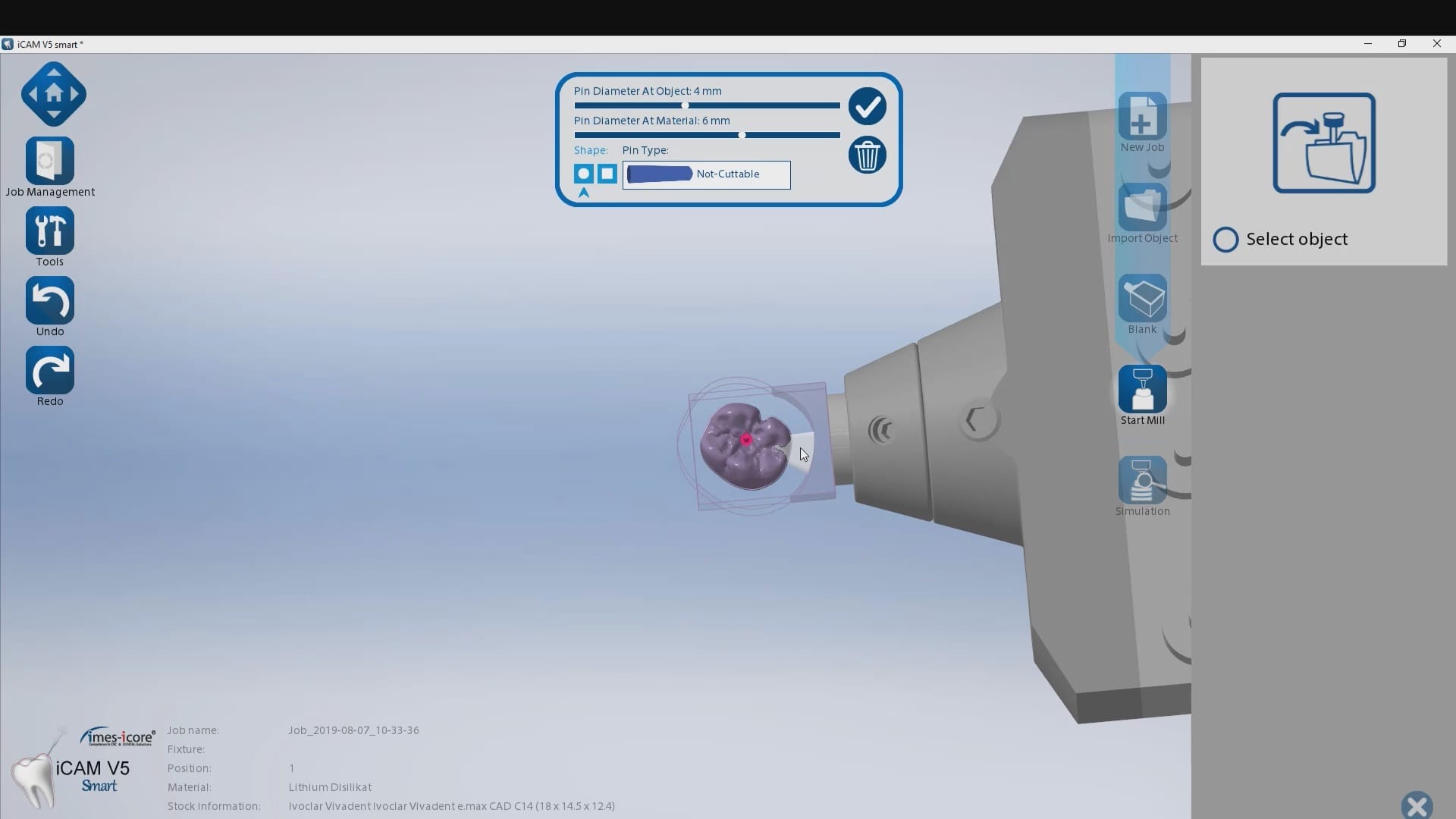
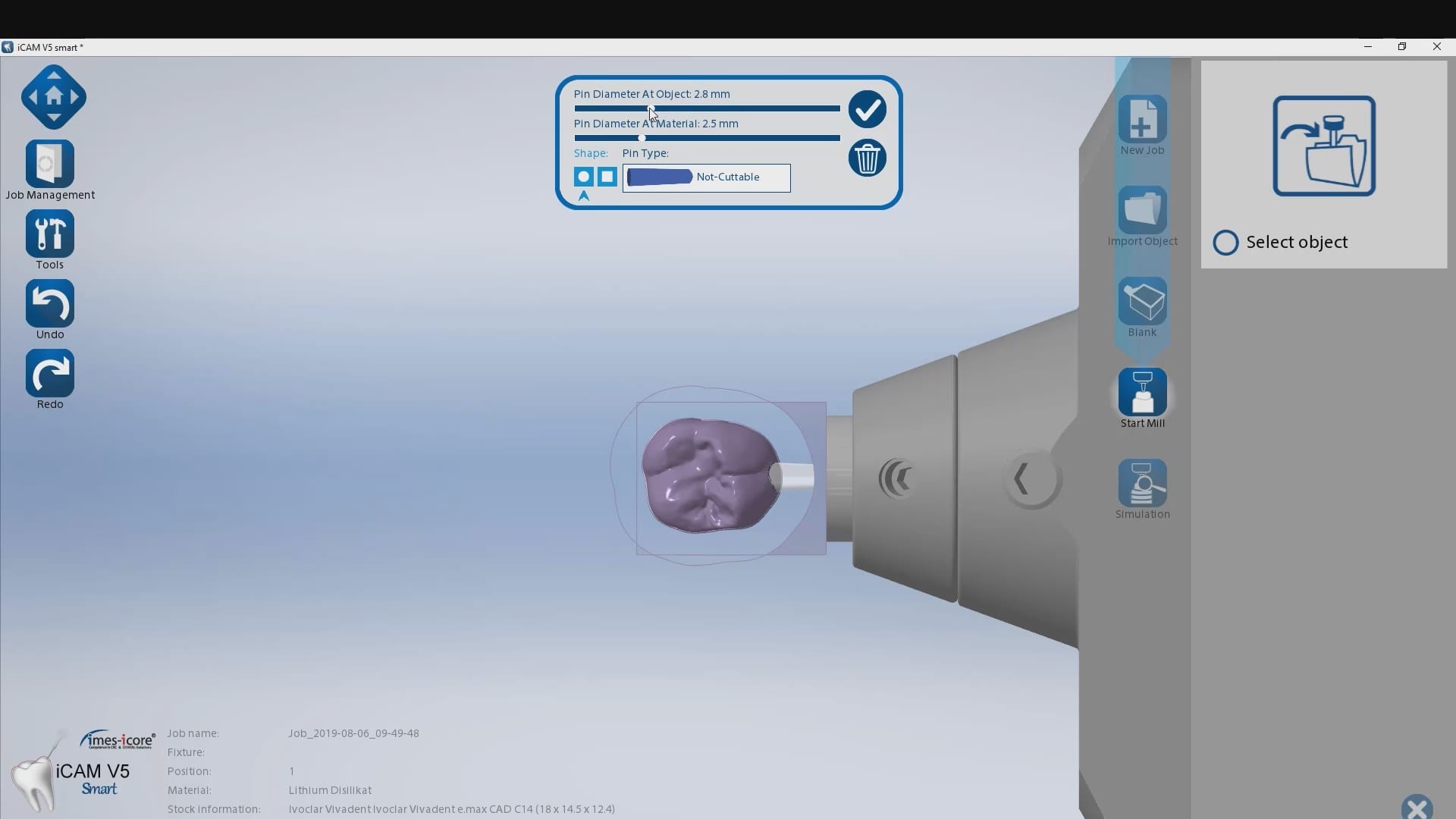
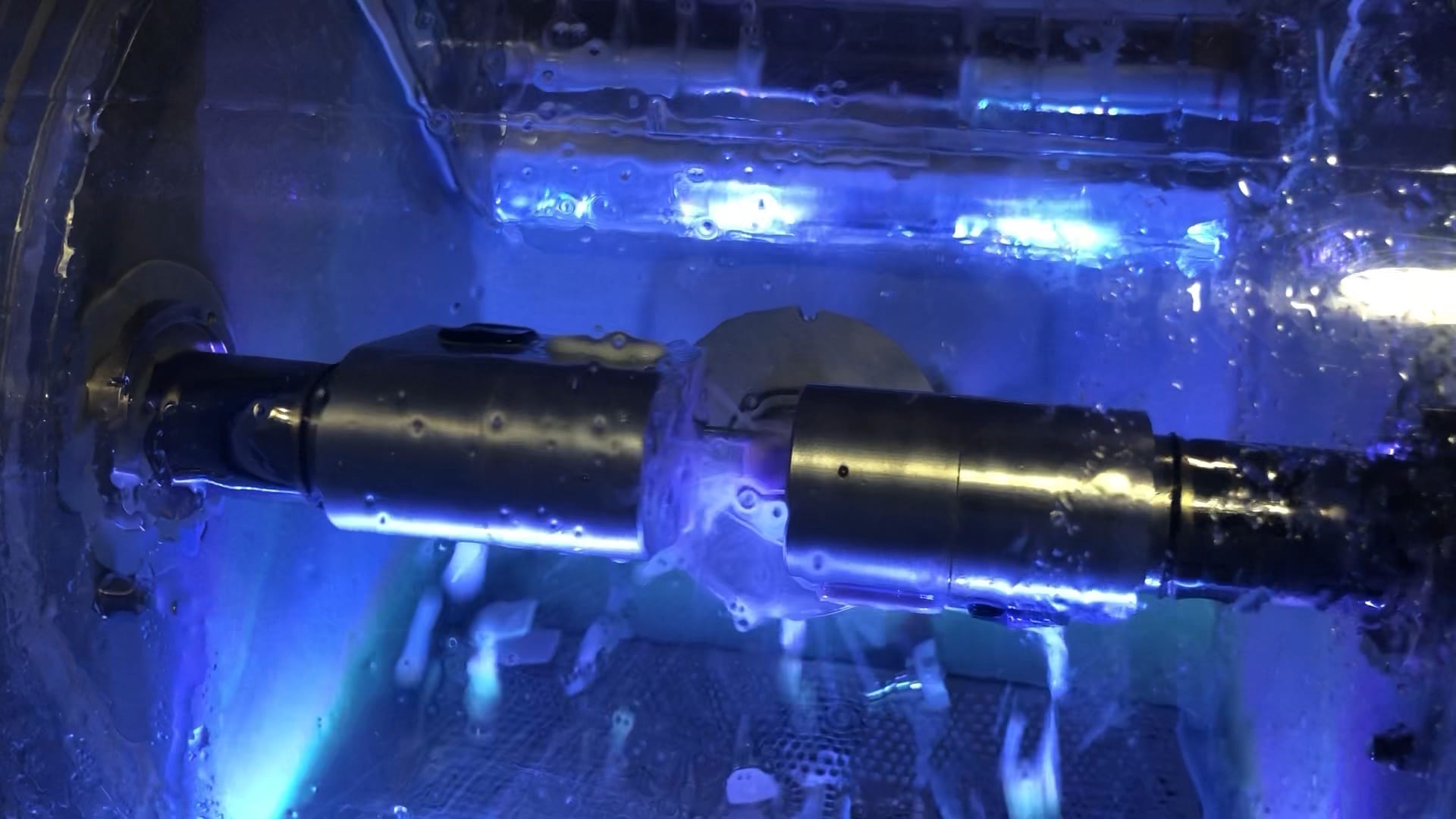
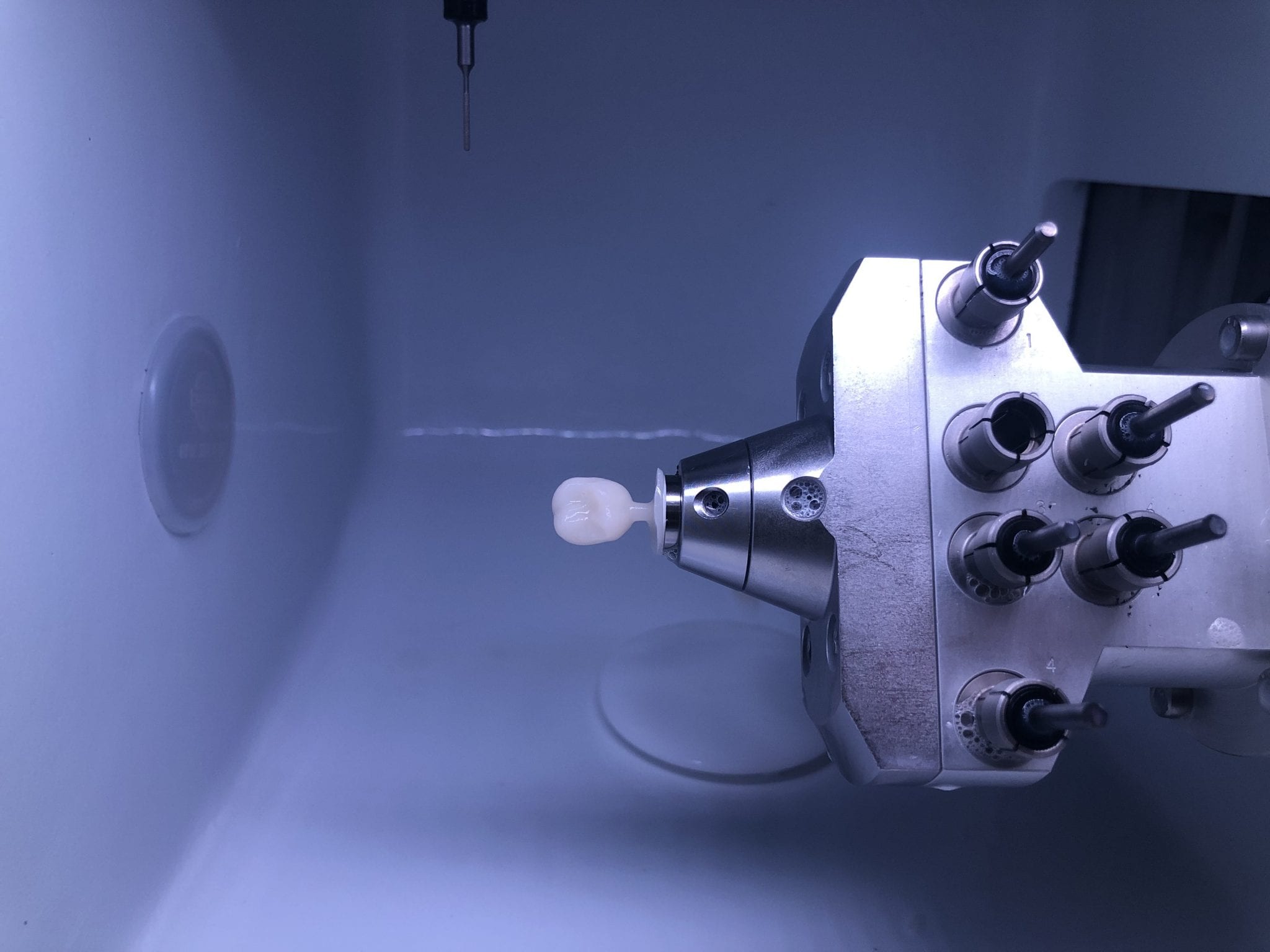
The design and the construction file is taken to the milling machine. Here, we used the CORiTEC ONE to mill the titanium abutment and then the Lithium Disilicate crown. You can see the great internal adaptation when the crown and the abutment are flipped around completely and the abutment does not fall out.
This case shows the amount of control one can have over the fit of a restoration. The upper right first molar was imaged with the Medit i500 and then imported into exocad design software. Once the margins are marked, the user can then define parameters that affect the fit of the restoration.
The diameter of the drill can be taken into consideration; in the design, 1.0 mm was chosen, but ultimately, we used the 0.6 mm bur to mill the intaglio of the emax restoration. The cement gap can be controlled as can the distance from the margin where it takes effect. The minimum thickness parameter also reinforces the material at the margins which will reduce the chances of chipping and ditching at deep chamfer margins. All of this translates into well fitting restorations with little space needed for the resin. That ultimately translates to easier clean up.
The case was milled using a few different materials and at varying speeds to see how thin the margins could be handled and how much detail the 0.6 mm burr can carve into emax and the glass ceramic material
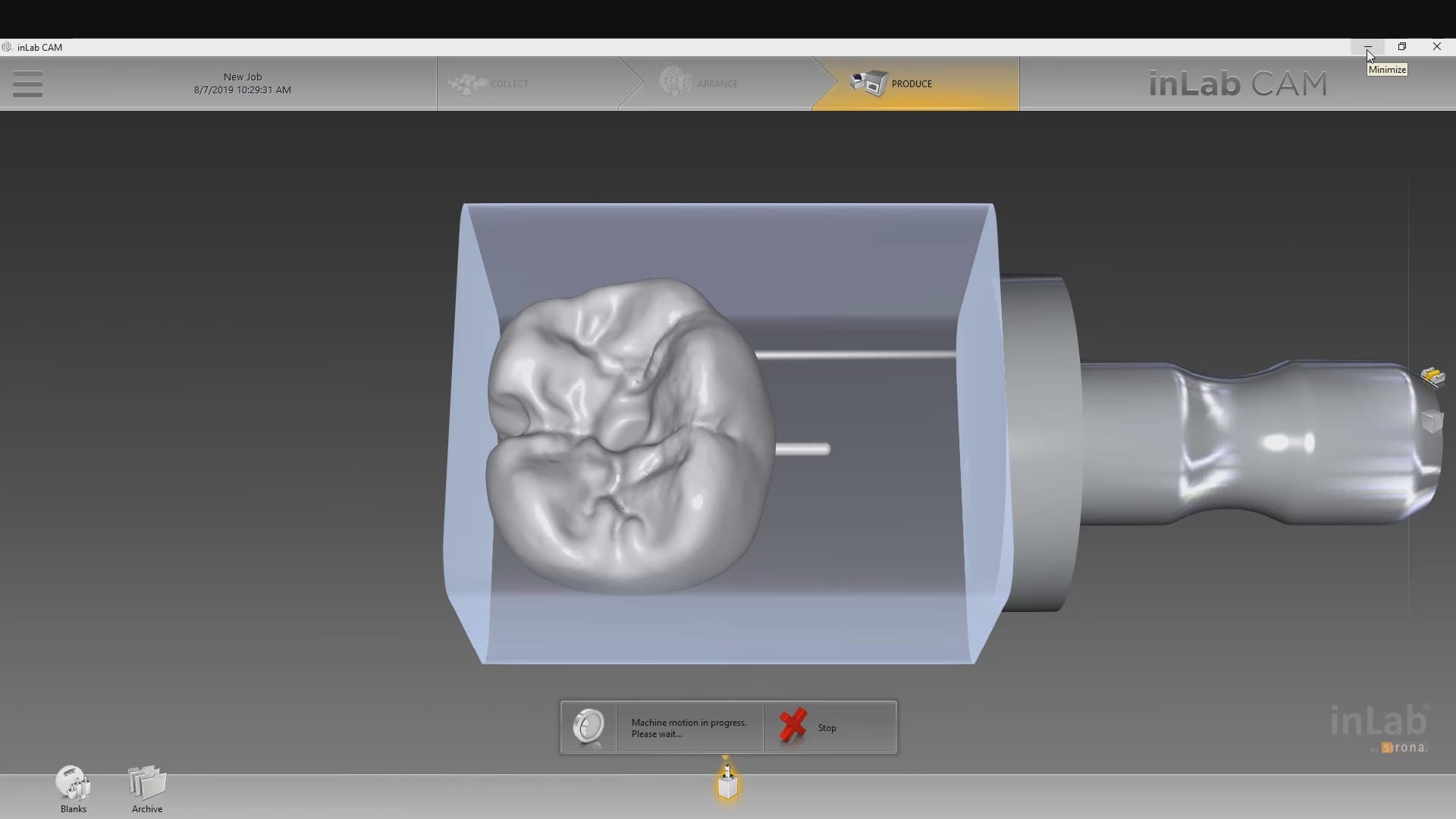
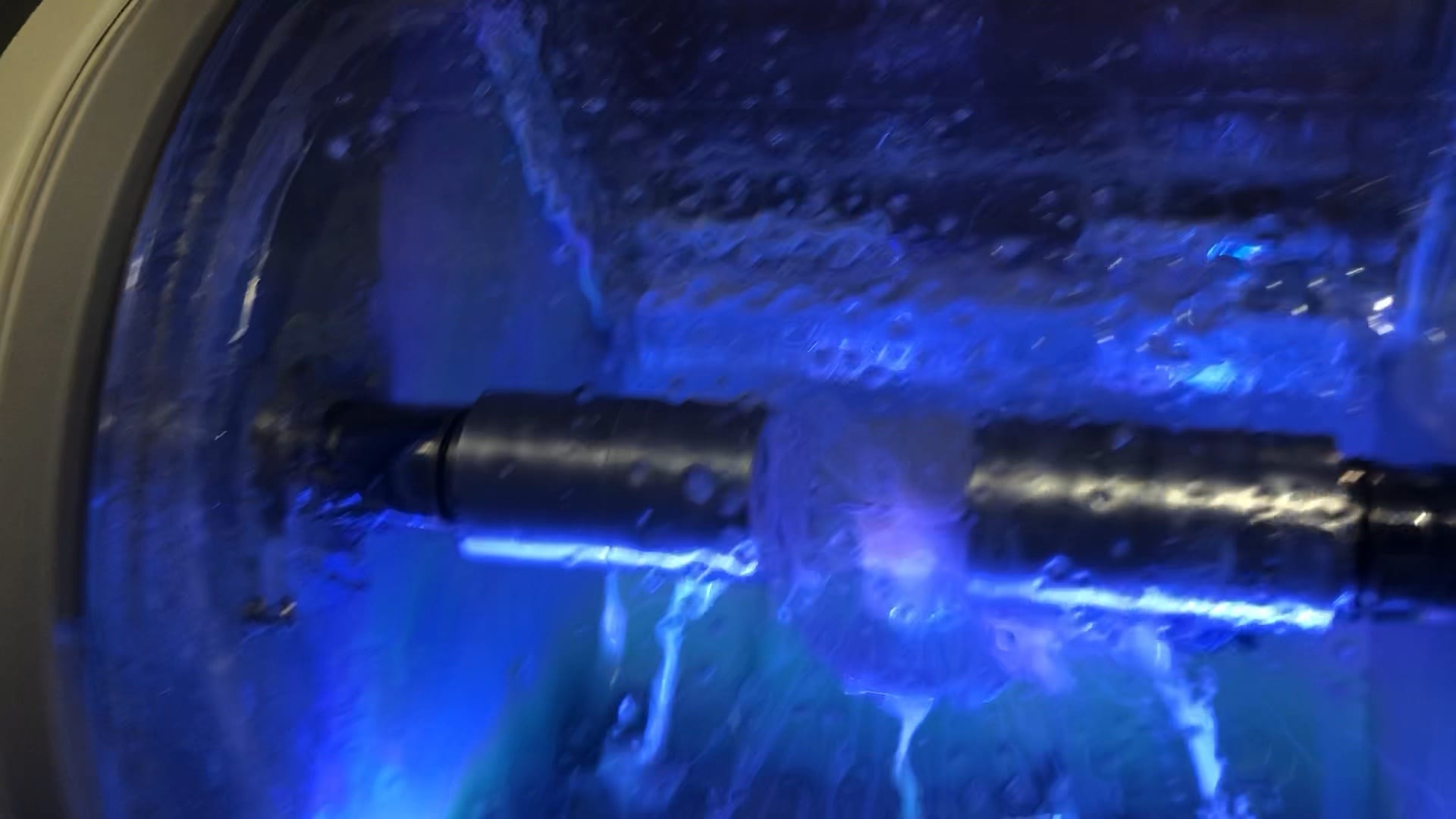
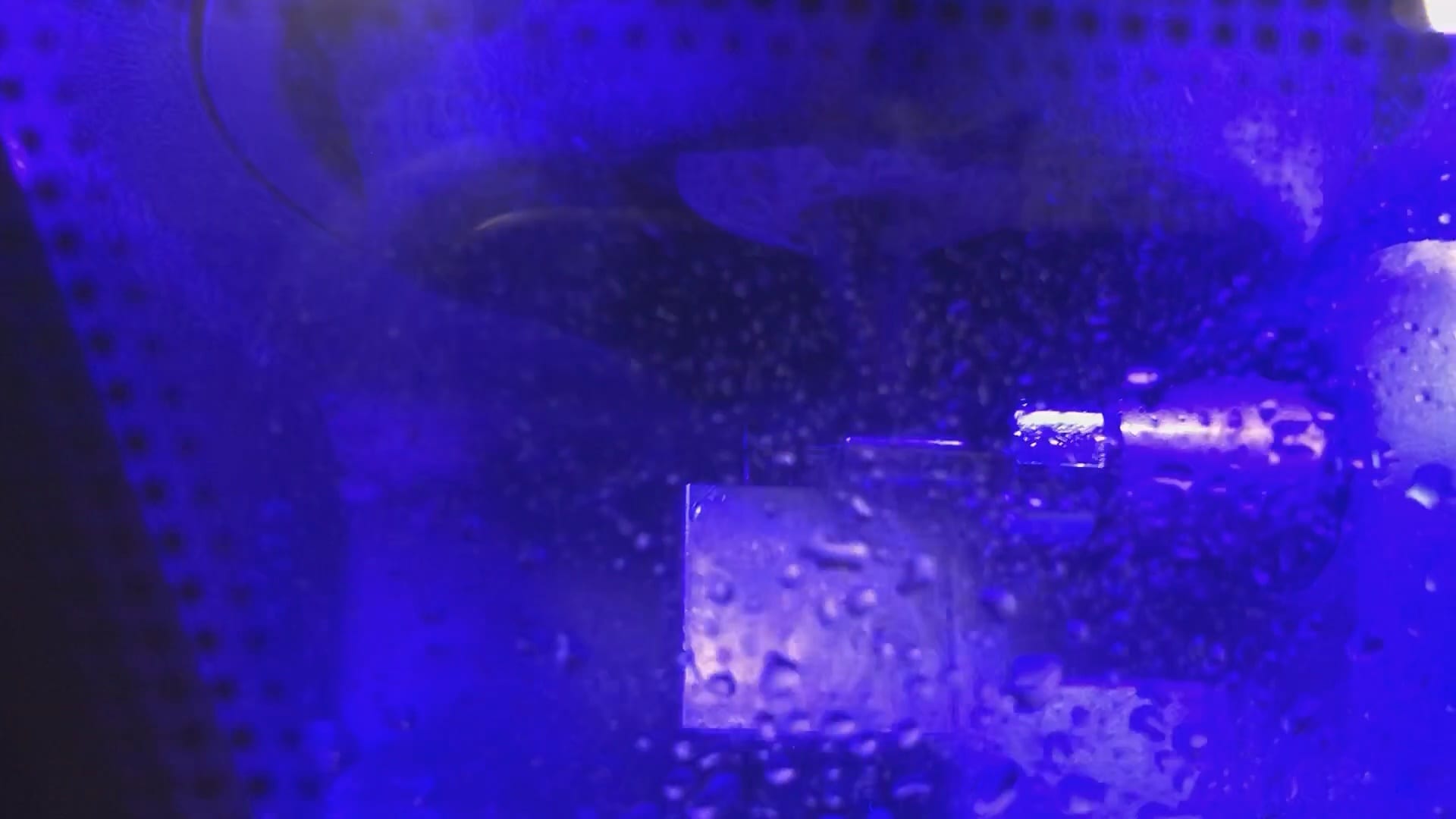
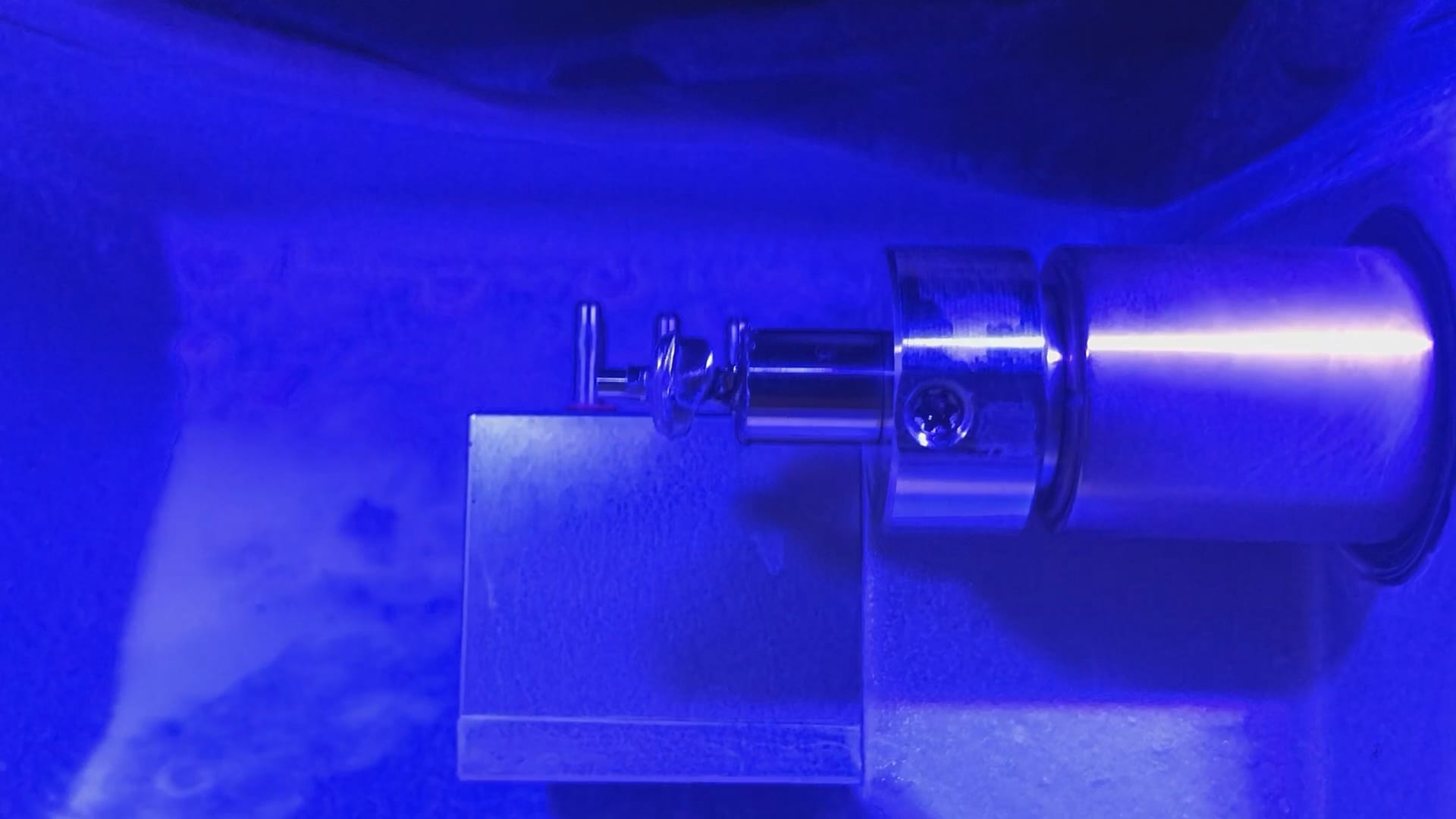
At any given time, we are milling restorations with 3 or 4 milling machines. Recently, we designed a restoration with the Medit i500 scanner, designed in exocad, and milled with a chairside mcxl cerec milling machine. Here are the steps we took to do this:
You may have to install some .net framework files from Microsoft. It’s generally an automated installation
Once installed, make sure to have your milling machine turned on and connected. A lot of the functionality is closed if your machine is not on and connected to the PC with the software.
We had to follow certain steps in sequence to get this to work. We had to activate the license in a pre-installed CEREC software and then move that thumbdrive to the machine where the inlab CAM was going to be installed
You can contact Mr. Milos Gedosev who runs DentalCADCAM in Germany and has earned a great reputation over two decades if you have any questions.
If you are new to digital dentistry, this introductory video will show you how to judge if digital models are related to each other. As a simple exercise, we opened one digital model and then imported the exact same model as a pre-op scan into the equation.
Once the models are in the design software, they are manually related to each other with at least 3 common points. After the merge, we performed “best fit matching” and then demonstrate how the color histogram in exocad has the both models painted completely blue.
We then slightly altered one model by adding material to one cusp tip, reduce the adjacent cusp tip, and then smoothing the third cusp tip. We then re-aligned both models to each other again and you can see how the software lets you know the range of discrepancy in those areas. Notice that all three areas have the same histogram color but all three have distinct meshwork areas from the original.
Once you understand this concept, it opens up many avenues for you that you can never achieve with traditional impressions.
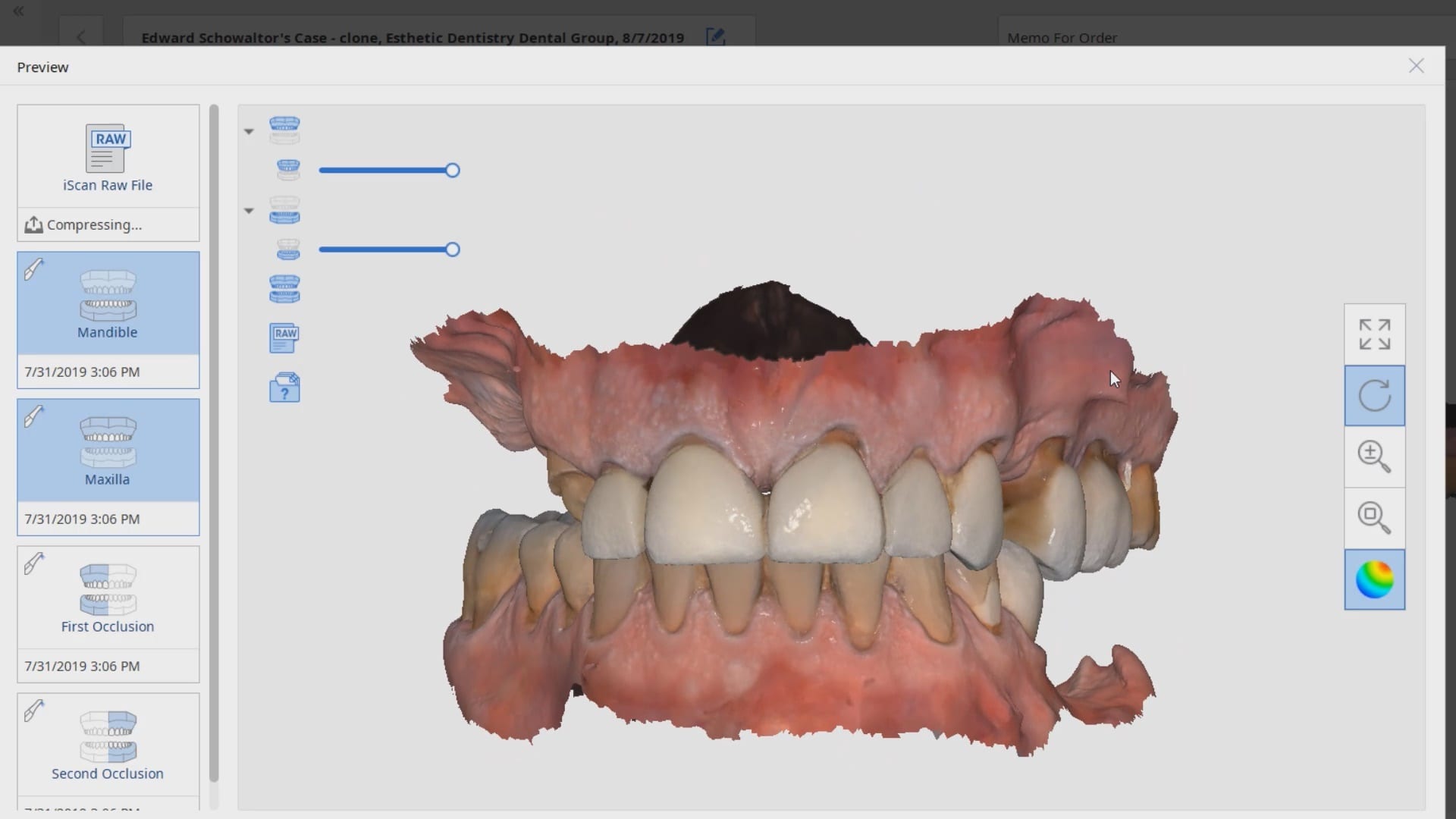
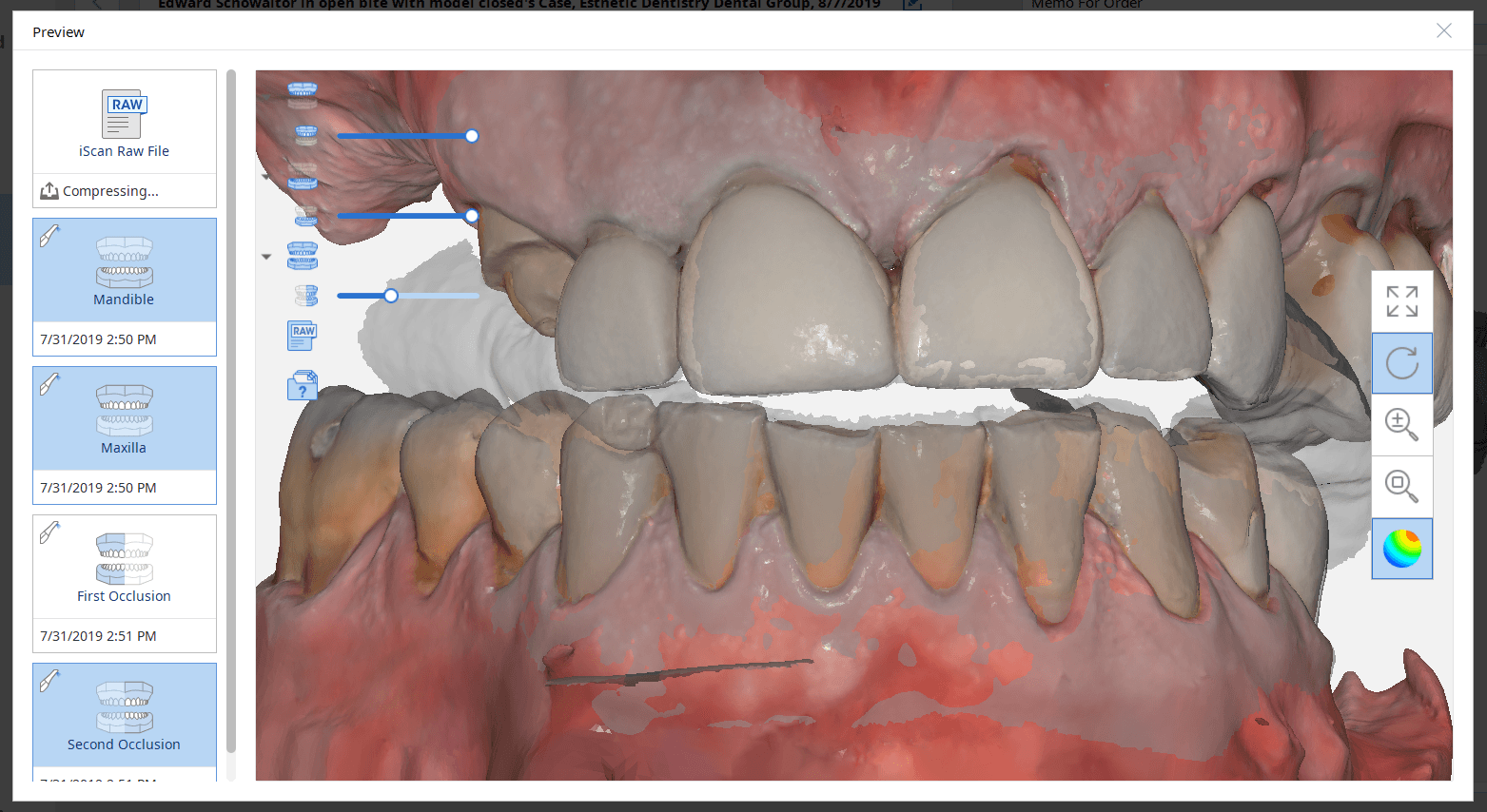
There are may advanced ways that you can articulate the maxilla with the mandible if you happen to have models that are not accompanied by a bite registration or the arches were scanned intra-orally in separate folders as files
Generally, when you scan intra-oral and complete the case with both arches and the buccal bite, the models maintain their relationship to each other when exported to CAD software. But if you do not include the buccal bite scan, or if you scan the arches in separate files or cases, there is no way for a software to know how they are supposed to align with each other.
This simple video tutorial shows beginners how they can hand articulate the arches together with digital software. There are two steps you should take to make this an easier process to visualize, once you become comfortable with the moving models around as a system or as independent units. Crop the model at its base so that you can see through it and then turn on the feature “show distances” in exocad that will give you a color map and help you with alignment.
Obviously a bite alignment scan will come in hand, whether you use a desktop scan or an intraoral buccal bites scan
Once in a while, our users get themselves in a bind and you have to rely on manual alignment of jaws to each other. Sometimes, it feels like you are doing gymnastics to get the process to work. The sequence of how you import the models and how you set up the case is important in exocad.
Here we have 3 models; one of the upper, one for the lower, and one for the bite. Don’t ask how we ended up here:) The “direction of travel” is important to keep in mind, and as you can see in this video that is sped up, how the case was managed. if you bring in the upper and lower models in together, and then the bite, as soon as you align the bite to one jaw, you end up dislodging it when you tack it to the opposing jaw.
Reversing the sequence of import helps. We first bring in the upper jaw and the bite alignment and stitch those together. Then we bring the lower jaw into the equation and then merge that to the whole complex. Once that is done, the arches now know their relationships to each other and when you save each arch individually and import them into other programs, they will know exactly how to line up.
At the end of this video demonstration you can see how we re-import the two models in stl format just to verify that they do align properly
In this particular case, we demonstrate an emax restoration fabricated with the Z4 milling machine by VHF. In the first video, you can see how the case was set up initially within the software. You will notice how we image the preop, image the opposing and can even image the bite out of sequence, all while the patient is being anesthetized.
Once the preparation is captured, we place the margins and design a crown in exocad. The emax is milled, tried in, and them placed in the oven for crystallization. It is then delivered to the patient. Note how the decay at the contacts of the adjacent teeth was drilled out and restored, while the crown was milling / crystalizing. An immediate post op x-ray was taken to make sure there was no resin left behin
When imaging a preparation, all you really need for a restoration to “fit’ is the contact area of the adjacent teeth (above the height of contour) and the opposing occlusal surface.
But the more you feed the computer aided design software the less work you have to do in the design of the restoration. For example, in the video below, you can see how the software automatically recognizes the adjacent teeth and a great initial proposal is rendered.
However, if you don’t capture all the data in the adjacent teeth, you will have to manually plot the adjacent teeth and spend more time in the design steps.
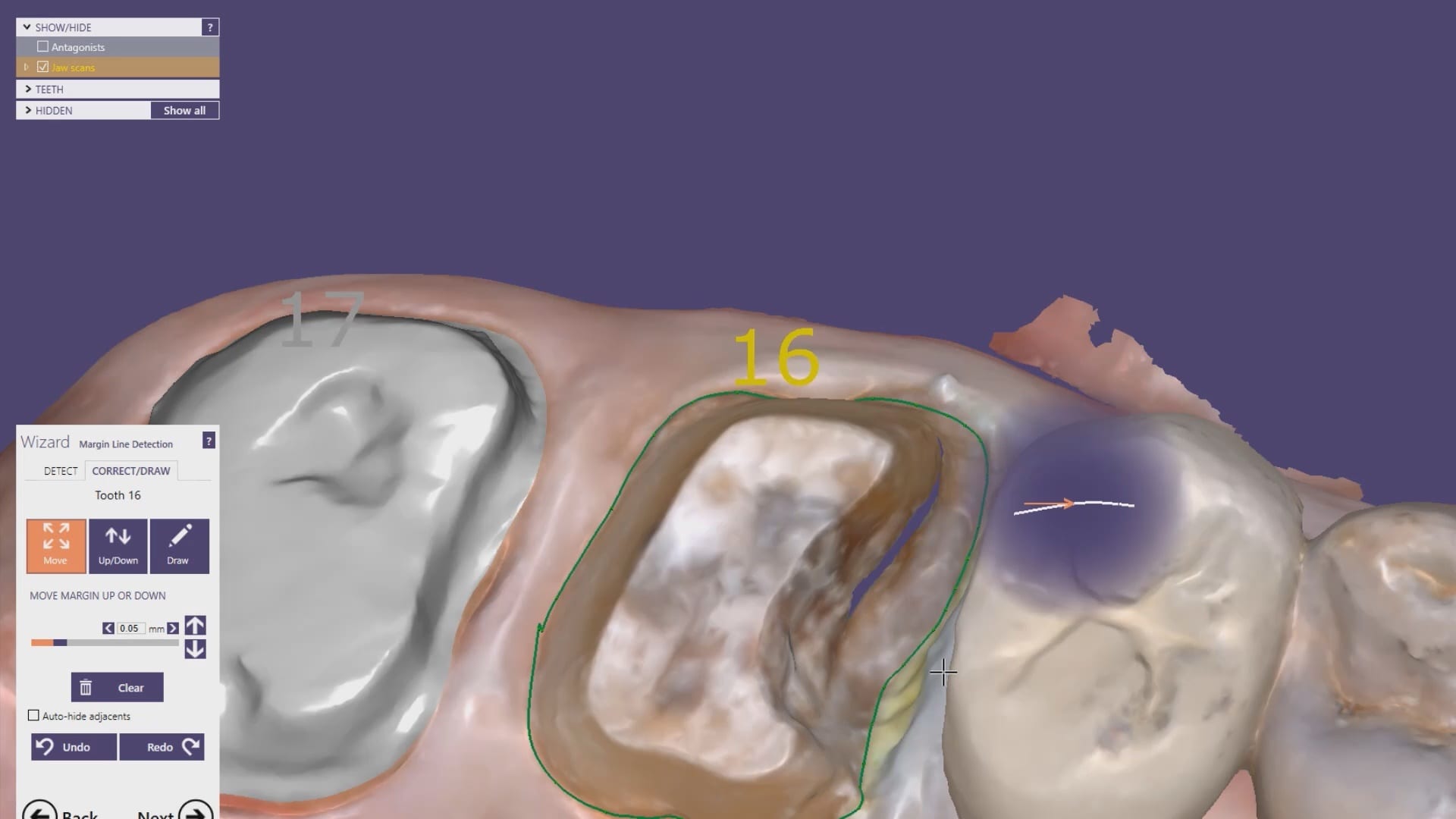
With exocad, the first step is to align the orientation of the arch so that the occlusal surface is directly facing you. Once the prepped arch and the opposing models are imported, then you place the margins.With the color OBJ files from the Medit i500 it is very easy to identify the margin based on color and geometry. Once the margins are placed, the next step in the wizard is to calculate the initial proposal.
This video demonstrates how the CAD software recognizes the adjacent teeth and renders a great initial proposal
Download the OBJ files and import them into smile design software and do a virtual wax up for a real case
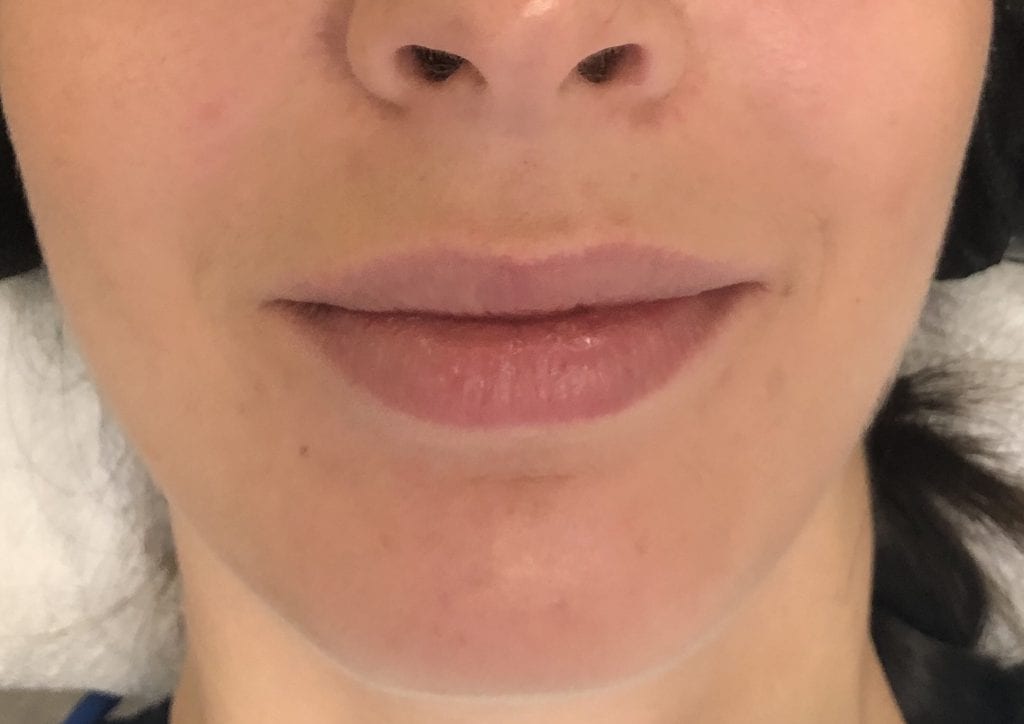
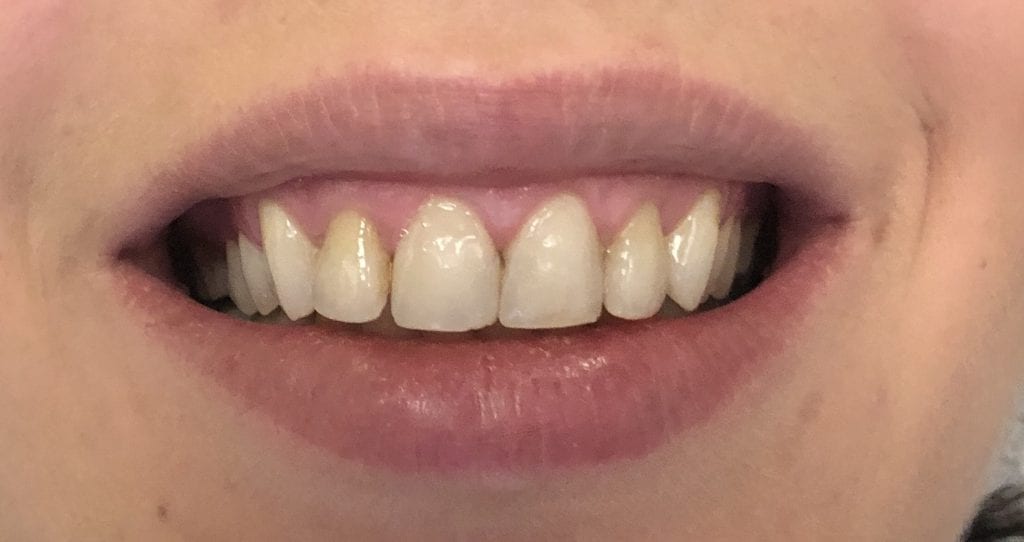
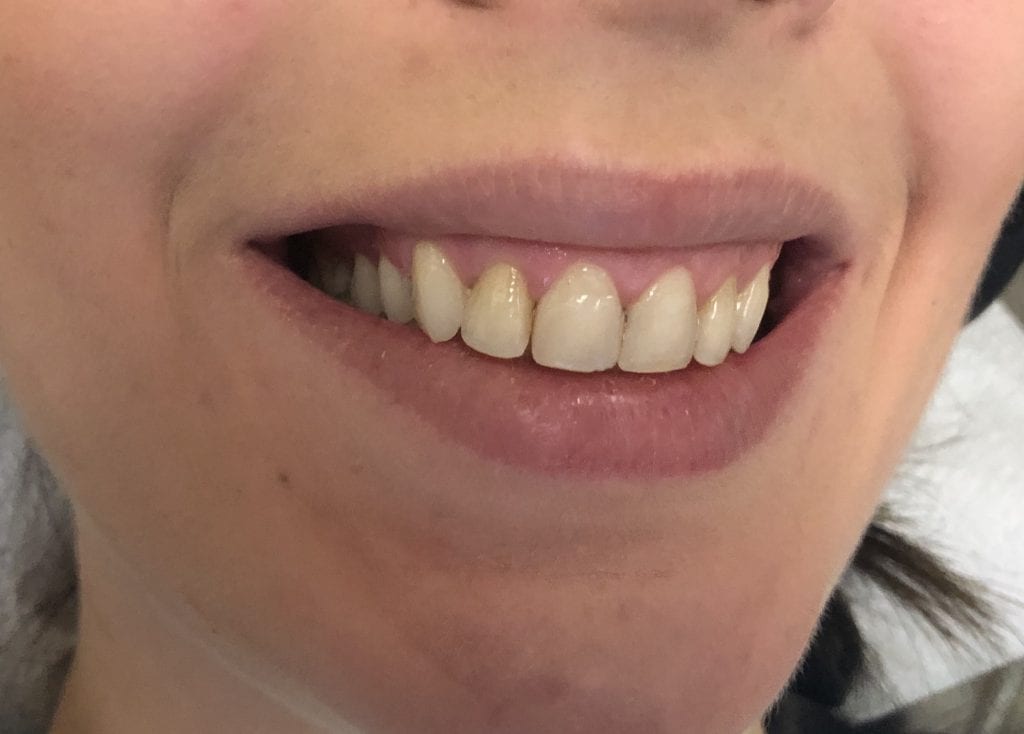
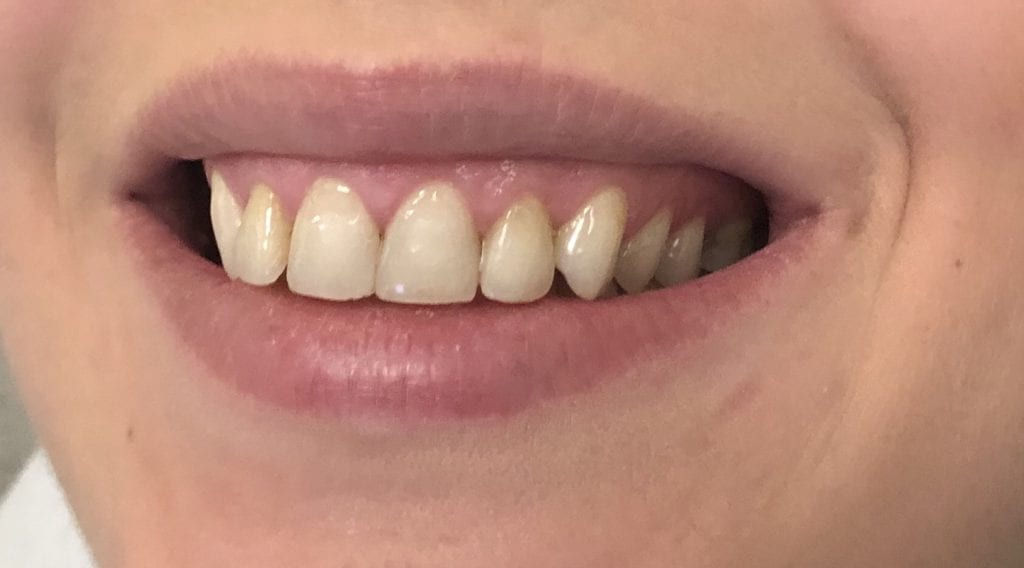
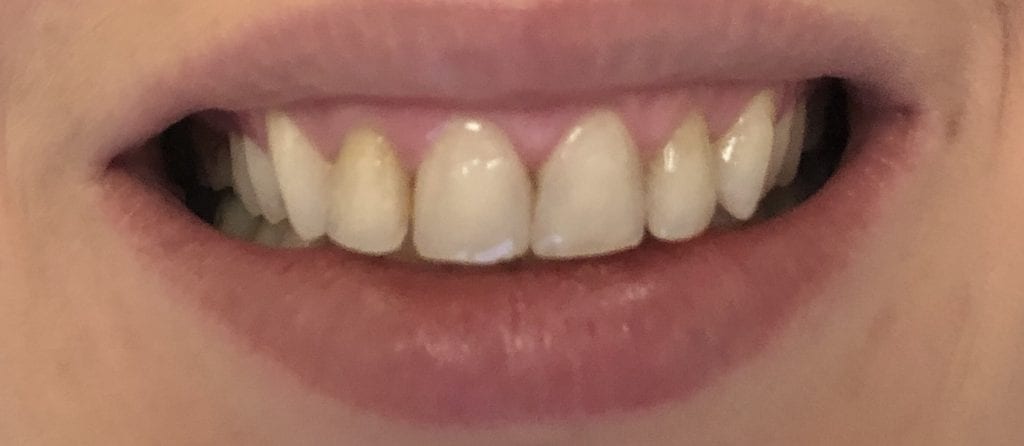
This patient has had crown lengthening procedure performed on all the teeth in her smile line, greatly increased the tooth structure visible in this video. Her chief complaint was a gummy smile and now she is ready to “fill in the buccal corridor”
This is a first molar crown that was replaced with an in-office milled eMax restoration. The adjacent second molar had recurrent decay under the existing class 2 restoration. That was removed and replaced and pre-existing crown was also removed.
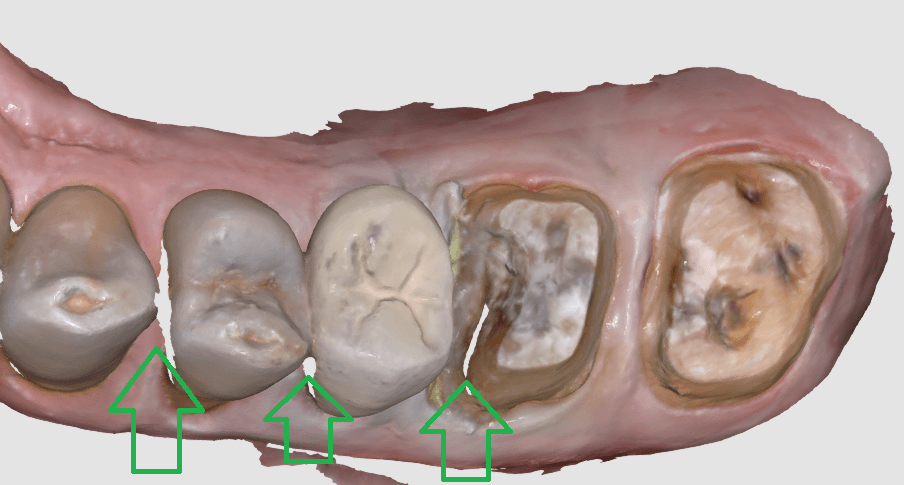
The preparation was refined and the recurrent decay was removed. Once hemostasis was achieved and the tissue was retracted the area was scanned with the medit i500. The crown was designed to full contour and milled chairside. After it was chrystalized, it was bonded into place with Nx3 resin cement. The excess was removed and an immediate post-op bitewing was taken to verify that no excess cement was left behind.
Pre-Op
This video shows the design of a crown after the impression was taken where vivid colors of the retraction cord, the sulcus, the preparation, and the details of the adjacent tooth can be visualized.
[videopress 25yUA1tp permalink=”false” hd=”true”]
Immediate Post-Op
Download the case files in OBJ Format
There are so many incredible and robust features to exocad and it is precisely why there are over 35,000 users around the world. There are many distributors to the software, including us, at CAD-Ray.com
We focus mostly on our clients who are generally dentists, and our main goal is to streamline your workflow and make this easy and not intimidating. During our two day hands-on course for new medit i500 owners, we install the software and design four cases in exocad.
Here are some of the top highlights for you to understand. The software is installed and self contained within a folder that you can place anywhere on a computer’s directory. What’s great about this is that your software operates completely independent of the windows operating system. So whenever there is an automatic windoes update, it does not mess with your configurations or settings and you don’t have to deal with firewalls and other technical terms we don’t even comprehend.
Another benefit to this is that you can place this folder on the cloud like dropbox and then you can go to ANY machine- at home, in another operatory, at another office and launch the program there, instead of carrying a laptop around. Since the data can only be accessed by a real license / dongle, there are no concerns about HIPAA violations as it is encrypted and only accessible by the active license. Moreover, one machine can be running Windows 7 and another could be runnng Windows 10, and you wouldn’t know the difference or have to worry about configurations
Also, multiple doctors in multiple locations could be working off the same program on the cloud, as long as they have an active dongle. This really allows for a lot of flexibility in a practice or a group setting.
You can see the basic elements in the folder, which are broken down into a case data storage folder, the CADApp and the DentalDB folders. We’ll explain what these other two folders do below.
As a distributor, we can custom make our own private label version of exocad. Since we are focused on chairside dentistry, or on dentists, generally, we strip the software down to the essentials. Namely, we’ve programmed it for inlays, onlays, crowns, and veneers. We also include bridges that can fit in 40mm blocks. You can choose to add on other modules like implant planning, implant designs, dentures, etc.. if you choose to.
It is important for you to understand that we provide a fully functional version of this software, and if you want to add more features as your confidence grows, all you have to do is swap out these files called WorkParamsDB.xml
Watch the video that shows you how we have multiple versions of the file. We provide you with many versions of this file that you always have access to and they are all configured differently. In seconds, you can change the look and the feel of the software to your liking, and turn on multiple modules that we hide from the version that we provide. Please note that we only provide support and tutorials for the what we call the Dentist Version of exocad, as opposed to the lab version. If you grow to the point where you want to add the other components, it is very to transition, just recognize that we don’t support the heavy duty version. We certainly can refer you to the right people to learn how to use those extended functions.
[videopress d20fACf8 permalink=”false” hd=”true”]
One more thing for you to get excited about is the WorkParamConfigTool.exe
Now, if you are scared of the mouse and can’t press the “Any Key” button on keyboard, stop reading any further.