Great costumer service. I needed a part for my i700 and they were able to ship overnight. No down time. - 5/06/2022
jeff-J65
You guys are great! I have been a Cerec user for about a decade and wanted to expand my horizons. I bought the I700 and have just loved it. We don't do impressions any more, only scanning, even for the full arch. The customer service has been excelle...read moreYou guys are great! I have been a Cerec user for about a decade and wanted to expand my horizons. I bought the I700 and have just loved it. We don't do impressions any more, only scanning, even for the full arch. The customer service has been excellent, even though I haven't had any problems with the scanner. I really like the online learning modules, they have been awesome getting me up to speed with the scanner quickly. I am looking forward to some of the in person courses to maximize the usefulness of this scanner. -- Jeff Allred, DDS FAGD DABOI FAAIDread less - 9/28/2021
I can't even find the words to express how incredible CAD-Ray has been with their customer service. I've never worked with a company in ANY industry that has been as helpful and responsive at they have been. Based on their customer service alone I ...read moreI can't even find the words to express how incredible CAD-Ray has been with their customer service. I've never worked with a company in ANY industry that has been as helpful and responsive at they have been. Based on their customer service alone I would buy every piece of equipment I ever needed from them if they sold it. Truly a unique experience! Oh, and the medit i500 has been fantastic, super accurate and patients are blown away by digital impressions. Love it, great product and incredible customer serviceread less - 12/09/2021
Blake Ferando
I purchased my medit in April of 2019 from Cad-Ray. The support offered is second to none, and the training videos are some of the best out there. Add to that a great support team that is fast to answer questions and issues, its hard to beat Cad-Ray. - 6/19/2020
Michelle Duong
We are a new user of Medit i600. My rep Andy was very good with the training & very detailed & patient with the whole process. The online support is one of the best. Installation was also easy and straightforward. Our staff is really happy...read moreWe are a new user of Medit i600. My rep Andy was very good with the training & very detailed & patient with the whole process. The online support is one of the best. Installation was also easy and straightforward. Our staff is really happy with this new addition to our office. Thank youread less - 9/23/2022
I love this scanner. Seriously, how can you fit so much quality into the scanner, software and support and such a low price? Magic?!?! Probably. But, for real, we really like using this scanner and it produces great results. Best dental purchas...read moreI love this scanner. Seriously, how can you fit so much quality into the scanner, software and support and such a low price? Magic?!?! Probably. But, for real, we really like using this scanner and it produces great results. Best dental purchase I've ever made!read less - 10/09/2019
A most helpful, detailed, easy to follow, personal primer via Zoom on integrating the i700 scanner into our practice. Well done! Thank you Kaila! - 5/03/2022
Ryan Crain
I love my Medit and Cad-Ray has been so easy to work with, both from a sales and support standpoint. - 7/16/2020
I purchased a SprintRay through them. I'm new to the 3D printer realm and they've been great with answering my questions and getting me set up. I've just really have been impressed with the quick responses, its much appreciated, thank you! - 4/20/2022
Mark Evans
I’d like to tell you a story about CAD-Ray.com.
I ordered a VHF N4+ from CadRay. About two weeks after the order was placed, they called me up and said, “VHF just got an exclusive with “The Big Boys” so they are cutting ties with all the little ind...read moreI’d like to tell you a story about CAD-Ray.com.
I ordered a VHF N4+ from CadRay. About two weeks after the order was placed, they called me up and said, “VHF just got an exclusive with “The Big Boys” so they are cutting ties with all the little independent distributors. They just called us, and we just found out. What this means is that we won’t be able to provide you service after purchasing the VHF mill that you just bought.”
Now, they could have just left it at that. They could have said, “Sorry, it’s out of our hands.” They could have said, “We appreciate your business, but it’s not our fault.” They could have said, “That’s the way the cookie crumbles.”
But they didn’t.
Frank Weinstein calls me up and tells me that they want to make this right, so they are going to hook me up with a brand new Imes Coritec One+ for the same price as the VHF. The Coritec One+ is like the Mercedes of mills for in-office. This is the new model that just barely came out. It is a 5 axis mill. It does wet and dry milling. It does blocks and pucks. It mills all materials know to man, including Vibranium. It can also fly the space shuttle, and make all your wishes and dreams come true. It’s that good. It came with the laptop, Exocad, all the tools, and all the bells and whistles. It came fully loaded. It came white glove delivered to my office. It came with in office training. It came with the extra bur package. It came with everything and the kitchen sink.
So, I paid 36k for a mill, and because of something that was not Cad-Rays fault, they ended up giving me a 60k mill for the same price.
In the words of the great Tony Stark: “That’s how Dad did it. That’s how Cad-Ray does it. And it’s worked out pretty well so far.”
Thank you Frank Weinstein and Armen Mirzayan for having outstanding customer service and going the extra mile every time.read less - 4/02/2021
Eric Reum
I bought a i500 almost a year and a half ago. Sadly it ran into an issue with the cord after over a years use. Cad-ray was extremely quick to diagnose the issue and also send a replacement scanner. The quality and ease of scanning has been great! Als...read moreI bought a i500 almost a year and a half ago. Sadly it ran into an issue with the cord after over a years use. Cad-ray was extremely quick to diagnose the issue and also send a replacement scanner. The quality and ease of scanning has been great! Also very happy with the customer service.read less - 6/02/2022
David Blanco
Cad-Ray is great! Great customer service and they are consistent with their followthrough . Always helpful when you need questions answered and helping to lower the learning curve with newly purchased equipment. I’m very satisfied with my medit i-...read moreCad-Ray is great! Great customer service and they are consistent with their followthrough . Always helpful when you need questions answered and helping to lower the learning curve with newly purchased equipment. I’m very satisfied with my medit i-500 intraoral scanner. Armen and Frank are solid!read less - 6/16/2020
Bio Solution
Very great company, especially Frank. He is very helpful and has saved us a lot of money on resin for our 3D printers. We've recently bought a new scanner and Exocad software. He has been very gracious and quick to respond with the many questions I h...read moreVery great company, especially Frank. He is very helpful and has saved us a lot of money on resin for our 3D printers. We've recently bought a new scanner and Exocad software. He has been very gracious and quick to respond with the many questions I have had. Highly recommend Cad-Rayread less - 1/25/2023
Vivek Singh
I have had done business with these guys. I am impressed with their Amazing Customer service. John and Armen are great. I have and will order lots of stuff from them. Kudos to them!!!! - 6/19/2020
Zachary Breen
I purchased the Medit i700 from CAD-Ray back in May and the purchasing process, setting-up and trouble shooting has been extremely easy and straight forward with CAD-Ray. The Medit i700 is one of the best, if not the best, scanner I have used in the ...read moreI purchased the Medit i700 from CAD-Ray back in May and the purchasing process, setting-up and trouble shooting has been extremely easy and straight forward with CAD-Ray. The Medit i700 is one of the best, if not the best, scanner I have used in the past 5 years of using intraoral scanners. Recently I ran into a software issues with my scanner and I am extremely impressed with CAD-Ray and Medit's timely manner in addressing my issue. Within minutes I was on the phone with them and they had my concerns addressed and solved. I previously recommended a few colleagues to CAD-Ray and I will continue to recommend with even greater enthusiasm. I am very pleased with their customer service and the Medit i700. Thank you CAD-Ray!read less - 9/30/2021
Kaila Larson is absolutely the best support person I have ever used. She knows her stuff and is a pleasure to work with. Medit is only as good as the support and SHE MAKES CadRay and Medit an amazing experience! - 1/05/2023
Mital Patel
Cad-ray has been awesome with support and training! I got the medit in 2018 and couldn’t imagine practicing without it! Armen and frank somehow seem to be available at all hours of the day, and I can typically have them remote in same day if I need a...read moreCad-ray has been awesome with support and training! I got the medit in 2018 and couldn’t imagine practicing without it! Armen and frank somehow seem to be available at all hours of the day, and I can typically have them remote in same day if I need any help.read less - 6/16/2020
Shilpa Jobanputra
New user and absolutely love my Medit i500 scanner. Easy to use, fast, affordable and so quick for a first timer IOS user like myself. Customer service is fantastic, as are the sales people. It’s good to know you have strong knowledgeable people beh...read moreNew user and absolutely love my Medit i500 scanner. Easy to use, fast, affordable and so quick for a first timer IOS user like myself. Customer service is fantastic, as are the sales people. It’s good to know you have strong knowledgeable people behind the scenes ready to help at every turn. I would recommend this product highly. Happy in PAread less - 9/09/2020
Shant Aharonian
Cad-ray has to be the best company to work with when it comes to digital dentistry solutions. Here are the reasons why: 1. Experience. Everyone in the company has extensive experience in dentistry. They have used all digital platforms and offer custo...read moreCad-ray has to be the best company to work with when it comes to digital dentistry solutions. Here are the reasons why: 1. Experience. Everyone in the company has extensive experience in dentistry. They have used all digital platforms and offer customers first hand experience. 2. Honesty. Based on their experience they share all the good/bad of different systems. They work with you to find a solution that works best for you. Not sell you the piece of the equipment that gives them the biggest commission. 3. Support. Cad-ray offers the missing piece of the dentist/digital manufacturer puzzle. Many other distributors sell you a piece of equipment but don’t have true day-to-day experience with that equipment. Cad-ray’s team openly share their expertise to help customers optimize their workflows with great technology. 4. Passionate. The Cad-ray team is extremely passionate about their craft. They truly believe in what they have to offer. I took Armen Mirzayan’s course on intraoral scanning and it was truly mind blowing. Armen’s insights will help any dentist optimize their craft. I purchased the full sprintray 3d printing ecosystem the help of Frank. I plan to purchase more equipment from cad-ray. Also, Jesse is a genius in regards to all aspect of digital workflows. I’m truly grateful for this company and everyone who I’ve worked with so far.read less - 10/07/2022
Johnny Vredenburg III
Before working with cad-ray, I was hesitant to dive into digital dentistry due to the complexity of it. Working with Laura at cad-ray made all of my concerns go away. She was there to help me with my Exocad software installation, even outside of norm...read moreBefore working with cad-ray, I was hesitant to dive into digital dentistry due to the complexity of it. Working with Laura at cad-ray made all of my concerns go away. She was there to help me with my Exocad software installation, even outside of normal business hours - really hard to come by! I also purchased a Medit i500 and getting that setup and working in my clinic was seamless. I could not have asked for better support while navigating digital dentistry. My next purchase will be a 3D printer, and i know exactly where i will buy it from! Highly recommend these guys.read less - 11/20/2020
Kurt Adamson
I purchased My first Medit i500 in Sept 2019, fairly easy to set up and learn. I was able to follow the instructions and videos without a problem. I learned tips and trick along the way by following the facebook groups. Anytime help was needed the g...read moreI purchased My first Medit i500 in Sept 2019, fairly easy to set up and learn. I was able to follow the instructions and videos without a problem. I learned tips and trick along the way by following the facebook groups. Anytime help was needed the group at Cad-Ray were quick and sincere finding a solution to problems. I ended up purchasing 2 more i500's in Dec 2019 for my other 2 offices. I didn't think I would enjoy the digital workflow as much as I do. If you on the fence like i was, just do it. get on the facebook groups and post the tips you learn along the way.read less - 1/17/2020
One of the best companies to work with for dental tech needs. They have a vast video training library that makes the transition easy to digital dentistry. I’ve recommended a few of my colleagues purchase the medit through them. It’s been a great year...read moreOne of the best companies to work with for dental tech needs. They have a vast video training library that makes the transition easy to digital dentistry. I’ve recommended a few of my colleagues purchase the medit through them. It’s been a great year!read less - 6/16/2020
Mitchell Rubinstein
I purchased my medit i500 scanner about a year ago from CAD Ray, and I have been extremely happy with both the scanner and the service / support.
Armen and Frank consider your purchase to be the beginning of your relationship with them, not...read moreI purchased my medit i500 scanner about a year ago from CAD Ray, and I have been extremely happy with both the scanner and the service / support.
Armen and Frank consider your purchase to be the beginning of your relationship with them, not the end. They do their best to make sure you learn everything you need to know in order to get the best possible results .
They answer calls and messages promptly, and it never takes me very long to get my questions answered.
I am VERY glad I bought from them, and not from one of the "big box" Dental Mega retailers.read less - 10/09/2019
Great service even if you own a Primescan. Company is built on customer service. Thanks for the help guys…. - 1/05/2022
Rosemary Toczydlowski
I had a phone call with Frank from support today, and he was awesome! Very helpful and knowledgeable. He sorted out all our issues no problem. Thank you Frank!! - 6/09/2021
Diana Teverbaugh
What can I say ! I have been extremely pleased with my scanner ! I recommend it to all my colleagues ! The support is the best , I bought the extended warranty and my scanner hada small crack and within one day they shipped my a new one ! I can’t wo...read moreWhat can I say ! I have been extremely pleased with my scanner ! I recommend it to all my colleagues ! The support is the best , I bought the extended warranty and my scanner hada small crack and within one day they shipped my a new one ! I can’t work without it ! Thank you !read less - 2/09/2022
kenneth kim
Purchased Medit in 2019. Bang for the buck best investment and will get you started in digital dentistry with ease. No monthly subscriptions and Cad-Ray support is amazing. No regrets. - 6/16/2020
Great staff and support when needed! There is a bit of a learning curve like with any new tech, but I highly recommend the Medit i500 and the Cad-Ray staff is great. Special thanks to Laura and Jeff for helping out! You guys rock. Great company and ...read moreGreat staff and support when needed! There is a bit of a learning curve like with any new tech, but I highly recommend the Medit i500 and the Cad-Ray staff is great. Special thanks to Laura and Jeff for helping out! You guys rock. Great company and product!read less - 11/11/2020
LoAn Huynh
Erika is one of a kind! She truly is patient with me. She has gone above and beyond to help me every time I call her. We have a few locations and she is always prompt in her responses and always manages to find a solution for me. I wish every rep was...read moreErika is one of a kind! She truly is patient with me. She has gone above and beyond to help me every time I call her. We have a few locations and she is always prompt in her responses and always manages to find a solution for me. I wish every rep was reachable ALL THE TIME and helpful! Thank you Erika! ❤️read less - 6/04/2025
Jeff Johnston
Very Helpful, good company to work with. Always been there for me - 3/10/2017
Cristy Duval
Kaila is an incredible Rep! Hope Cad-Ray knows what a great employee they have. Thank you Kaila! - 12/16/2021
Francois Dillinger
These guys are the best. They provide so much help and insight with the Medit. I can't say enough great things about them and their continued support. I truly appreciate everything!! - 6/16/2020
Preston Poole
Great company with even better customer service. Premier dental business with digital dentistry and scanners! - 11/03/2022
Gregory Camfield
These guys are 1st in class service every time! - 7/08/2022
Chirag Vaid
I ordered my Medit scanner from them in Feb 2020, so far no issues with support or the product. They are a great company with great support. Disclosure: they did promise me a scanner tip for this review, but in all honestly I was meaning to give it t...read moreI ordered my Medit scanner from them in Feb 2020, so far no issues with support or the product. They are a great company with great support. Disclosure: they did promise me a scanner tip for this review, but in all honestly I was meaning to give it to them anyway.... if you are looking to buy, this is a great way to go about it.read less - 7/19/2020
Mike Holt
We purchased the Medit i700. With the help of CAD-Ray and their amazing support team the transition to digital scanning was simple. Laura Geney walked us through the purchase and guided us during our training with the help of Andy Nova. Laura has bee...read moreWe purchased the Medit i700. With the help of CAD-Ray and their amazing support team the transition to digital scanning was simple. Laura Geney walked us through the purchase and guided us during our training with the help of Andy Nova. Laura has been there every step of the way checking in weekly answering all of our questions. We highly recommend CAD-Ray and look forward to doing business with them in the future.read less - 7/24/2022
Donghyun Noh
Just purchased i700 and had training with Andy.
Andy was very patient and informative . He went through everything and made sure I was comfortable with my equipment before leaving. I am really excited about this new technology. - 1/05/2023
Excellent support and price on our medit IOS! Bought a second one a year later. Can always count on Armen and Frank for help when we need it. - 6/16/2020
Aaron Olson
This product is the best out there. Do the math and your ROI makes more sense than most products we purchase as dentists. Get on the digital train or you’ll be left behind. This is the best product to make the jump with. - 6/16/2020
I am a new user of Medit i500. My rep Andy was very good with the training & very detailed & patient with the whole process. The online support is one of the best. I ordered it from CADRay. The purchasing process was quick & easy. Install...read moreI am a new user of Medit i500. My rep Andy was very good with the training & very detailed & patient with the whole process. The online support is one of the best. I ordered it from CADRay. The purchasing process was quick & easy. Installation was also fairly straightforward. The staff is excited about the purchase. Can't wait to use it. Highly recommend purchasing it. Good practice booster.read less - 12/25/2021
I purchased my Medit from Cad-Ray just prior to Covid and they have been fantastic in getting me the proper training on the machine, both through there 2 day class as well as the many video's they post on the website. I recently purchased some acce...read moreI purchased my Medit from Cad-Ray just prior to Covid and they have been fantastic in getting me the proper training on the machine, both through there 2 day class as well as the many video's they post on the website. I recently purchased some accessories for a different office and they accidently sent it somewhere else. After a quick email they had my stuff at my door within 24 hrs and they threw in a box of tips which I was not expecting (around $300). It is a pleasure to deal with them!read less - 7/19/2021
Joshua Mathis
Fantastic support. Bought a Medit Intraoral scanner and it has been a game changer in my practice. Can’t wait to pair a mill with the help of cadets in the future! - 6/19/2020
Alex Compton
I had been looking into scanners for a while and I could not deny the good reviews of CAD-Ray, so I gave them a call. I was pleasantly (not) surprised by the excellent service I received. Laura Geney set up a call quickly and very simply and plainly ...read moreI had been looking into scanners for a while and I could not deny the good reviews of CAD-Ray, so I gave them a call. I was pleasantly (not) surprised by the excellent service I received. Laura Geney set up a call quickly and very simply and plainly discussed with me my options. She gave me all the information I needed as well as told me about all the available specials I would be able to take advantage of! I ordered my Medit i700 and very soon after received training for myself and dental staff. We have been very happy with the service from CAD-Ray and look forward to maintaining a long lasting relationship with them. Would strongly recommend Laura and CAD-Ray!read less - 4/07/2022
Laura
Very helpful and attentive when setting up my new Medit scanner. Seamless process from start to finish - 10/28/2024
Maggie Sh
I’ve been using Medit 500 since spring of 2021 and really like it. The support system has been very good so far. I just called yesterday and spoke with Frank Deluca, he was very informative and helpful. - 12/07/2021
Jonathan Acker
Awesome people who care about their clients. - 7/09/2021
Gabriel Joel
Medit i500 is an incredible scanner. I have experience with other types of scanners including IO and Desktop but this one is really impressive. It is blazing fast and takes beautiful scans. But more importantly is the company itself. Medit is an amaz...read moreMedit i500 is an incredible scanner. I have experience with other types of scanners including IO and Desktop but this one is really impressive. It is blazing fast and takes beautiful scans. But more importantly is the company itself. Medit is an amazing company and is constantly trying to improve. They are always on the cutting edge and releasing new improvements all the time. They are always LISTENING to the customers on how to improve the scanning experience and change accordingly. The customer service is second to none. I highly recommend this scanner but even more highly recommend considering buying the scanner as a result of the great company and PEOPLE that stand behind it.read less - 10/09/2019
Outstanding customer service! Laura helped me purchase my first Trios scanner and she took the time to go over all the specs, models, and details with me. Their on going tech support is what sets this company a part from others. - 3/05/2024
Cary Ganz
One of the best companies I've dealt with in decades of dental practice. Not only is the product excellent but the support both personally and online has been just wonderful. - 8/08/2021
Michelle Duong
Our office is new to using the Meditscan so far we love it. Our rep andy was so detailed and great with the training. Everything has been good so far and easy. Defenitely recommend. - 9/23/2022
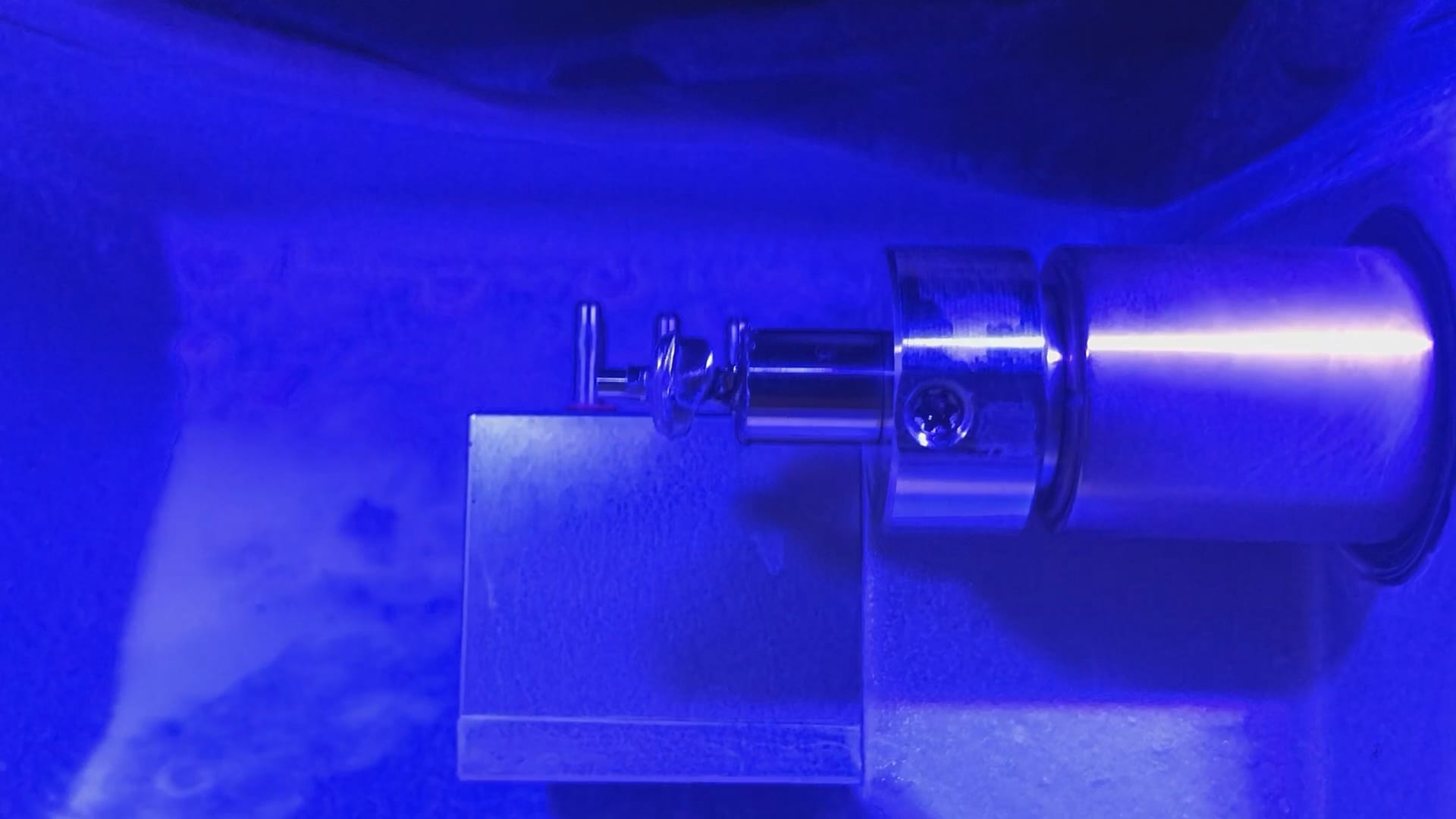
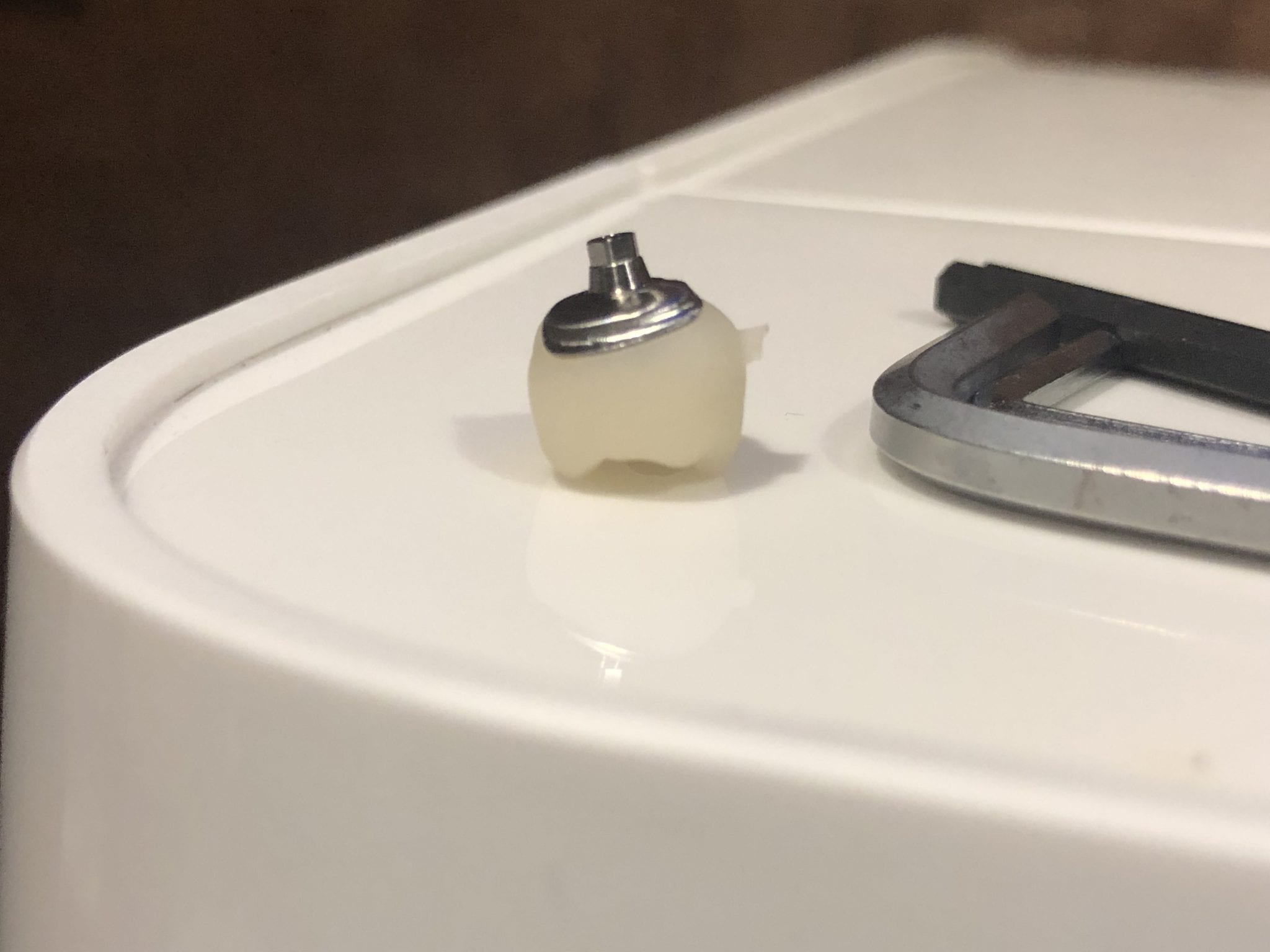
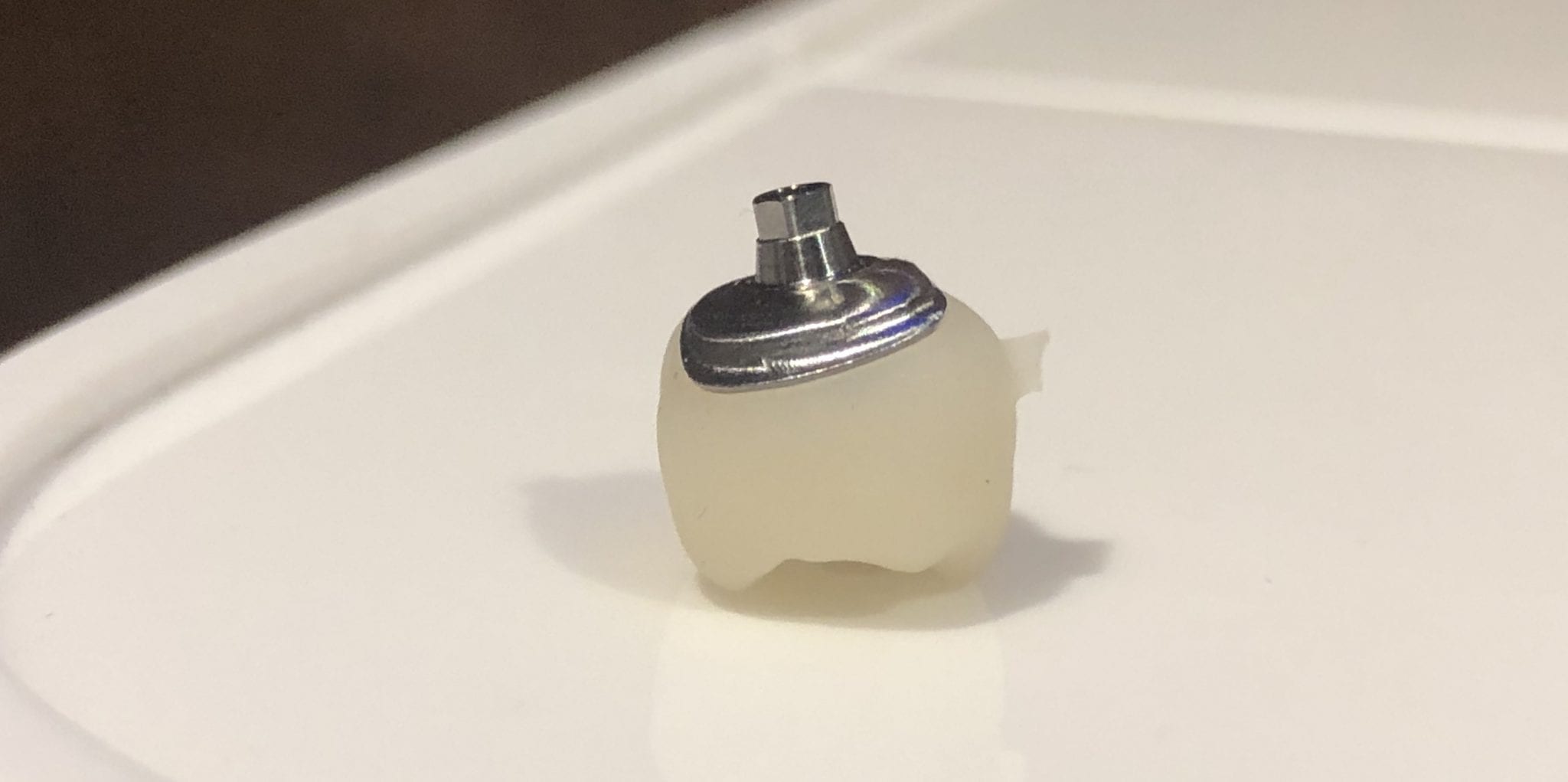
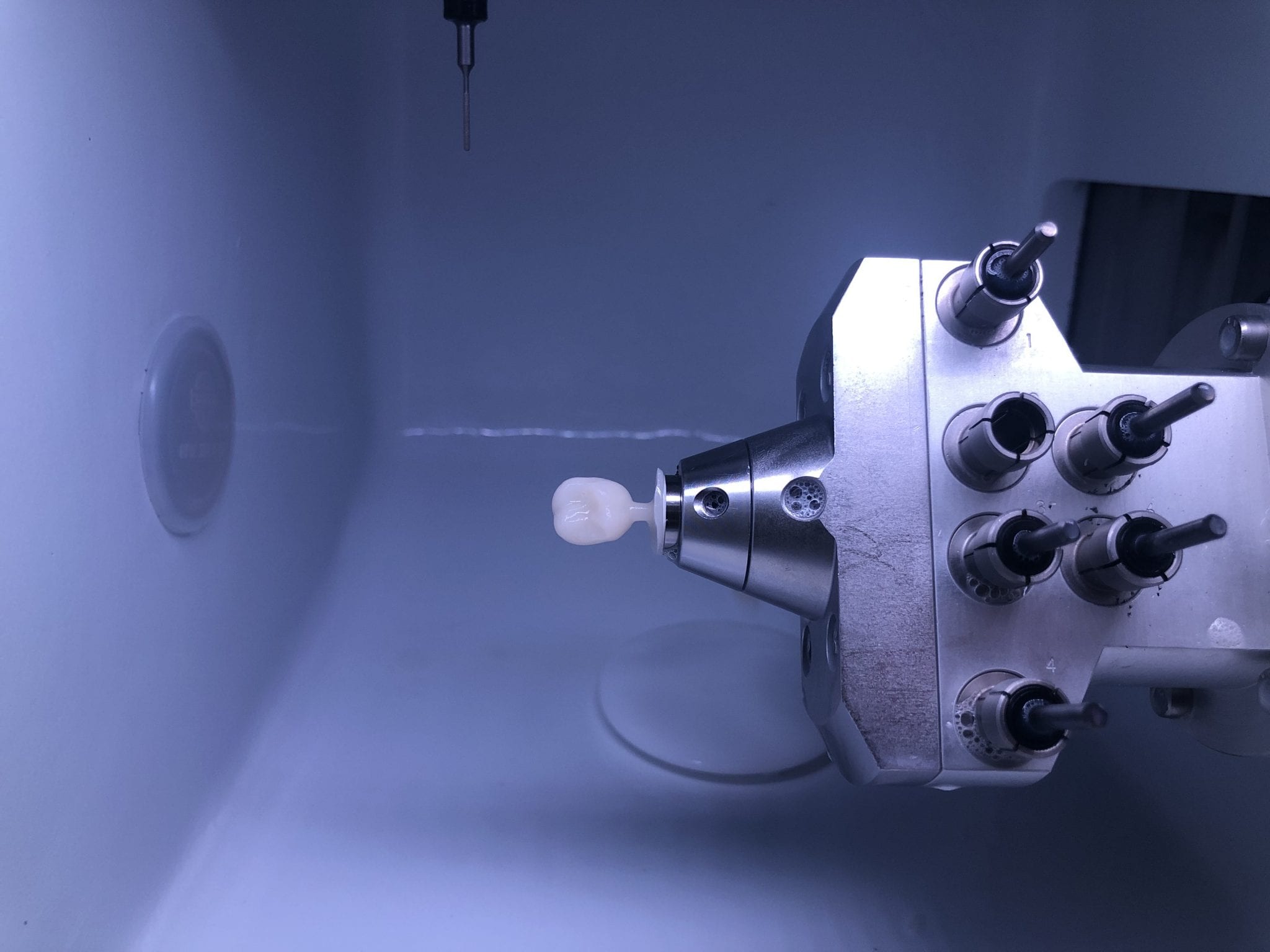
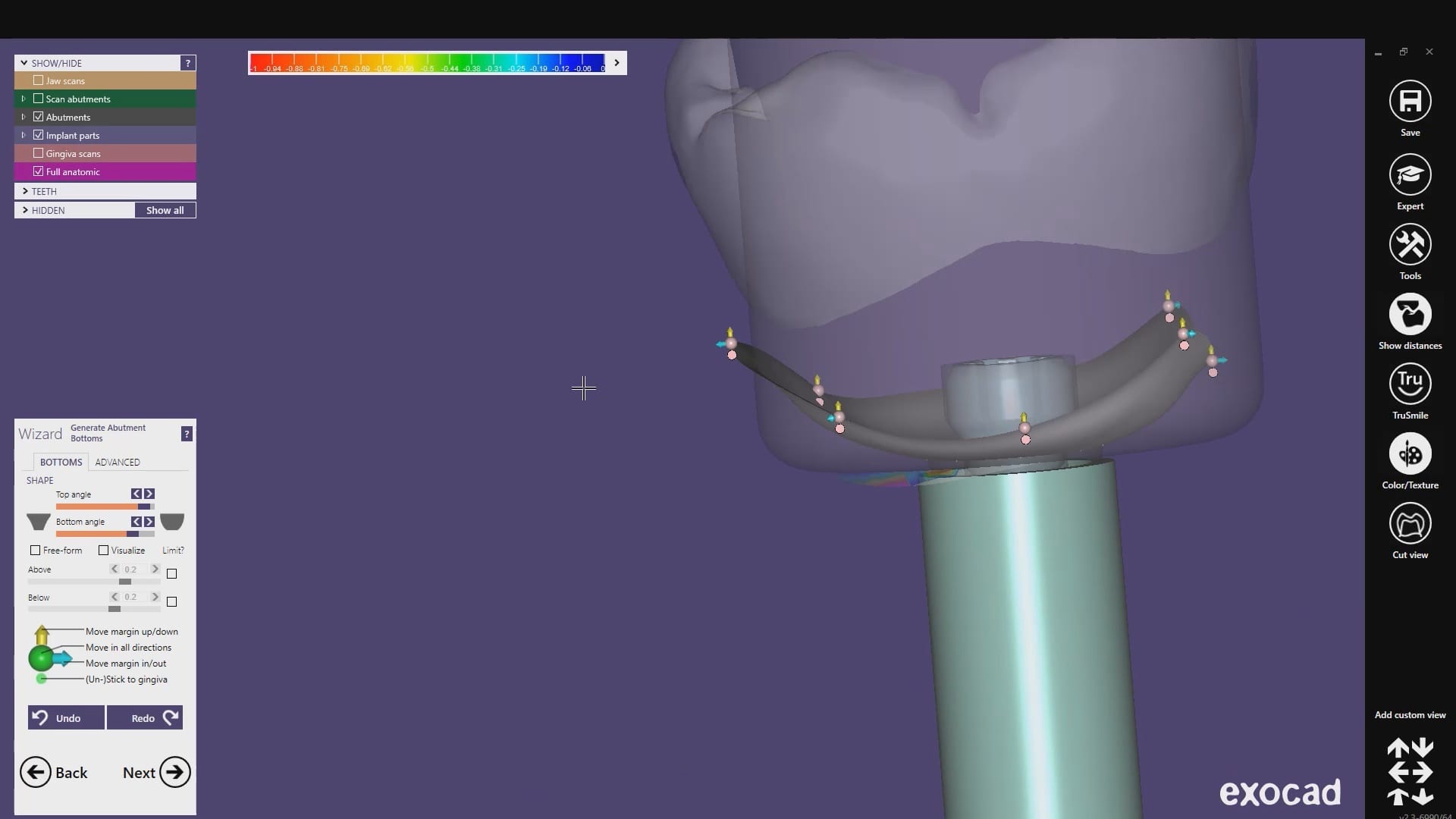
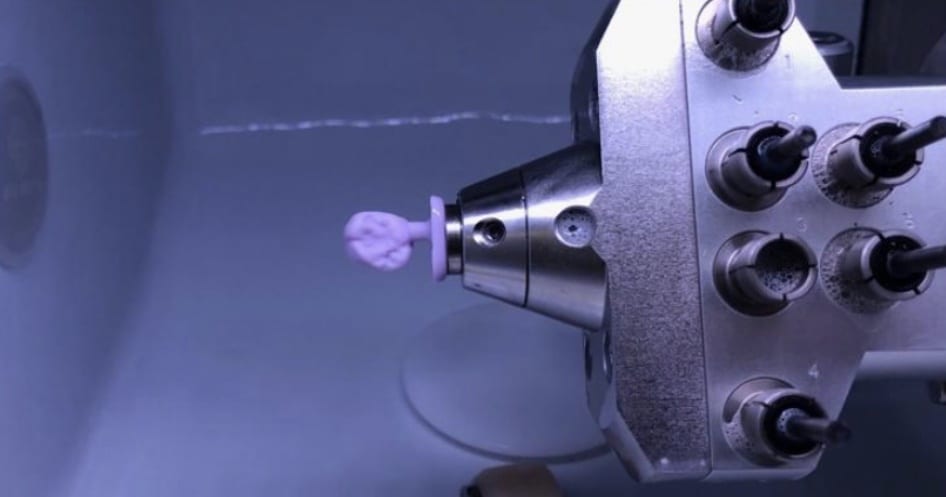
With the Meditlink software you can design a case and then export the designs and take them to any milling machine of your choice. In this demonstration, we use the CORiTEC ONE to mill out the metal abutment in 45 minutes. This procedure is not intended to be a single appointment visit so timing is not critical and you don’t place undue wear and tear on the milling machine.
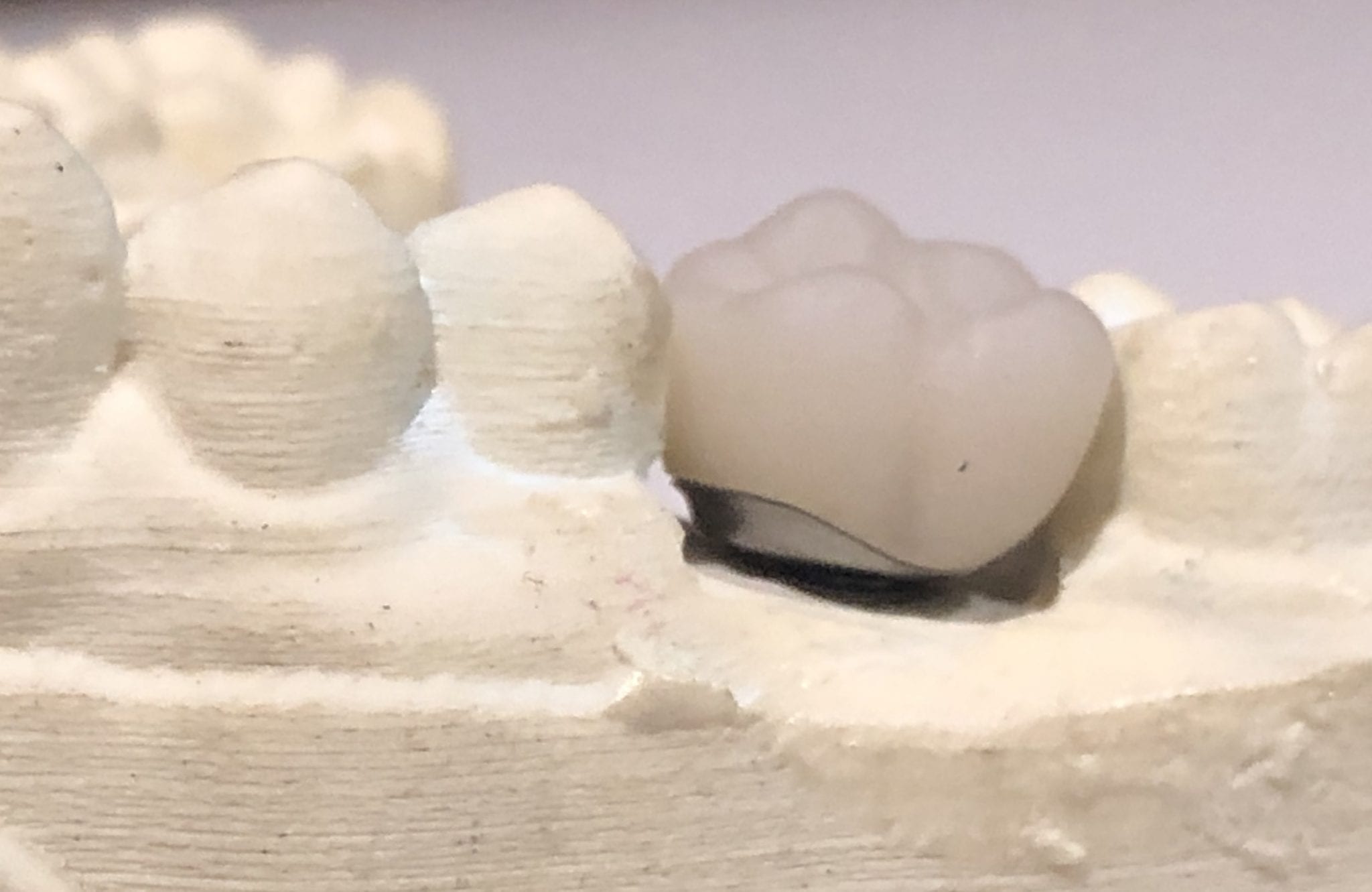
The crowns were milled with two different milling machines. A Celtra Duo block was used and milled with the CEREC MCXL and retrofitted to the abutment to verify the fit and accuracy. The same crown stl was milled out of Vita material in the imes icore machine. The whole point of the demonstration is that you can take scans from any intra-oral scan, take it to CAD software (in this case exocad) and then export the case and take it to any printer or milling machine of your choice. You must make sure critical information is accurately transferred from your CAD software to your CAM software, which is generally the construction / project file that accompanies the STL files of the prosthetic components
The same crown was milled out of Vita’s Suprinity material in 20 minutes with the imes-icore CORiTEC ONE. Take note of the internal adaptation of the metal abutment and the restoration and how when it is flipped upside down, the restoration does not fall out easily!
For our advanced users, we demonstrate how to plan and manage a two unit molar case so they can deliver multiple chairside restorations in a single visit. There are numerous short-cuts to this treatment protocol and we present them in great detail during our courses. The limiting factor for most doctors is that they have a single milling machine and we show our users how to balance prep and mill time so that they can complete 2 units in less than 90 minutes.
In this case however, we present two restorations that were prepared and delivered at the same time. The sequence of steps are:
Anesthetize the upper right first and second molar
While the patient is getting numb, image the arch to be prepped, image the opposing, and image the bite WITHOUT the teeth being prepared
Reduce the occlusal height of your preparation but do not image them
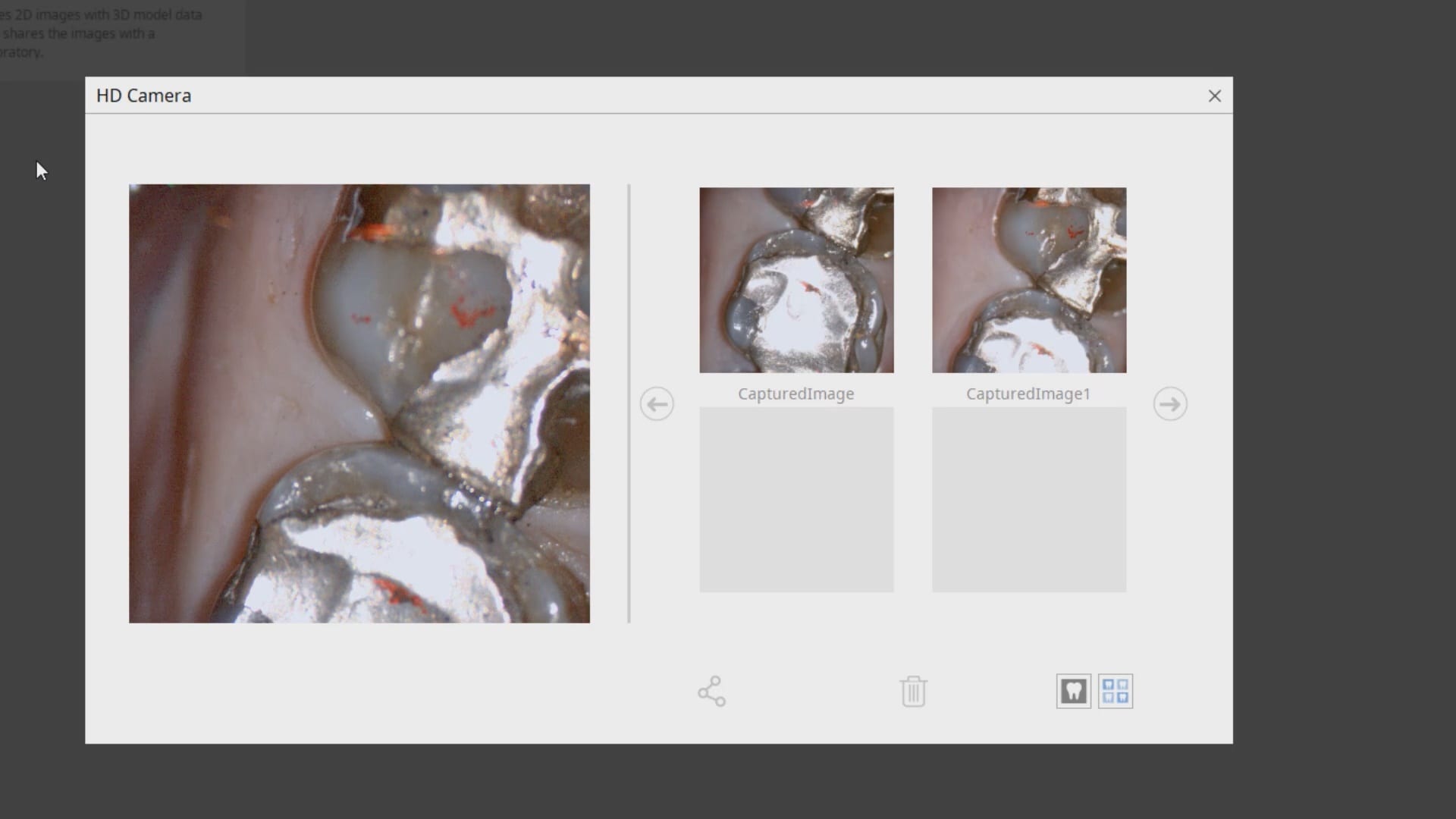
Check your reduction visually or with the camera function of the Medit i500
Reduce more tooth structure until you have the proper clearance for material strength
Finish refining your preparations, displace the tissue, reach hemostasis, and then crop out the area of the model that you have altered
Image the two preps into that equation. Most people turn on the HD mode for capturing the margins
For distal extension cases, we recommend that you take the second bite. While imaging the second bite (NOT the left vs right bite), if the occlusal model turns green, it is a clear Indication that the vertical has no changed from the pre-op to the prep situation and that you will have minimal post-op adjustments to make. If the second buccal bite does not register in green, it should serve as a warning to you that the vertical dimension has changed
As advanced users, you quickly recognize what areas in the model need to be closed either with imaging or with the “close hole” options during the processing step of the Meditlink software. If you are familiar with exocad or other CAD software programs you can just ignore these areas as they do not have any clinical significance whatsoever.
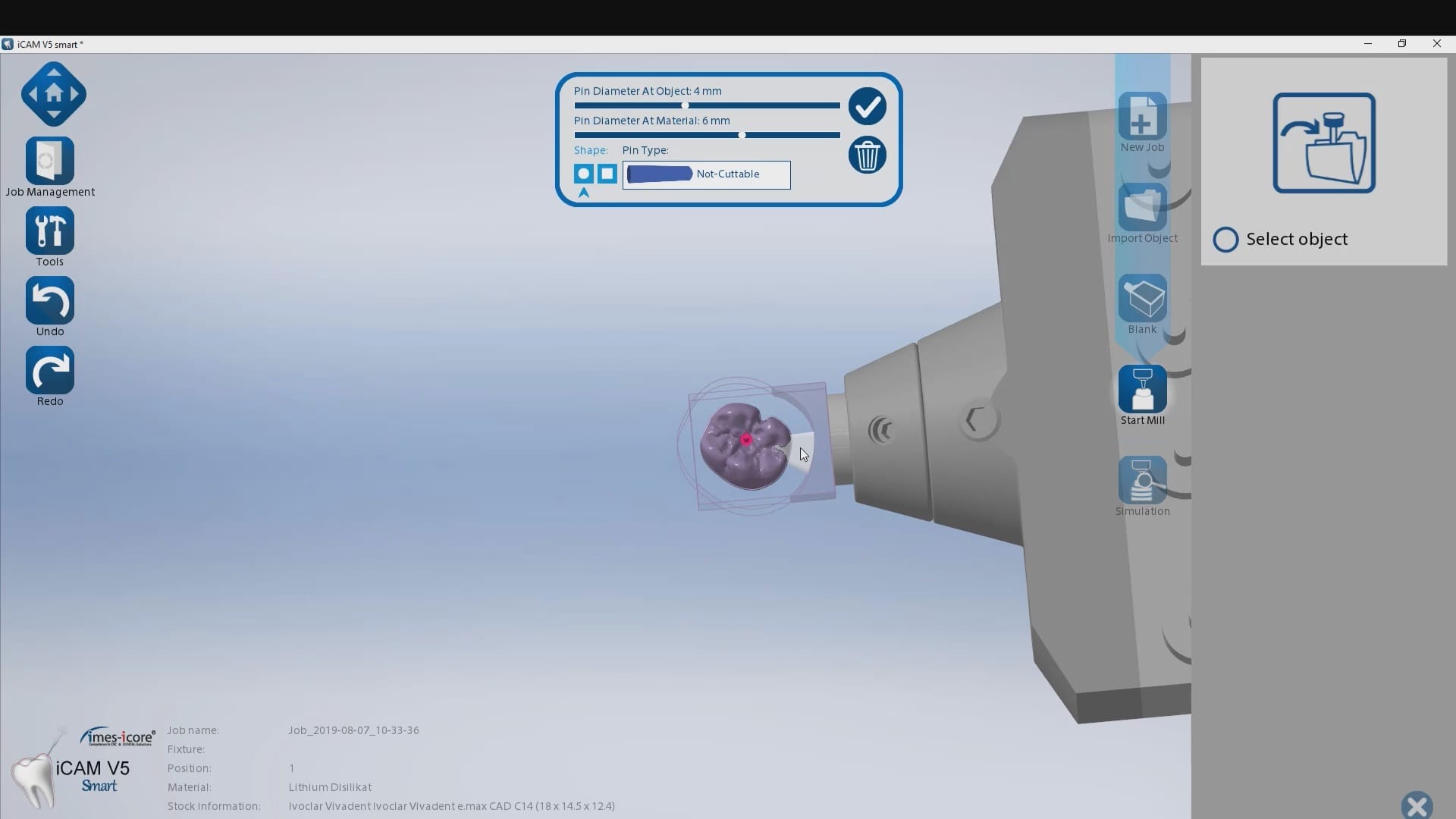
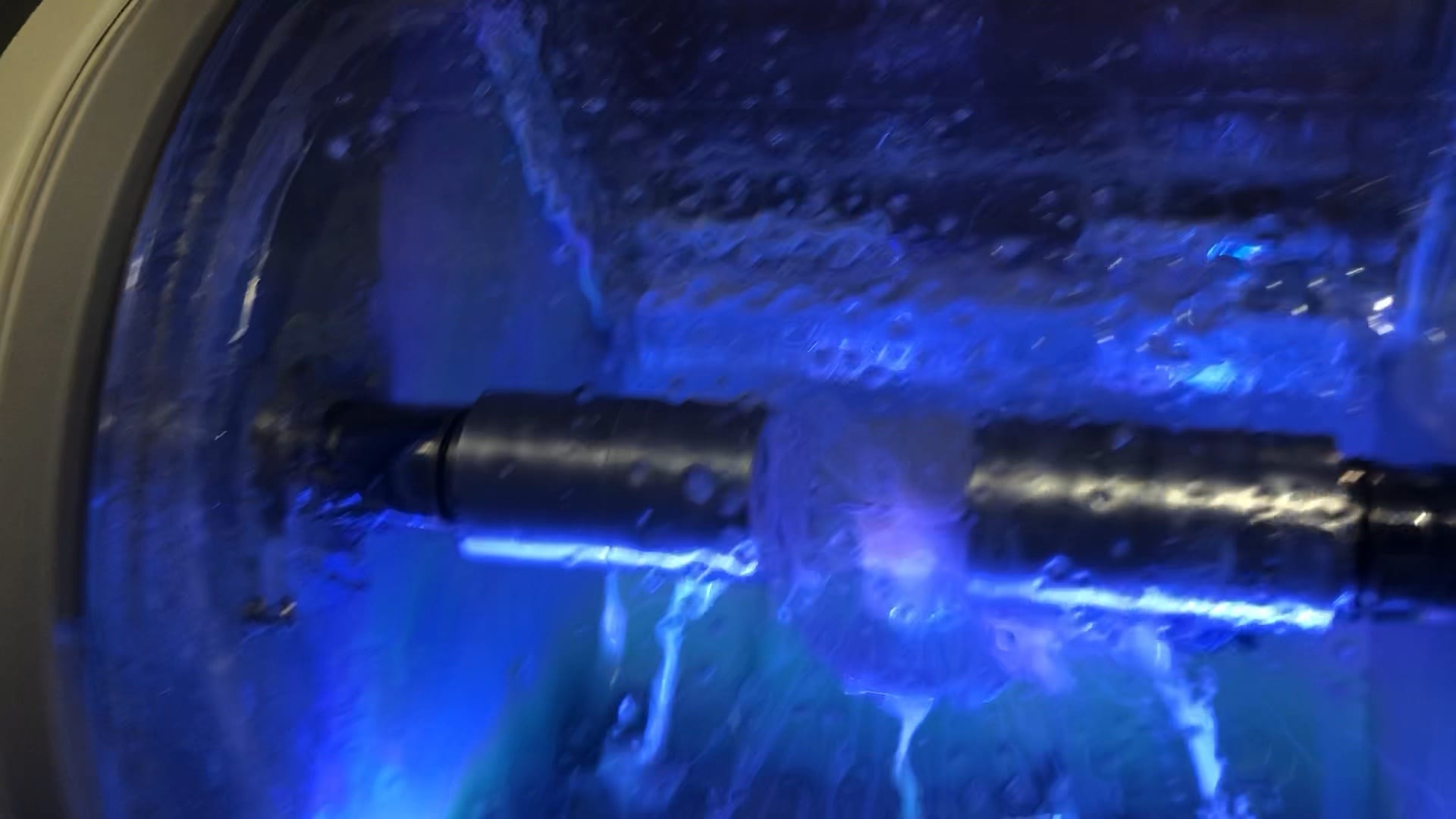
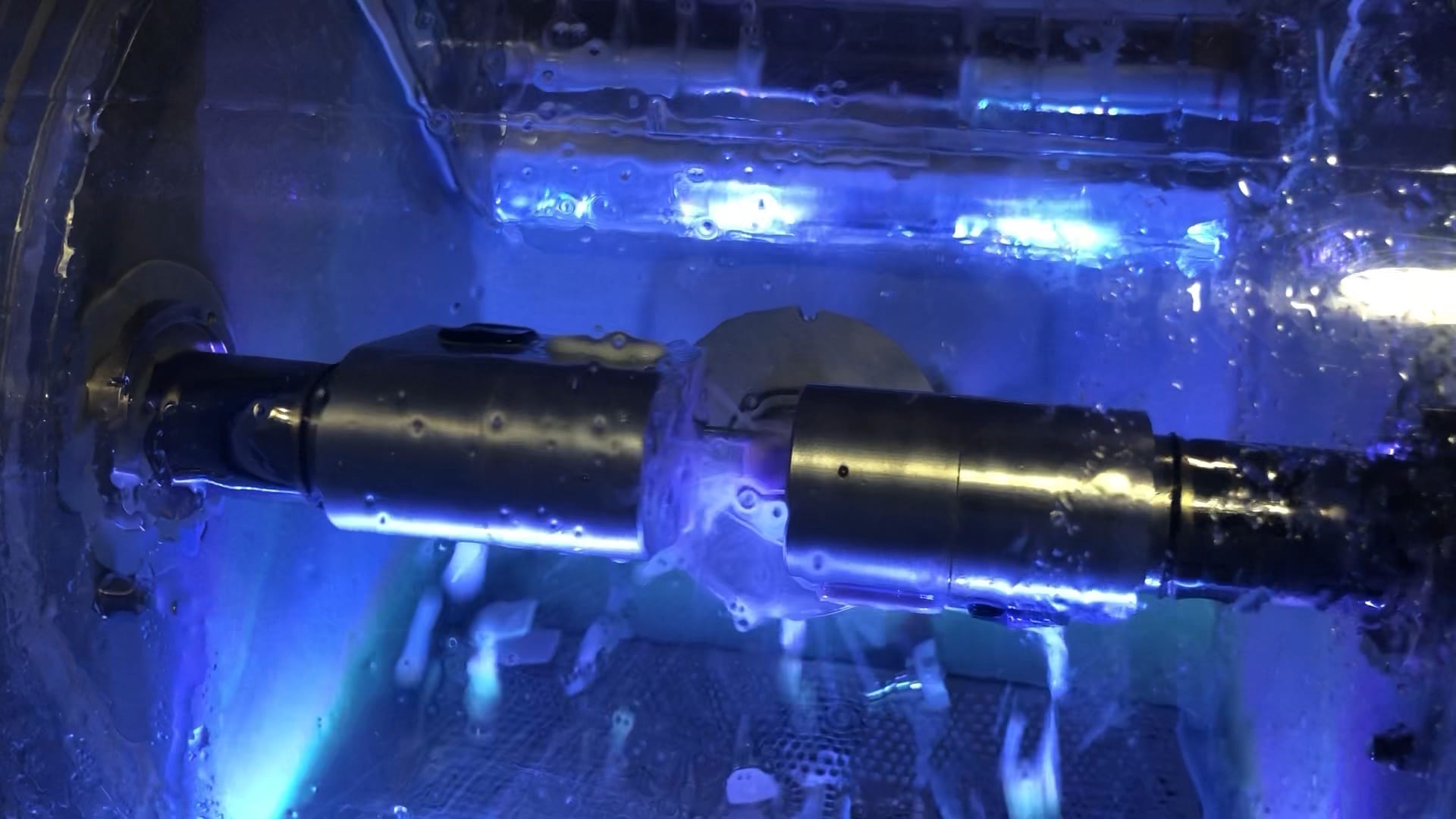
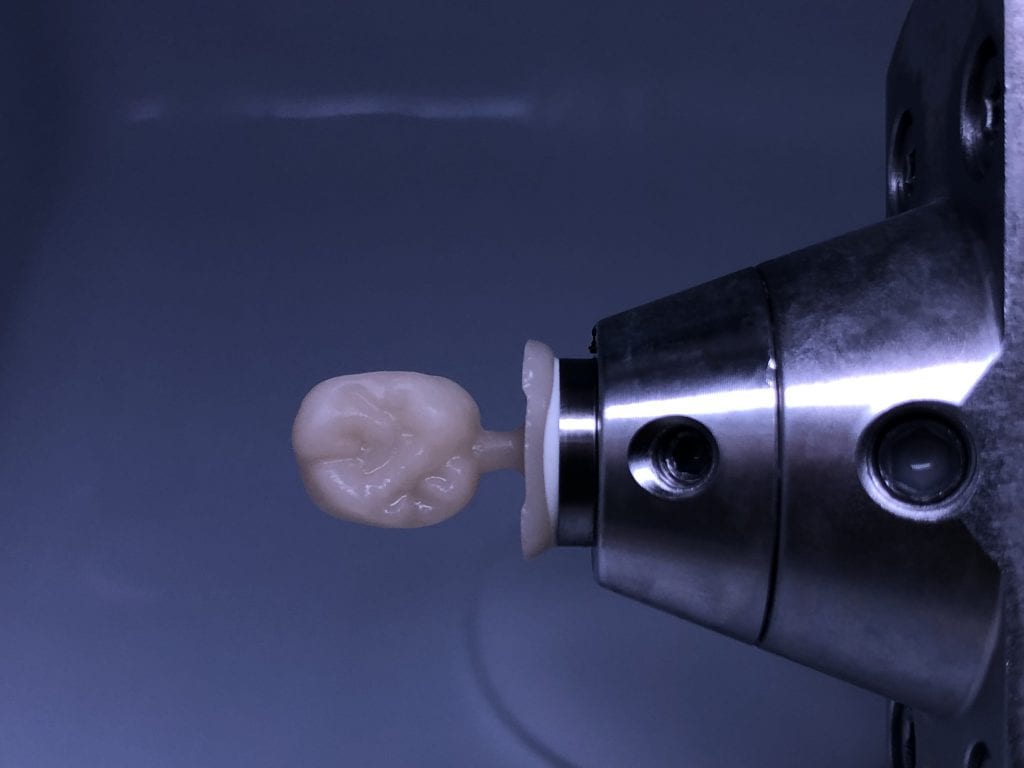
Once the case is designed you can mill them with your milling machine of choice. The testing of materials, fit, and milling machines are a constant at CAD-Ray.com so we milled the first molar with emax material and the MCXL and the second molar, a Celtra Duo material, was milled with the Imes Icore CORiTEC Once
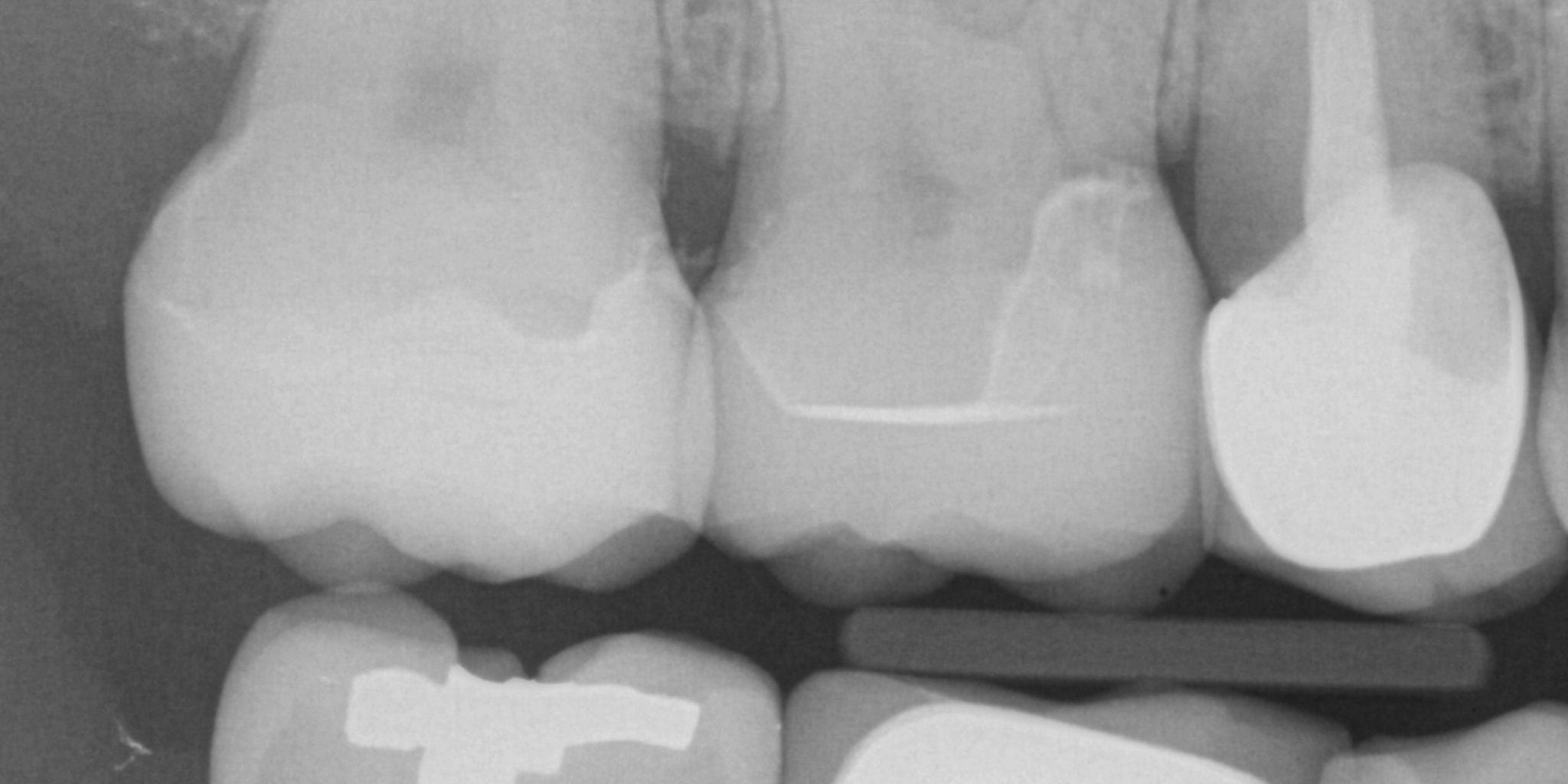
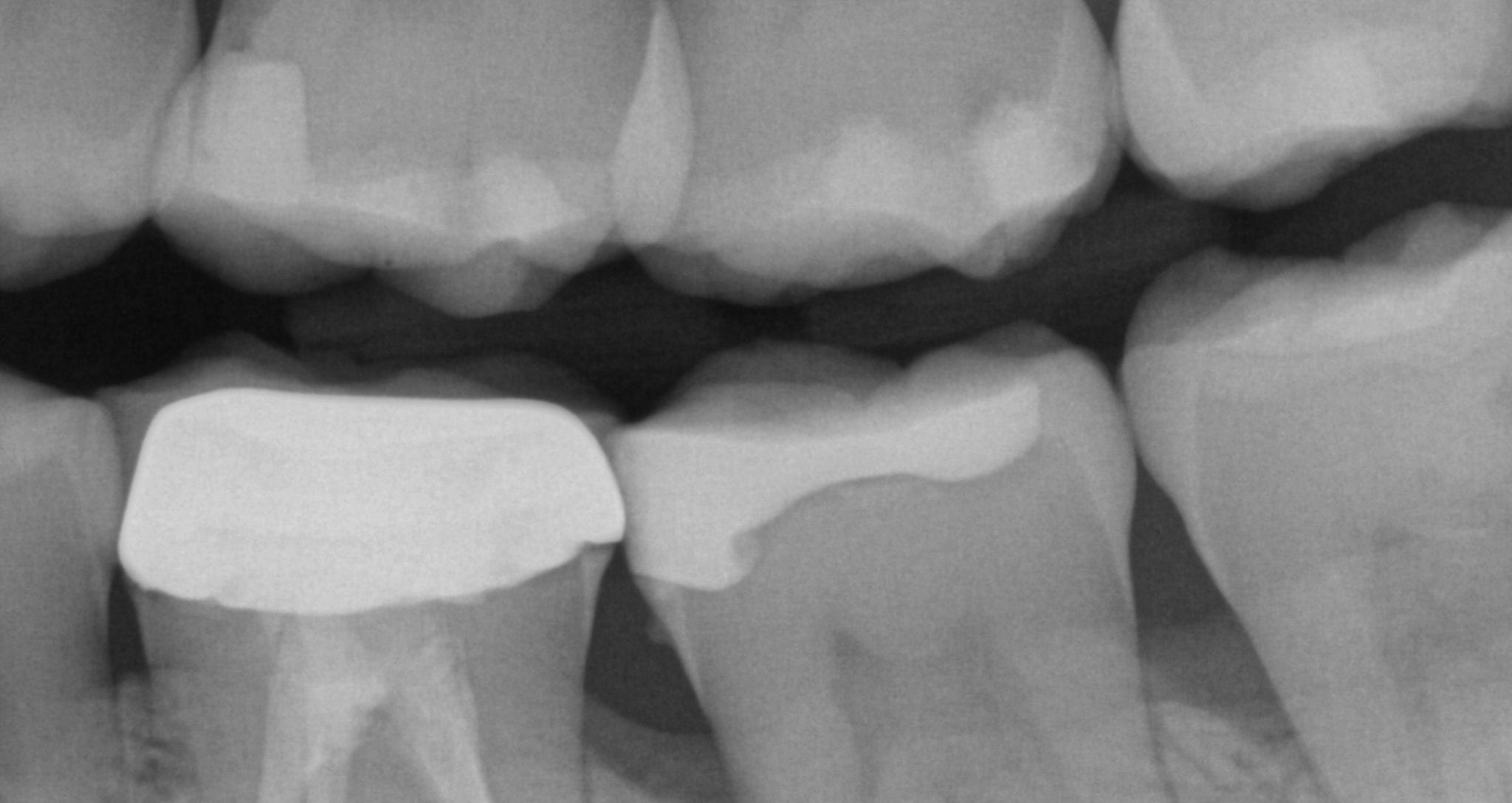
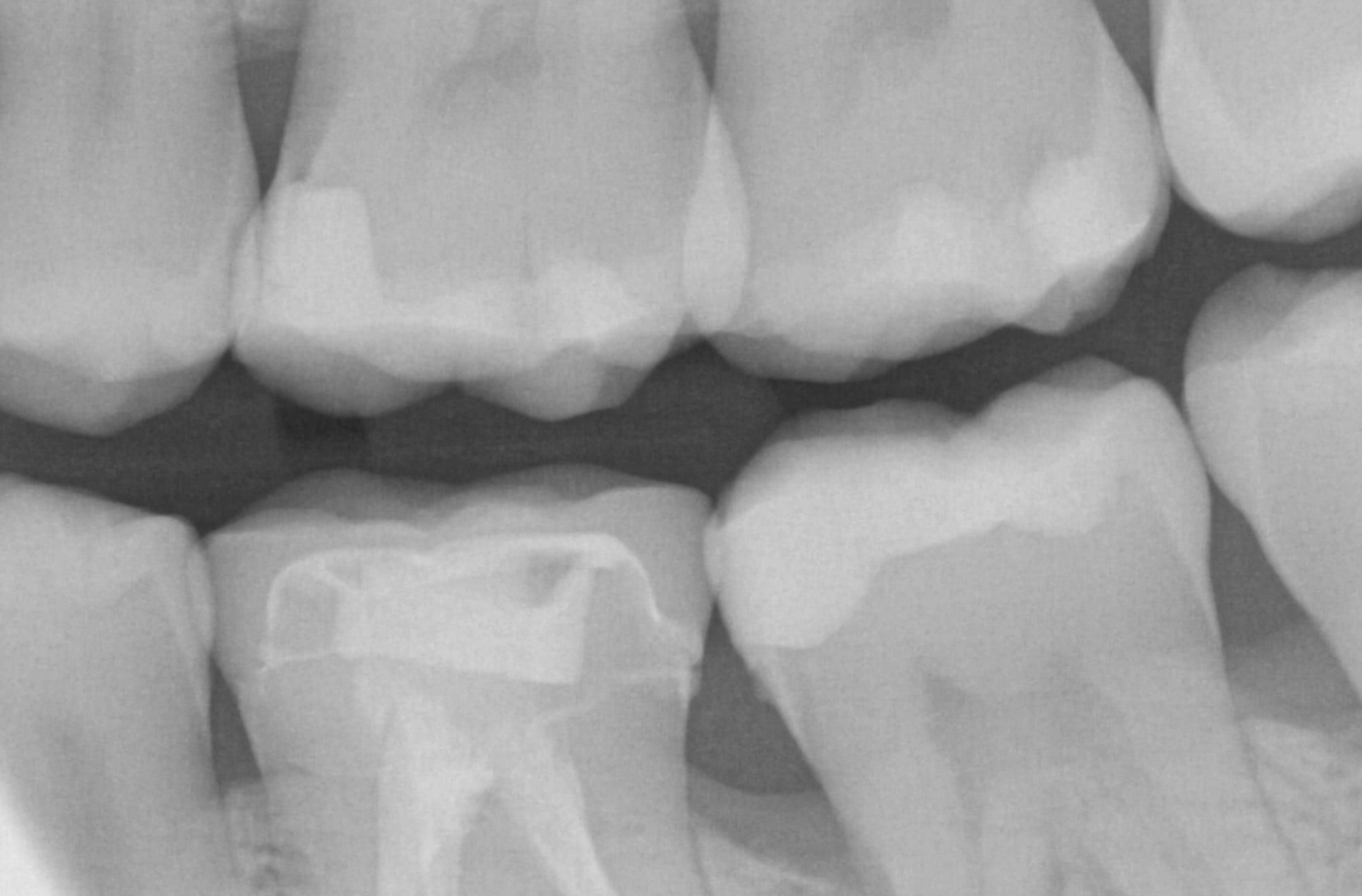
An immediate post-op bitewing X-ray was taken to verify fit and to make sure that there was no excess resin cement left behind in the interproximal area. The premolar mesial to the working field also needs to be replaced and will be in the near future
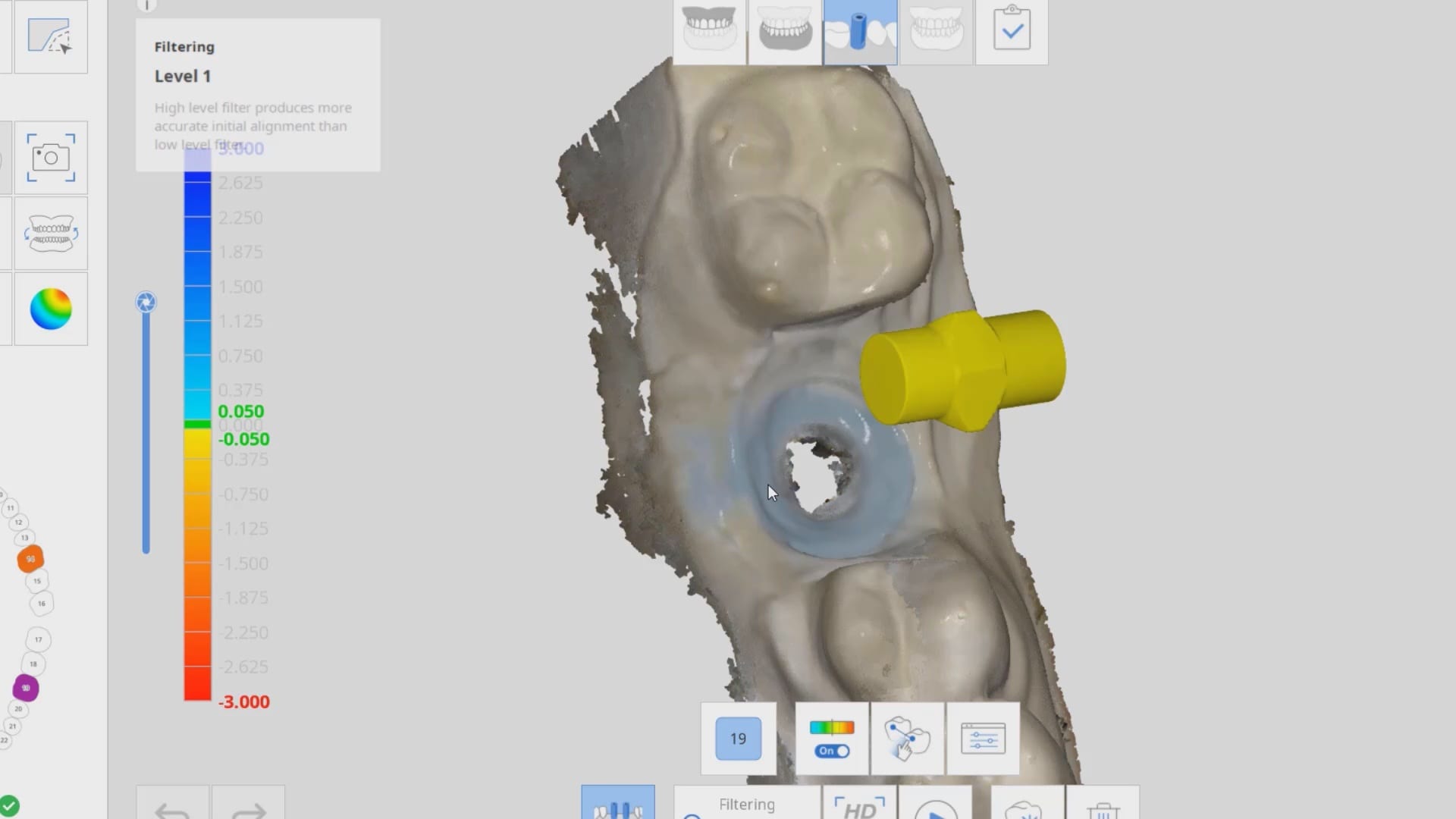
In the following three videos we walk you through the steps of how the digital “scanbody drop” works to identify the location of an implant fixture. In the demonstration videos, we highlight this upcoming feature and how you an integrate the CAD software for implant designs and restorations. In the final video, we demonstrate how you can take the construction files to the milling machine of your choice and mill out the abutment and/or suprastructure.
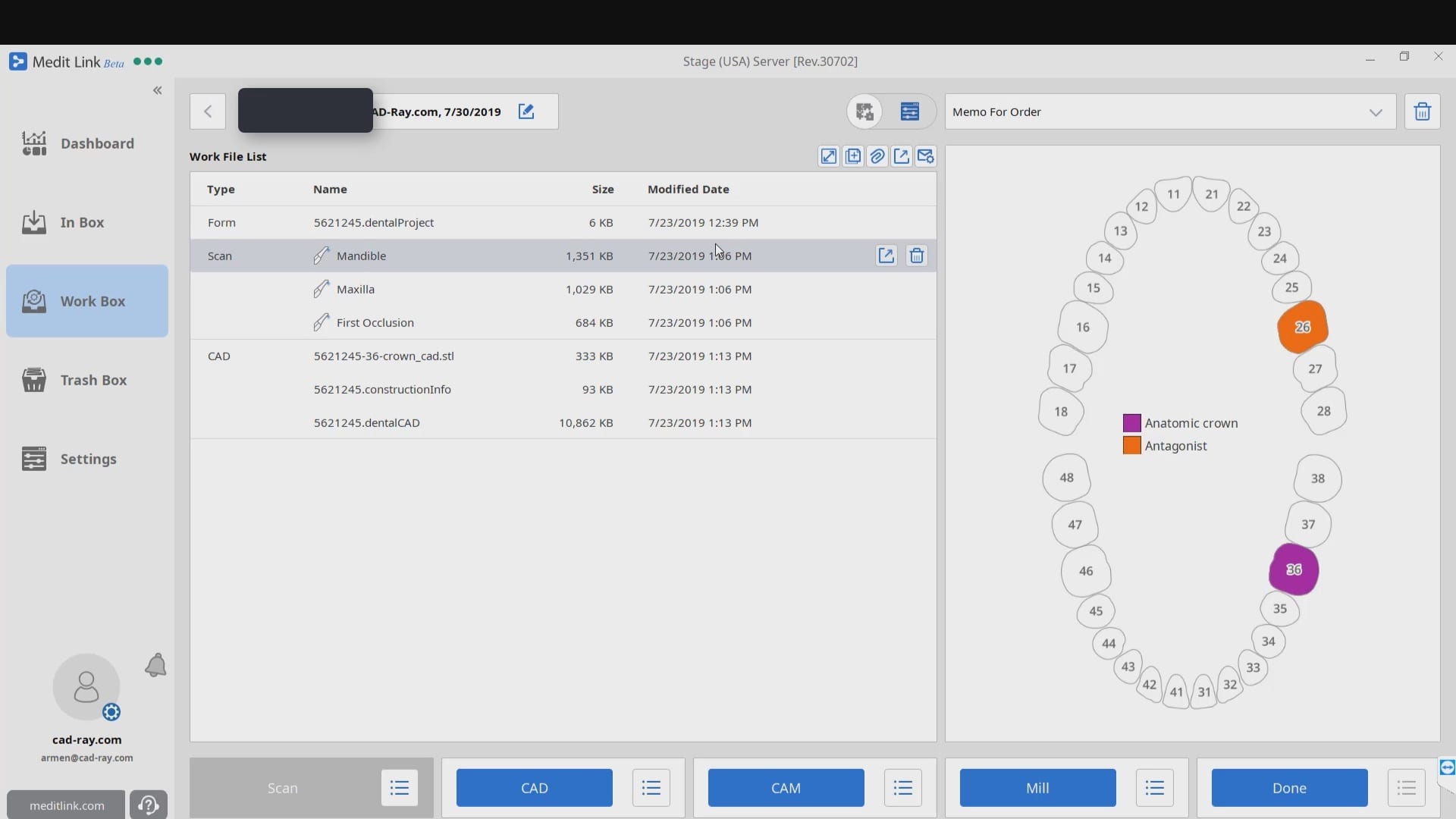
When you start a case in exocad or in Meditlink, you have to define a project or define the job by entering a prescription. A dentalproject file is created that has all the pertinent data, like the type of restoration, the shade, the material, parameter settings,etc..
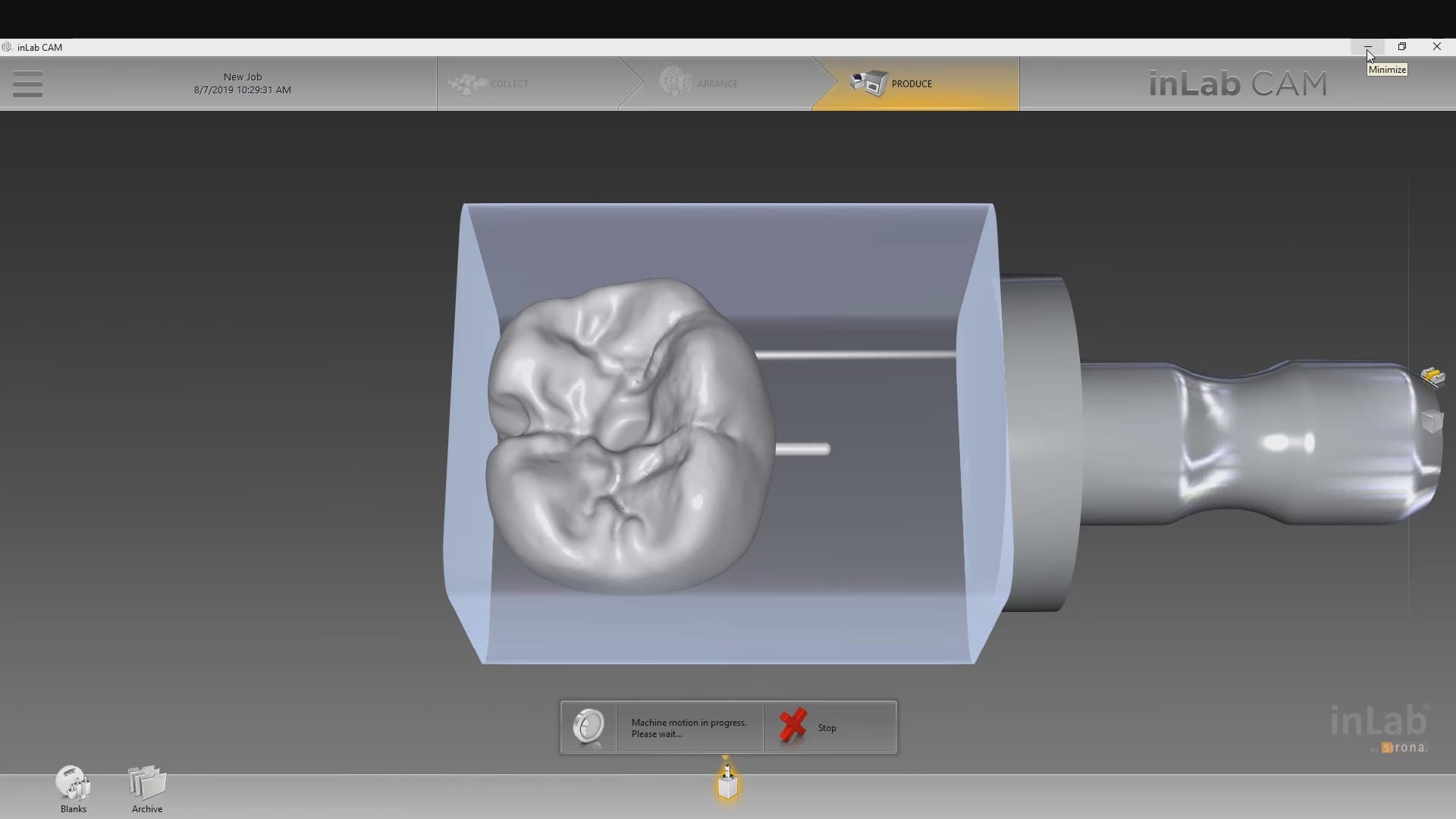
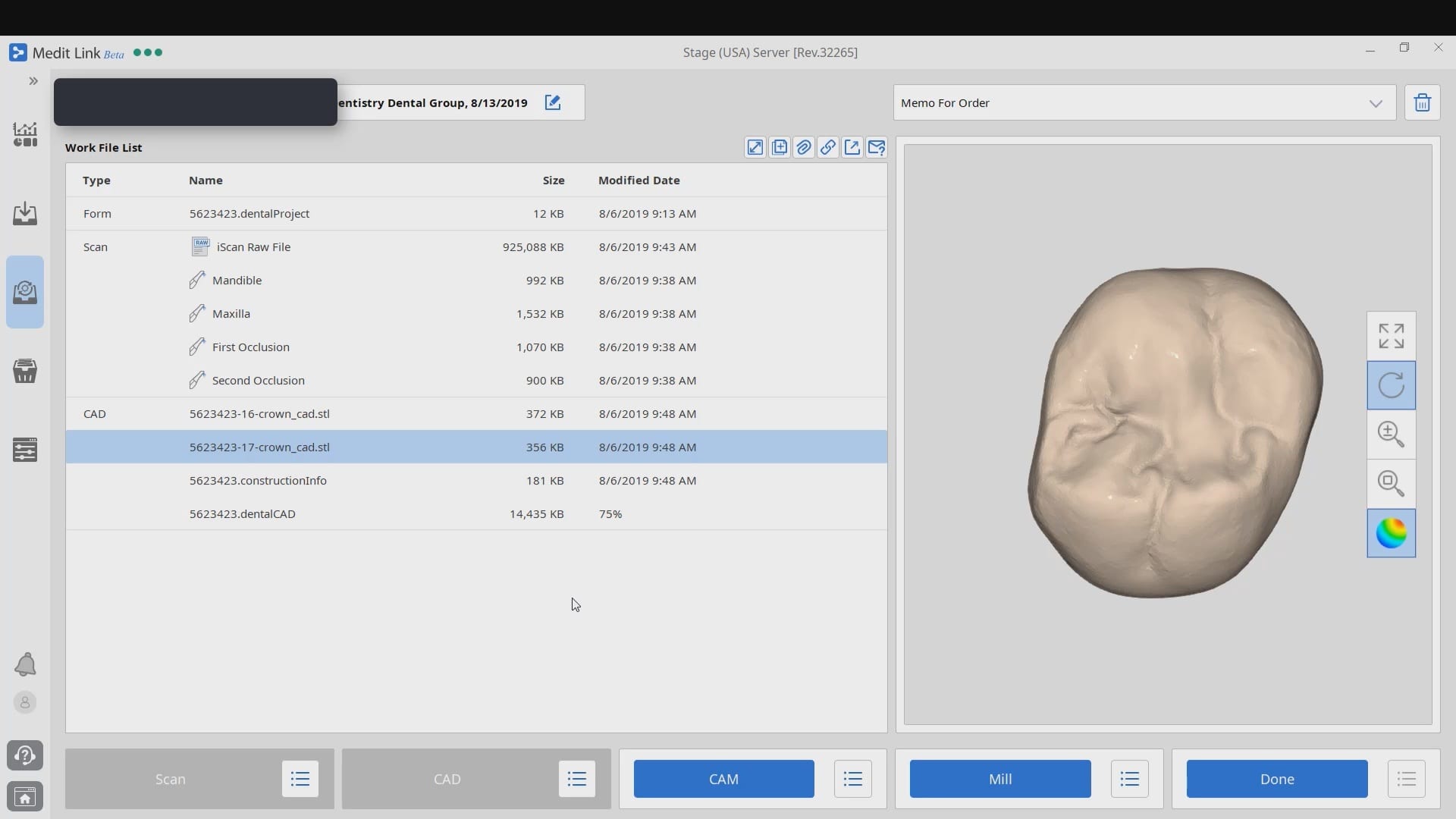
After the case is designed a dental cad project file is formed, along with the stl file of the restoration, accompanied by the construction information. Once the construction file is formed, the case can be import it into CAM software like cerec inlab. It carries a lot of information like the margin line.
Some CAM software can process simple redirections without the need for any other pertinent information from the construction file, while others require it. Some are so specific that a simple typo or wrong character will lead to mis-production.
In the case of cerec inlab, it’s best to have the construction file accompany the stl of the restorations, although there are numerous work-arounds in case you don’t. Once processed, the restoration is taken to the Mcxl milling machine.
Why are we so focused on teaching this concept ? Because it is critical for milling metal abutment where you have to keep track of an object that is cylindrical and symmetric in shape. The code in these files will dictate the indexing of the connections and how these abutments are milled.
The new Medit i500 software will feature the ability to mark margins in the imaging step before you import the case into a CAD software or send it to the lab. In this article we showcase a case where a 12 year old implant crown needed replacement. The pre-op images were captured, along with the opposing and the bite.
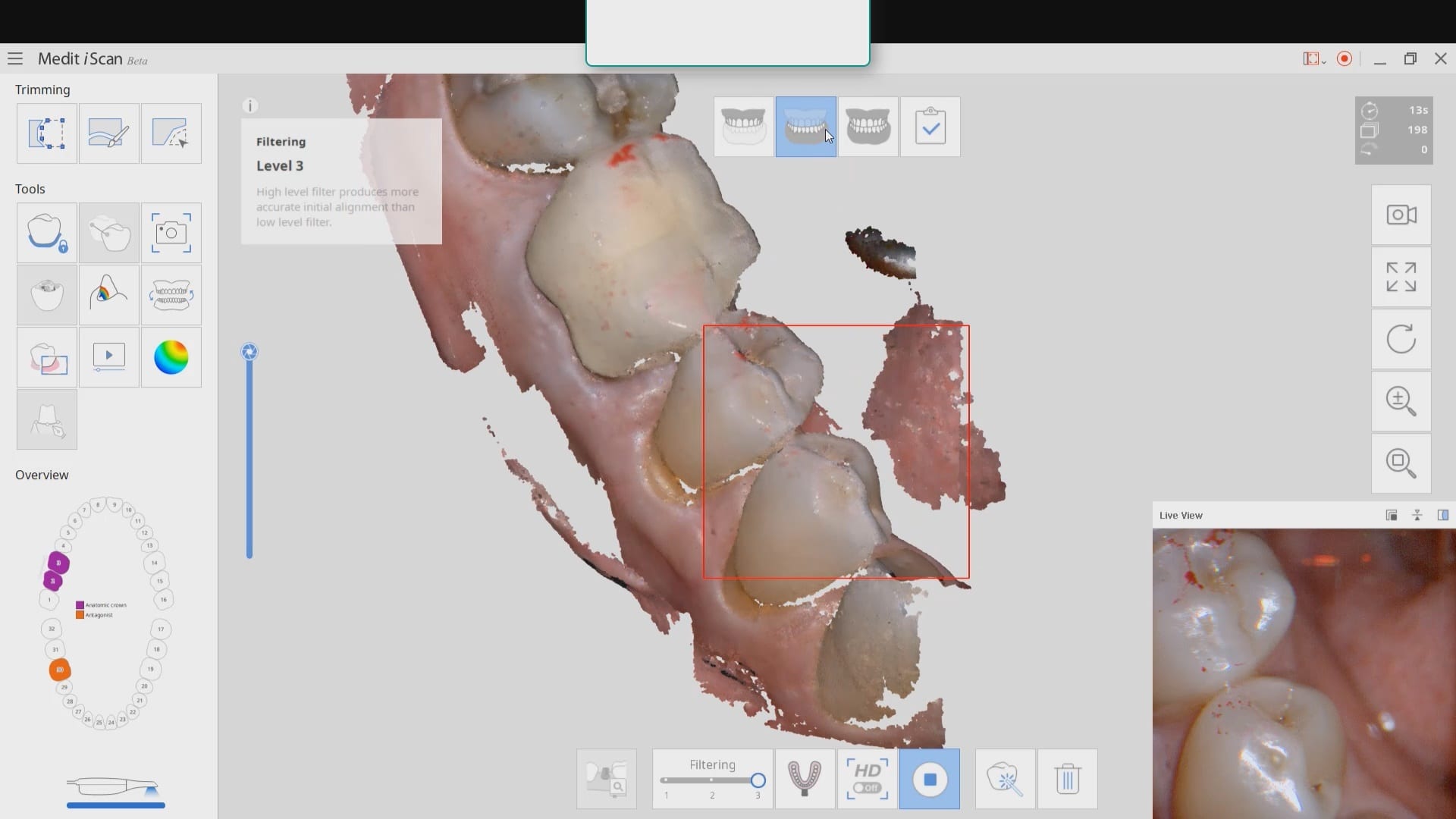
After the area was anesthetized and the crown was removed, expasyl was used to achieve hemostasis and tissue retraction. The margins of the abutment were imaged. Note how we used a feature in the Medit scanner to change the scan light from blue to white, which allows you to pick up red (blood and tissue) that is normally difficult to capture.
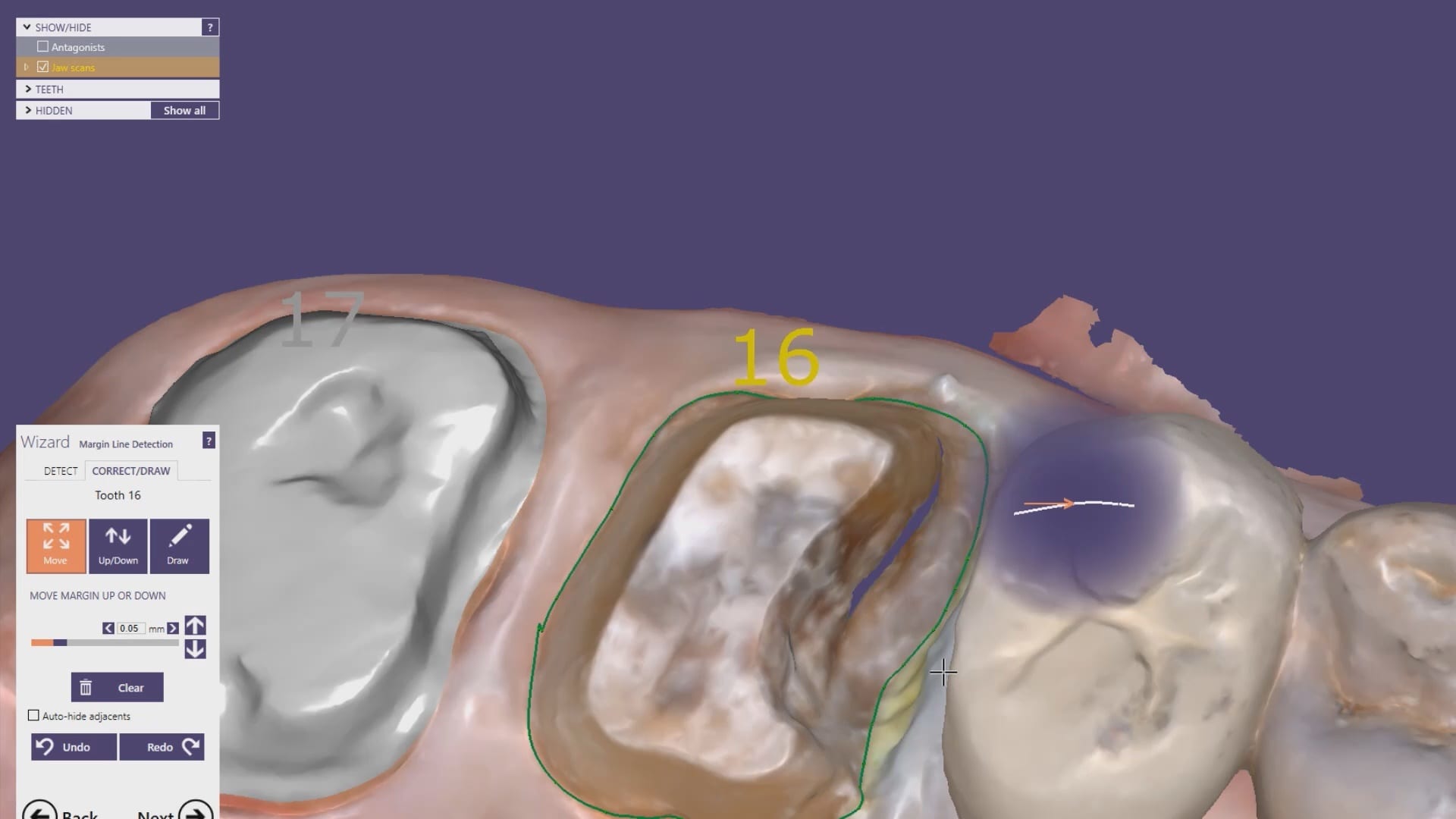
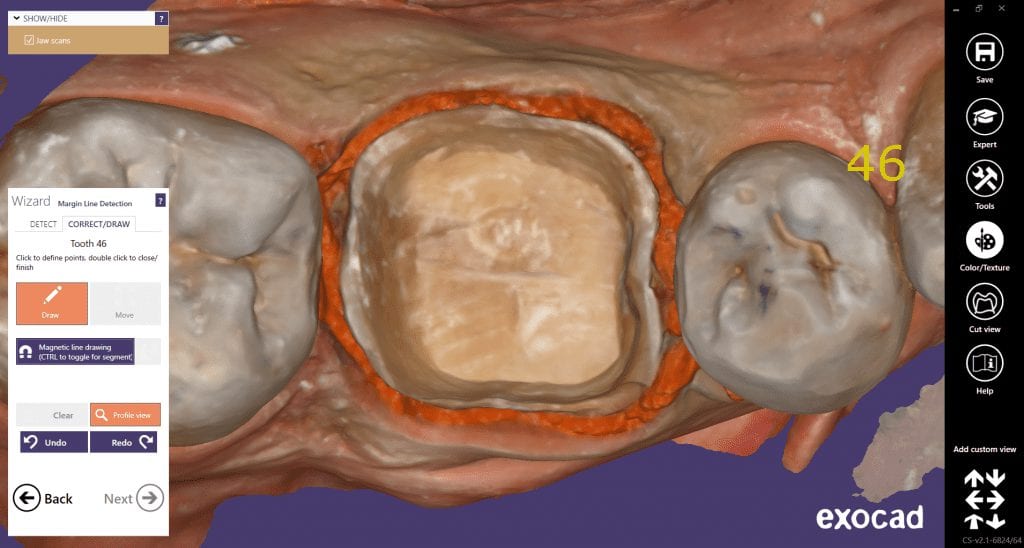
Once the margins were captured, we activated the margination tool. You highlight the area you want to address and the meshwork is calculated and processed locally, where you can then designate your margins that are exported to CAD software along with the jaw model, the opposing, the pre-op and the bite.
Alternatively, the traditional way would be to not place the margins in the native Medit software and to place it in the CAD software itself. As you can see both options are very viable and you do not lose any resolution of the scanned data between the imaging program or the design software.
The Medit i500 intra-oral scanner has two different software programs to operate, one is of which is geared towards clinical dentistry and the other is geared towards laboratories. Our advanced users are encouraged to use the lab version as it has a lot more functionality. One of them is to directly link to exocad software.
In this particular preview we show you the interface where you can launch the iScan program and define the work order and set all the parameters for your restorations.
Once all the settings are chosen, you launch the Medit scanner and image the case. Here, we defined the custom abutment for the crown and the opposing, which activated the catalog box for the antagonist, the arch, the scanbody, and the buccal bite. All respective images were captured.
Once the implant type is identified then you can design the abutment and crown with great control, where you can contour the underbelly of the abutment to help provide tissue support.
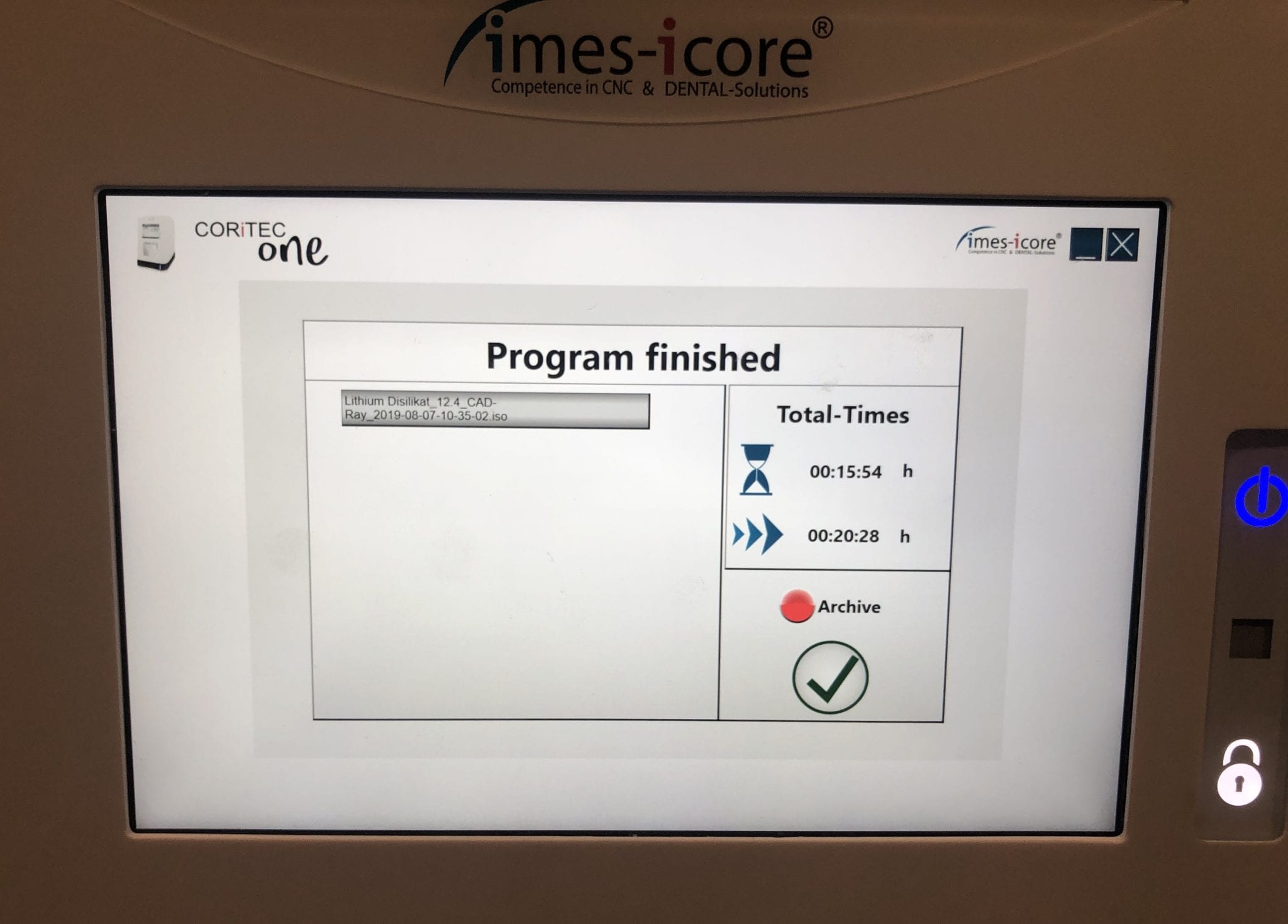
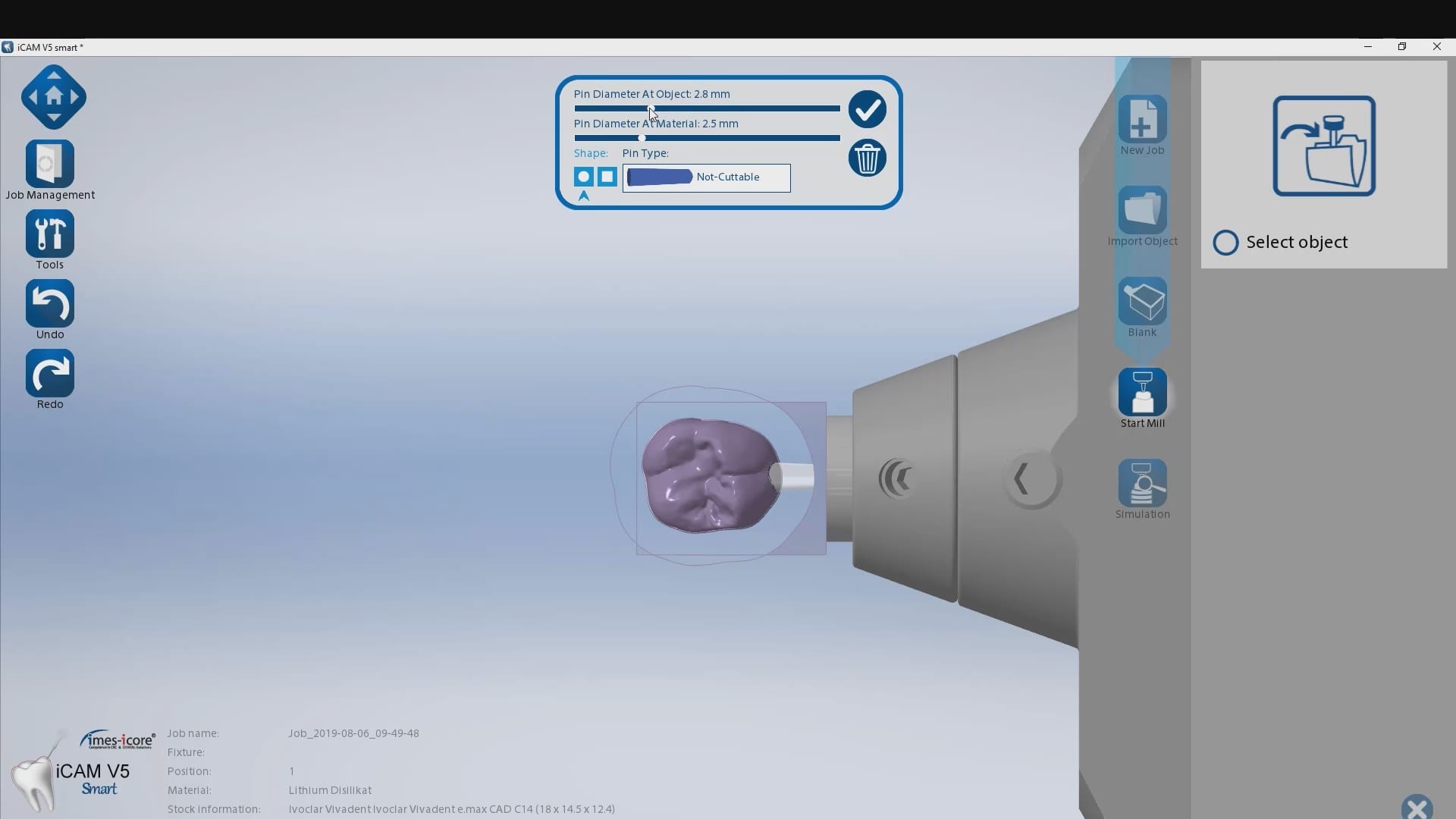
The design and the construction file is taken to the milling machine. Here, we used the CORiTEC ONE to mill the titanium abutment and then the Lithium Disilicate crown. You can see the great internal adaptation when the crown and the abutment are flipped around completely and the abutment does not fall out.
This case shows the amount of control one can have over the fit of a restoration. The upper right first molar was imaged with the Medit i500 and then imported into exocad design software. Once the margins are marked, the user can then define parameters that affect the fit of the restoration.
The diameter of the drill can be taken into consideration; in the design, 1.0 mm was chosen, but ultimately, we used the 0.6 mm bur to mill the intaglio of the emax restoration. The cement gap can be controlled as can the distance from the margin where it takes effect. The minimum thickness parameter also reinforces the material at the margins which will reduce the chances of chipping and ditching at deep chamfer margins. All of this translates into well fitting restorations with little space needed for the resin. That ultimately translates to easier clean up.
The case was milled using a few different materials and at varying speeds to see how thin the margins could be handled and how much detail the 0.6 mm burr can carve into emax and the glass ceramic material
At any given time, we are milling restorations with 3 or 4 milling machines. Recently, we designed a restoration with the Medit i500 scanner, designed in exocad, and milled with a chairside mcxl cerec milling machine. Here are the steps we took to do this:
You may have to install some .net framework files from Microsoft. It’s generally an automated installation
Once installed, make sure to have your milling machine turned on and connected. A lot of the functionality is closed if your machine is not on and connected to the PC with the software.
We had to follow certain steps in sequence to get this to work. We had to activate the license in a pre-installed CEREC software and then move that thumbdrive to the machine where the inlab CAM was going to be installed
You can contact Mr. Milos Gedosev who runs DentalCADCAM in Germany and has earned a great reputation over two decades if you have any questions.
If you are new to digital dentistry, this introductory video will show you how to judge if digital models are related to each other. As a simple exercise, we opened one digital model and then imported the exact same model as a pre-op scan into the equation.
Once the models are in the design software, they are manually related to each other with at least 3 common points. After the merge, we performed “best fit matching” and then demonstrate how the color histogram in exocad has the both models painted completely blue.
We then slightly altered one model by adding material to one cusp tip, reduce the adjacent cusp tip, and then smoothing the third cusp tip. We then re-aligned both models to each other again and you can see how the software lets you know the range of discrepancy in those areas. Notice that all three areas have the same histogram color but all three have distinct meshwork areas from the original.
Once you understand this concept, it opens up many avenues for you that you can never achieve with traditional impressions.
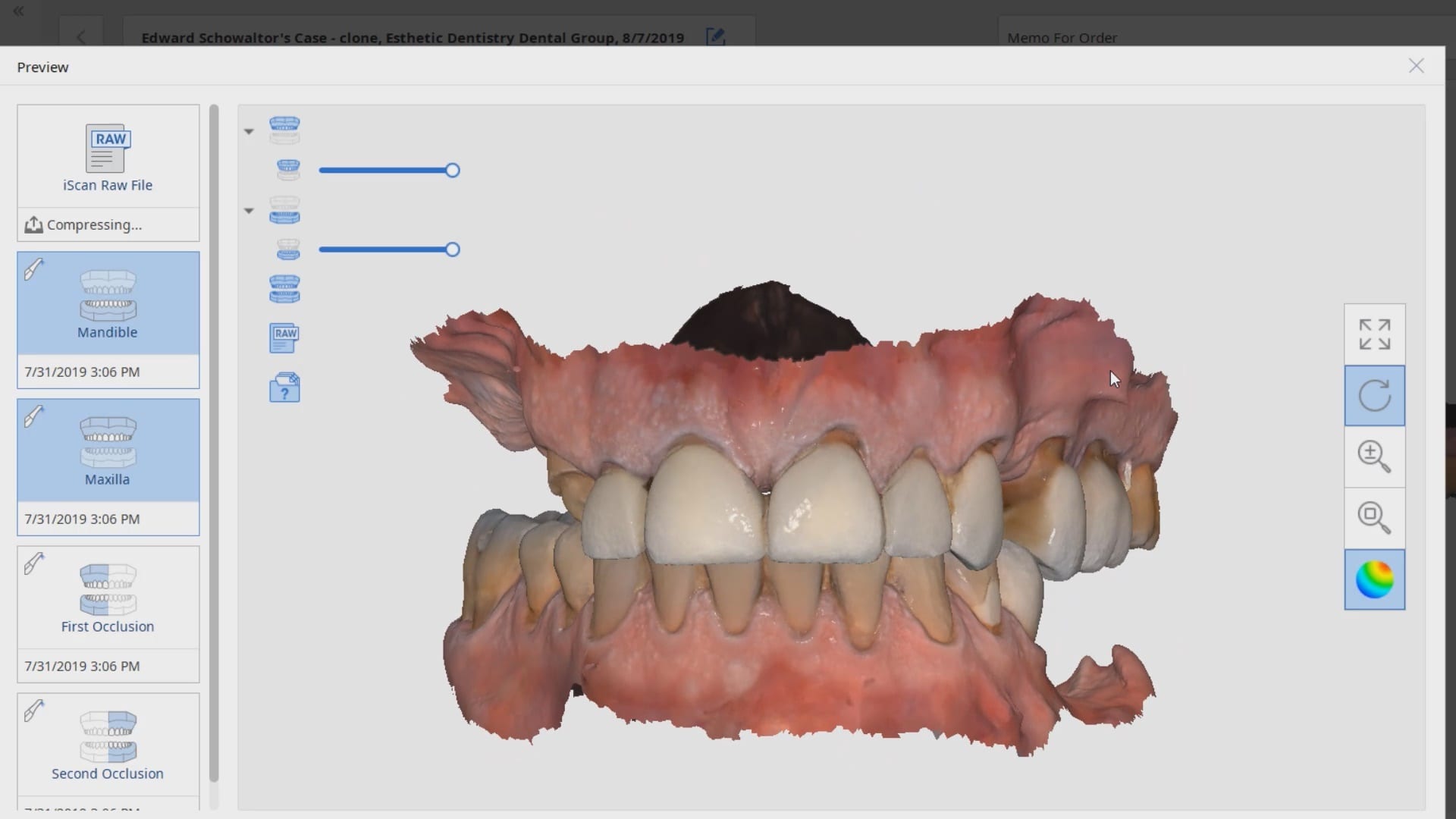
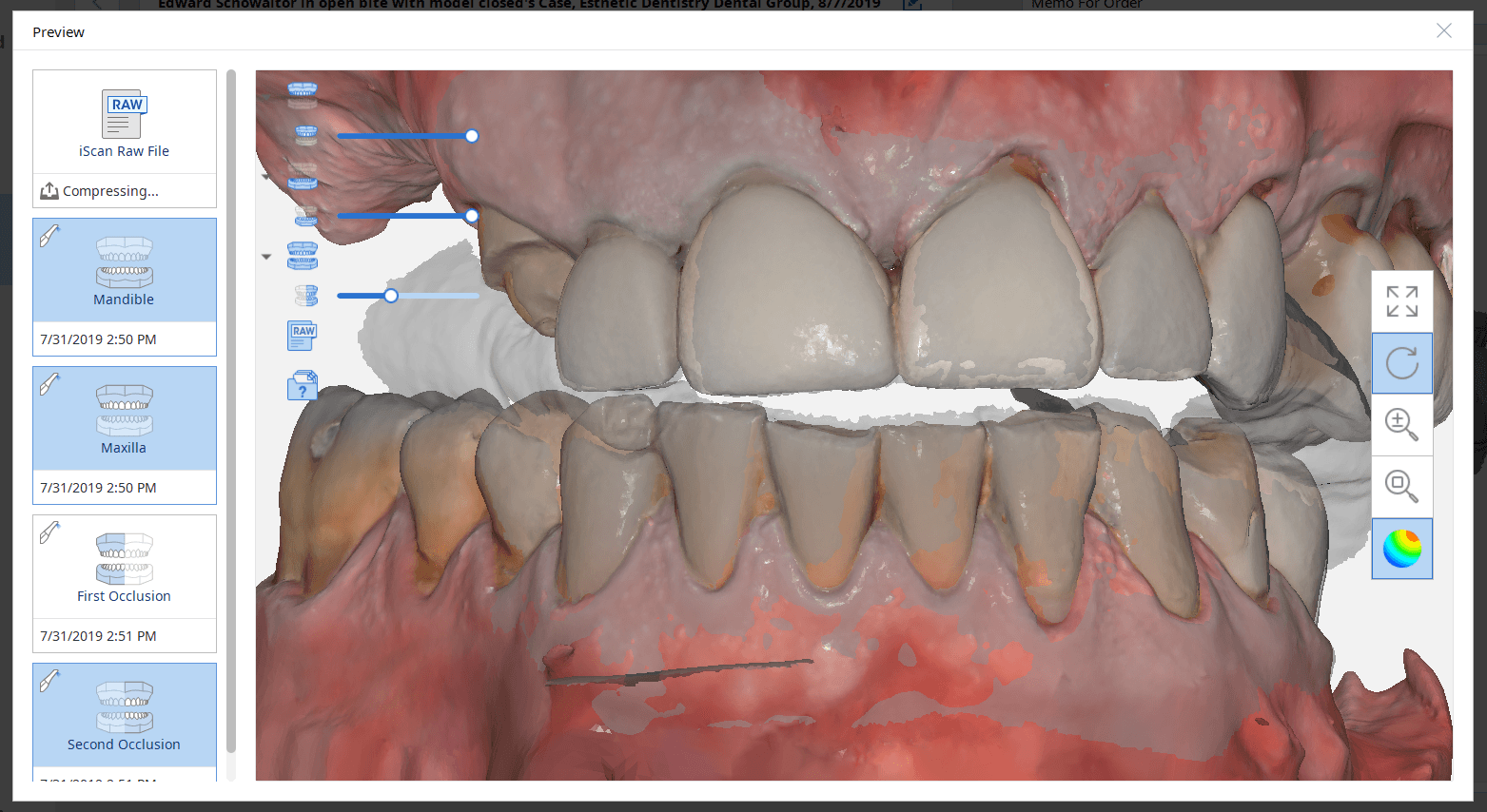
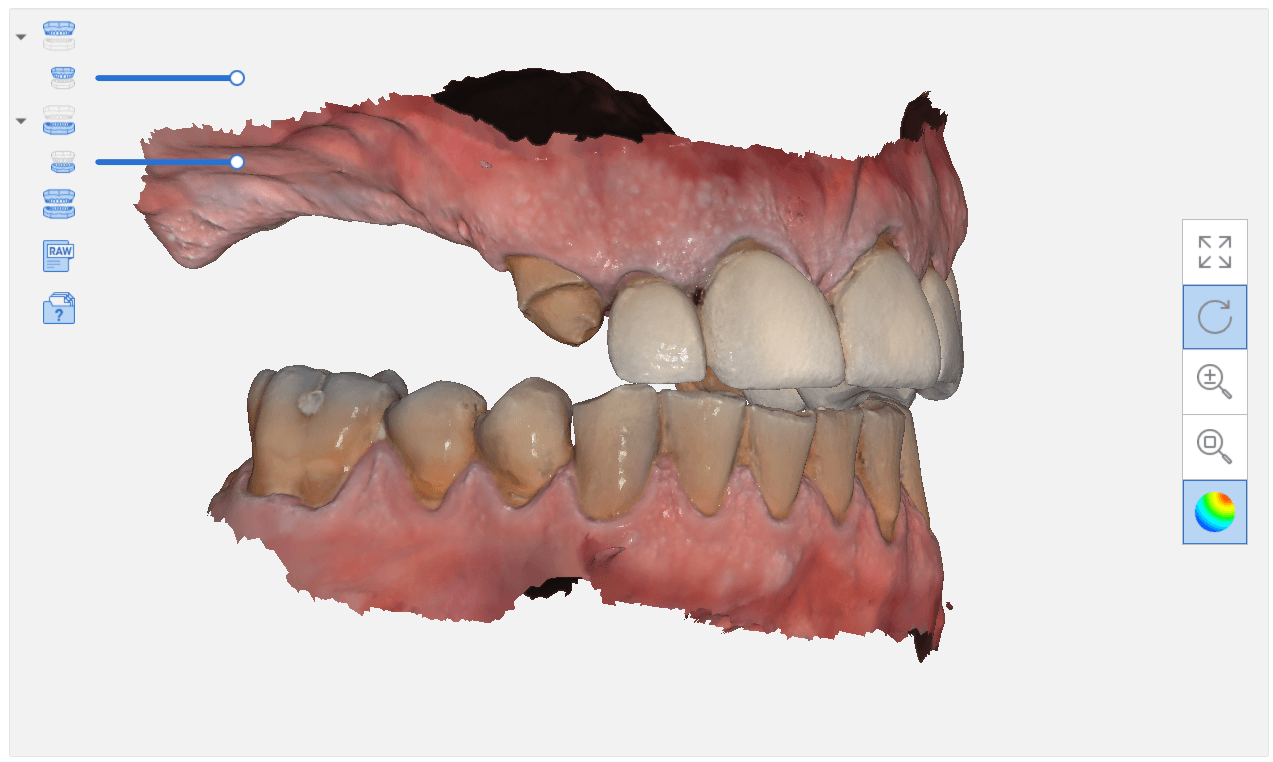
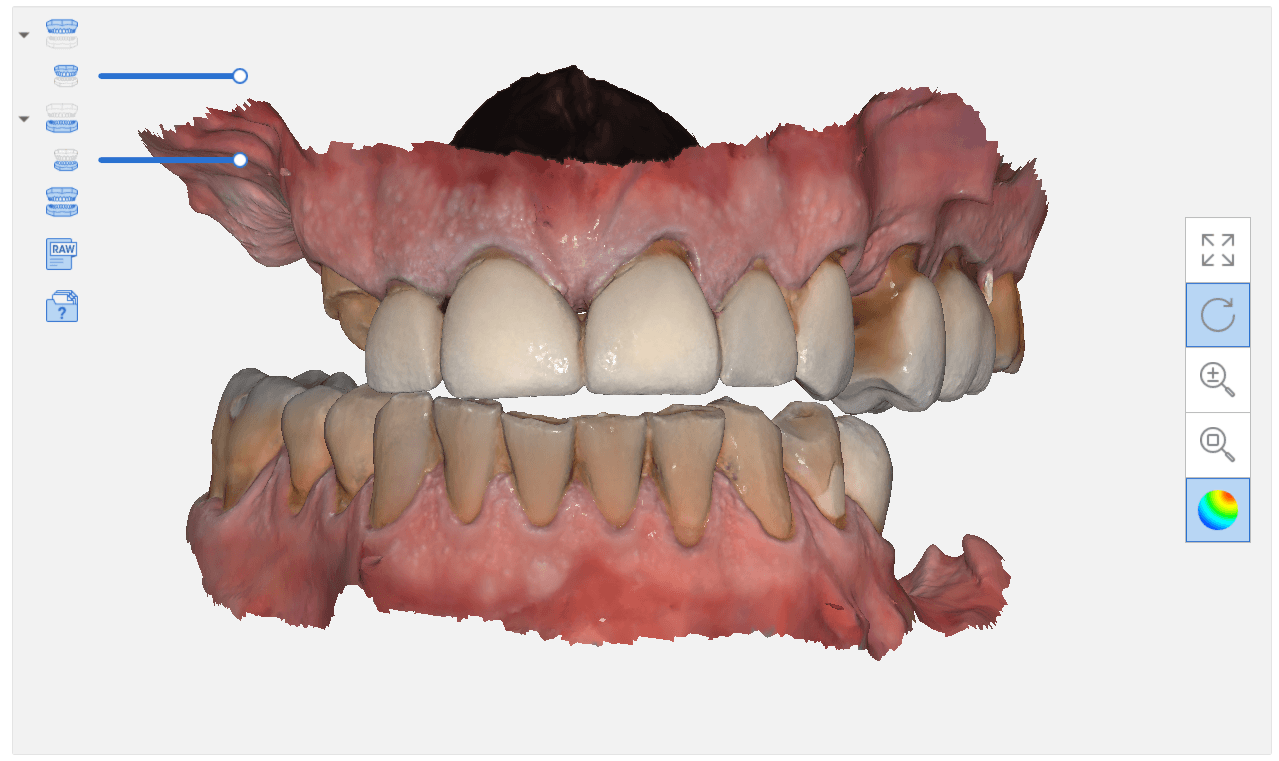
There are may advanced ways that you can articulate the maxilla with the mandible if you happen to have models that are not accompanied by a bite registration or the arches were scanned intra-orally in separate folders as files
Generally, when you scan intra-oral and complete the case with both arches and the buccal bite, the models maintain their relationship to each other when exported to CAD software. But if you do not include the buccal bite scan, or if you scan the arches in separate files or cases, there is no way for a software to know how they are supposed to align with each other.
This simple video tutorial shows beginners how they can hand articulate the arches together with digital software. There are two steps you should take to make this an easier process to visualize, once you become comfortable with the moving models around as a system or as independent units. Crop the model at its base so that you can see through it and then turn on the feature “show distances” in exocad that will give you a color map and help you with alignment.
Obviously a bite alignment scan will come in hand, whether you use a desktop scan or an intraoral buccal bites scan
Once in a while, our users get themselves in a bind and you have to rely on manual alignment of jaws to each other. Sometimes, it feels like you are doing gymnastics to get the process to work. The sequence of how you import the models and how you set up the case is important in exocad.
Here we have 3 models; one of the upper, one for the lower, and one for the bite. Don’t ask how we ended up here:) The “direction of travel” is important to keep in mind, and as you can see in this video that is sped up, how the case was managed. if you bring in the upper and lower models in together, and then the bite, as soon as you align the bite to one jaw, you end up dislodging it when you tack it to the opposing jaw.
Reversing the sequence of import helps. We first bring in the upper jaw and the bite alignment and stitch those together. Then we bring the lower jaw into the equation and then merge that to the whole complex. Once that is done, the arches now know their relationships to each other and when you save each arch individually and import them into other programs, they will know exactly how to line up.
At the end of this video demonstration you can see how we re-import the two models in stl format just to verify that they do align properly
In this particular case, we demonstrate an emax restoration fabricated with the Z4 milling machine by VHF. In the first video, you can see how the case was set up initially within the software. You will notice how we image the preop, image the opposing and can even image the bite out of sequence, all while the patient is being anesthetized.
Once the preparation is captured, we place the margins and design a crown in exocad. The emax is milled, tried in, and them placed in the oven for crystallization. It is then delivered to the patient. Note how the decay at the contacts of the adjacent teeth was drilled out and restored, while the crown was milling / crystalizing. An immediate post op x-ray was taken to make sure there was no resin left behin
When imaging a preparation, all you really need for a restoration to “fit’ is the contact area of the adjacent teeth (above the height of contour) and the opposing occlusal surface.
But the more you feed the computer aided design software the less work you have to do in the design of the restoration. For example, in the video below, you can see how the software automatically recognizes the adjacent teeth and a great initial proposal is rendered.
However, if you don’t capture all the data in the adjacent teeth, you will have to manually plot the adjacent teeth and spend more time in the design steps.
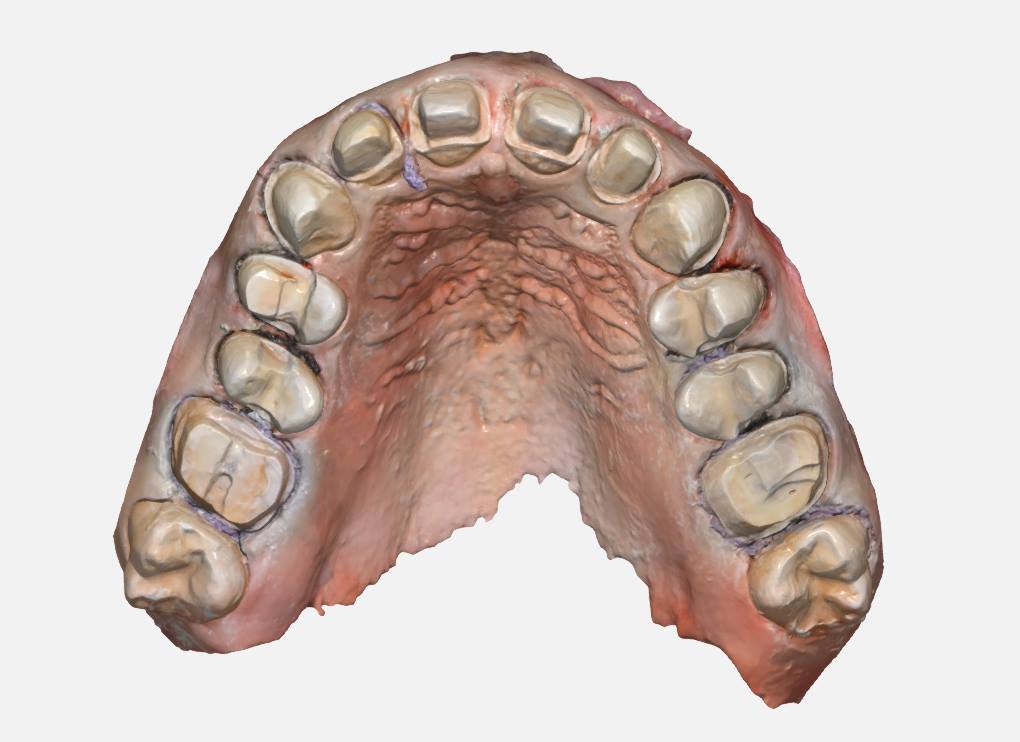
With exocad, the first step is to align the orientation of the arch so that the occlusal surface is directly facing you. Once the prepped arch and the opposing models are imported, then you place the margins.With the color OBJ files from the Medit i500 it is very easy to identify the margin based on color and geometry. Once the margins are placed, the next step in the wizard is to calculate the initial proposal.
This video demonstrates how the CAD software recognizes the adjacent teeth and renders a great initial proposal
Download the OBJ files and import them into smile design software and do a virtual wax up for a real case
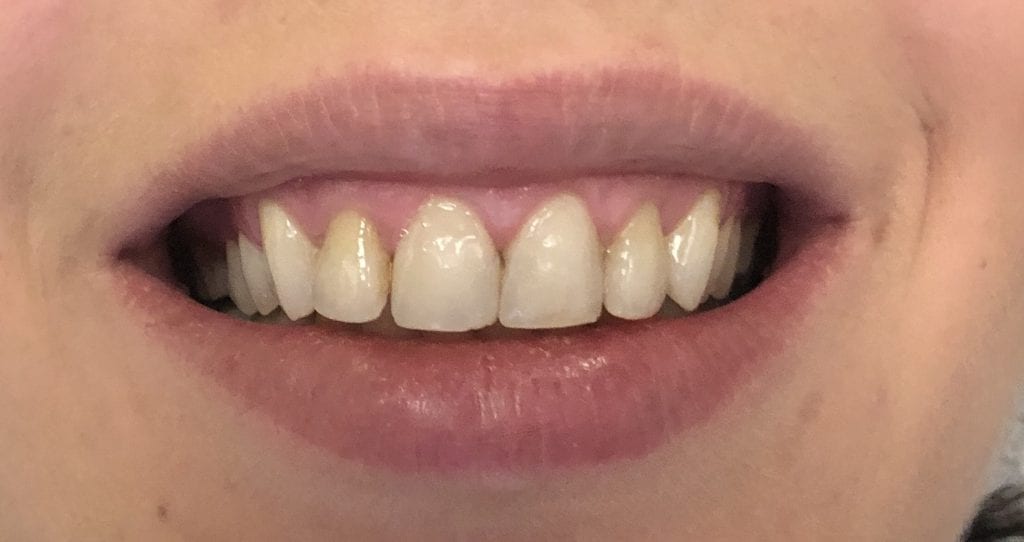
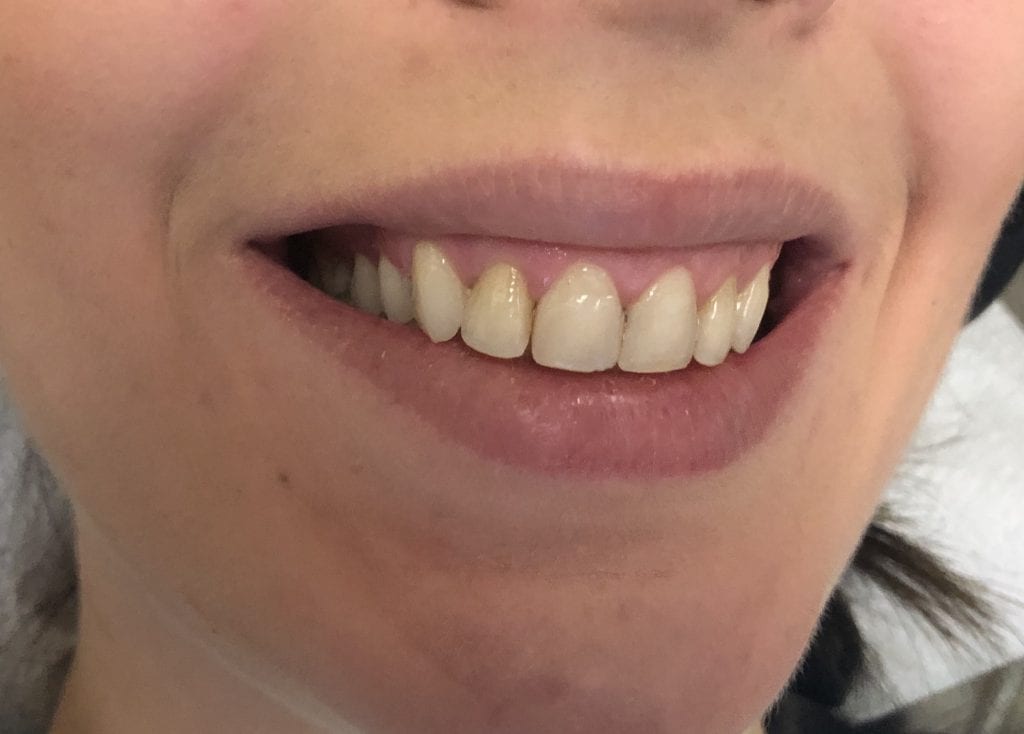
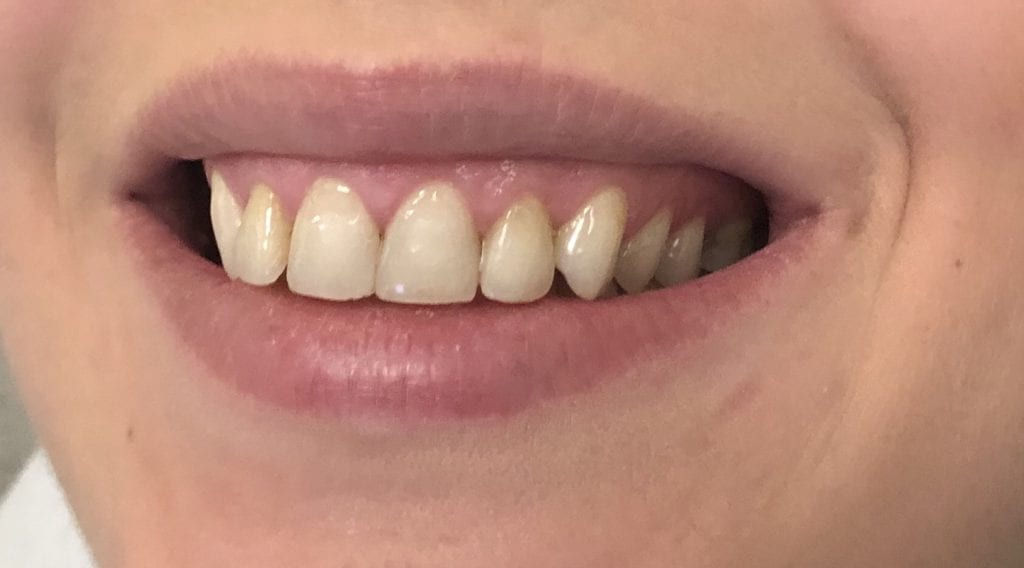
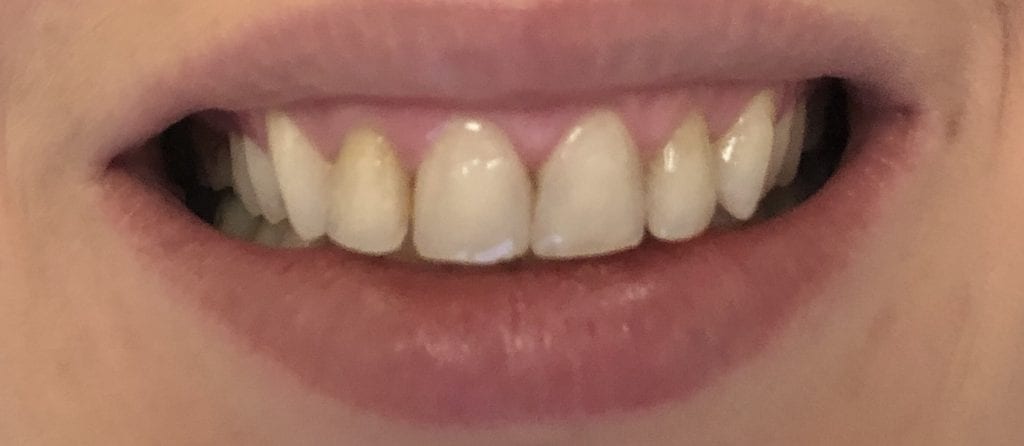
This patient has had crown lengthening procedure performed on all the teeth in her smile line, greatly increased the tooth structure visible in this video. Her chief complaint was a gummy smile and now she is ready to “fill in the buccal corridor”
This is a first molar crown that was replaced with an in-office milled eMax restoration. The adjacent second molar had recurrent decay under the existing class 2 restoration. That was removed and replaced and pre-existing crown was also removed.
The preparation was refined and the recurrent decay was removed. Once hemostasis was achieved and the tissue was retracted the area was scanned with the medit i500. The crown was designed to full contour and milled chairside. After it was chrystalized, it was bonded into place with Nx3 resin cement. The excess was removed and an immediate post-op bitewing was taken to verify that no excess cement was left behind.
Pre-Op
This video shows the design of a crown after the impression was taken where vivid colors of the retraction cord, the sulcus, the preparation, and the details of the adjacent tooth can be visualized.
[videopress 25yUA1tp permalink=”false” hd=”true”]
Immediate Post-Op
Download the case files in OBJ Format
There are so many incredible and robust features to exocad and it is precisely why there are over 35,000 users around the world. There are many distributors to the software, including us, at CAD-Ray.com
We focus mostly on our clients who are generally dentists, and our main goal is to streamline your workflow and make this easy and not intimidating. During our two day hands-on course for new medit i500 owners, we install the software and design four cases in exocad.
Here are some of the top highlights for you to understand. The software is installed and self contained within a folder that you can place anywhere on a computer’s directory. What’s great about this is that your software operates completely independent of the windows operating system. So whenever there is an automatic windoes update, it does not mess with your configurations or settings and you don’t have to deal with firewalls and other technical terms we don’t even comprehend.
Another benefit to this is that you can place this folder on the cloud like dropbox and then you can go to ANY machine- at home, in another operatory, at another office and launch the program there, instead of carrying a laptop around. Since the data can only be accessed by a real license / dongle, there are no concerns about HIPAA violations as it is encrypted and only accessible by the active license. Moreover, one machine can be running Windows 7 and another could be runnng Windows 10, and you wouldn’t know the difference or have to worry about configurations
Also, multiple doctors in multiple locations could be working off the same program on the cloud, as long as they have an active dongle. This really allows for a lot of flexibility in a practice or a group setting.
You can see the basic elements in the folder, which are broken down into a case data storage folder, the CADApp and the DentalDB folders. We’ll explain what these other two folders do below.
As a distributor, we can custom make our own private label version of exocad. Since we are focused on chairside dentistry, or on dentists, generally, we strip the software down to the essentials. Namely, we’ve programmed it for inlays, onlays, crowns, and veneers. We also include bridges that can fit in 40mm blocks. You can choose to add on other modules like implant planning, implant designs, dentures, etc.. if you choose to.
It is important for you to understand that we provide a fully functional version of this software, and if you want to add more features as your confidence grows, all you have to do is swap out these files called WorkParamsDB.xml
Watch the video that shows you how we have multiple versions of the file. We provide you with many versions of this file that you always have access to and they are all configured differently. In seconds, you can change the look and the feel of the software to your liking, and turn on multiple modules that we hide from the version that we provide. Please note that we only provide support and tutorials for the what we call the Dentist Version of exocad, as opposed to the lab version. If you grow to the point where you want to add the other components, it is very to transition, just recognize that we don’t support the heavy duty version. We certainly can refer you to the right people to learn how to use those extended functions.
[videopress d20fACf8 permalink=”false” hd=”true”]
One more thing for you to get excited about is the WorkParamConfigTool.exe
Now, if you are scared of the mouse and can’t press the “Any Key” button on keyboard, stop reading any further.
The field of view of or scan area is probably the most important factor to keep in mind with ios. i don’t know of a single study that discusses this...
An often overlooked characteristics of an intra-oral scanner is the scan area / window. The larger the area, the more likely it is that your scanner will stay on track...
In the world of digital dental scanning, precision and accuracy are paramount. To shed light on the potential pitfalls and challenges faced by dental professionals, Dr. Armen Mirzayan of CAD-Ray...
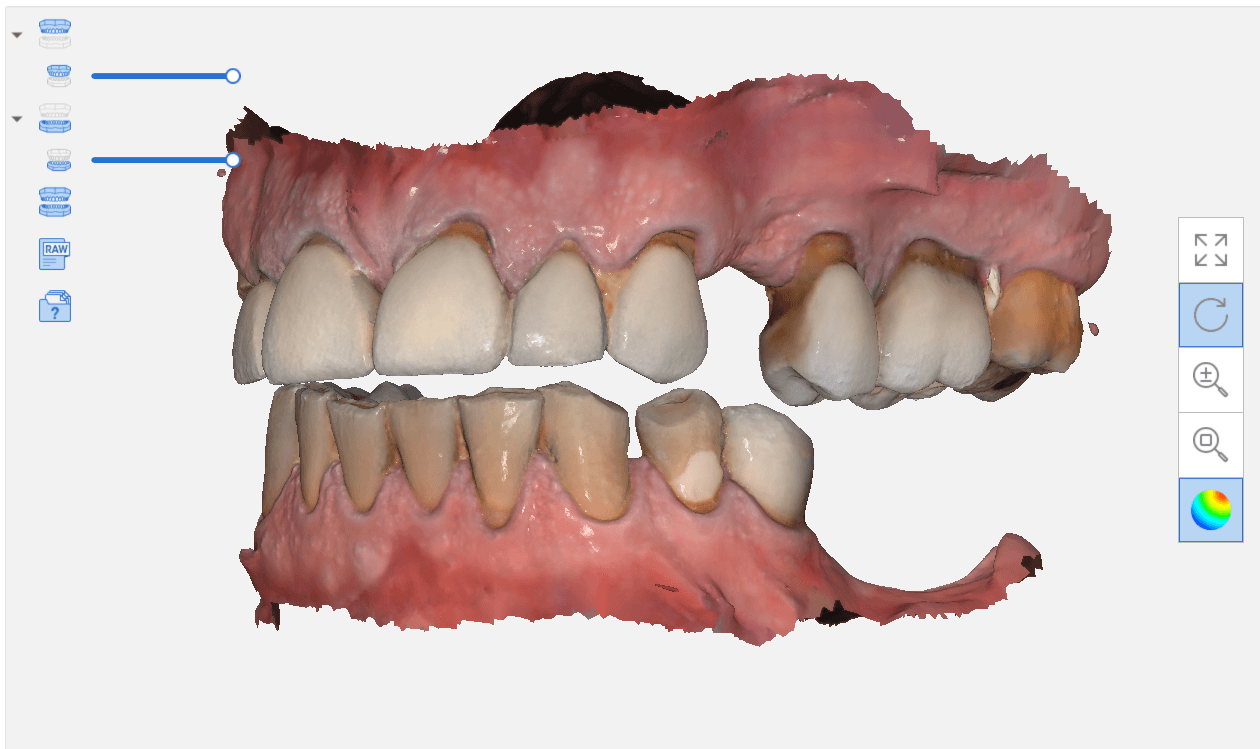
DOWNLOAD THE CASE TO DESIGN ALONG One of the most challenging designs to do chairside is the design of a multi unit temporary that needs to be printed. This is...
The clash of the titans are in full effect. We are not smart enough to understand all the dynamics of patented software and hardware. While we let the manufacturers sort...
































































You must be logged in to post a comment.